


Husek
Members
-
Joined
-
Last visited
Everything posted by Husek
-
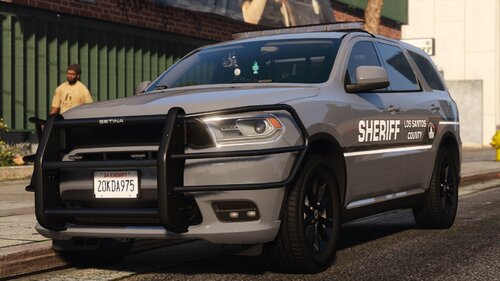 What graphics mod do you use?
 -
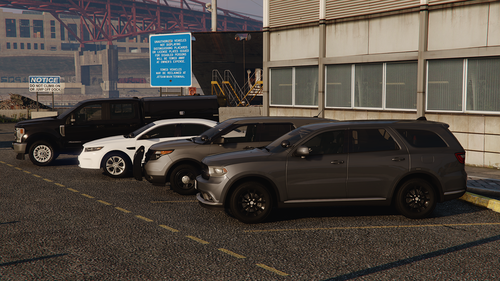 It's easy to do. You just need to set the DirectX version to 11 in ESC-Settings-Graphics
 -
As far as I know, GeorgieMoon's Durango base uses a lot of textures in BC7 format, maybe check if you have set the DirectX version to 11 in the settings page
-
-
 Amazing and beautiful pack! Looking forward to the debut of 2016 Ford Utility.💗
 -
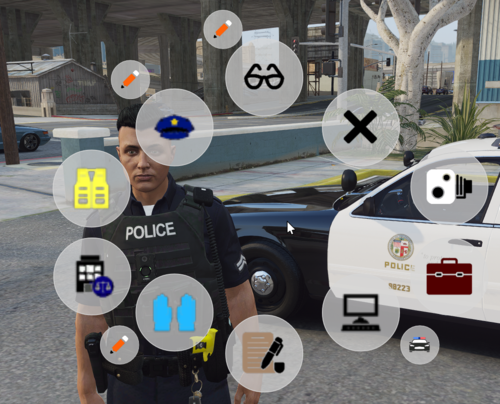 Looks good, will give it a try.
 -
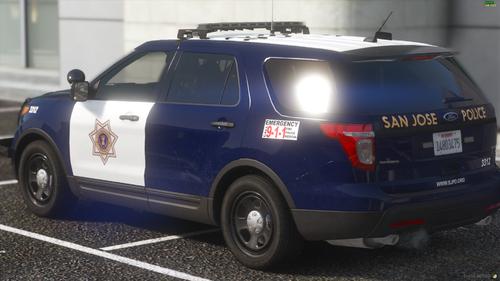 What visuals do you use?
 -
-
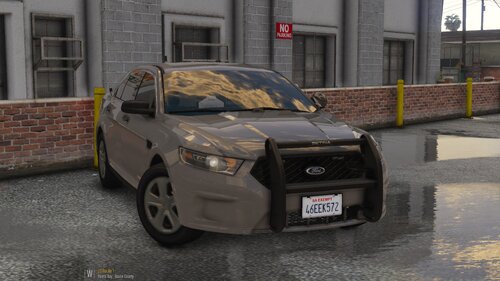 As always....high quality
 -
-
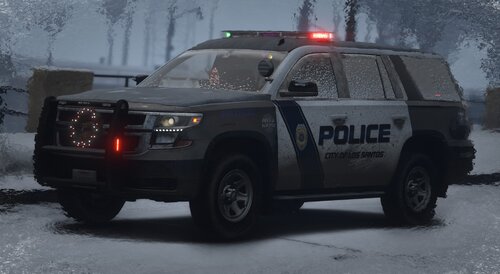 Cool
Cool -
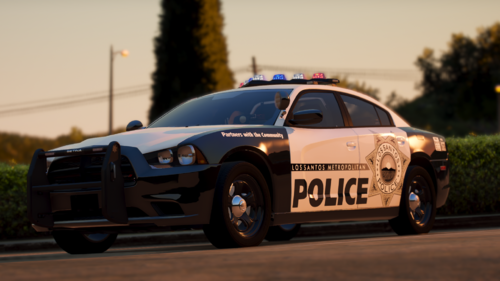 Thanks for your reply, it would be great to add 2018 Tahoe and 2013 FPIU to this pack🥰
 -
I've always wanted an LVMPD style bag thank you man!
-
-
-
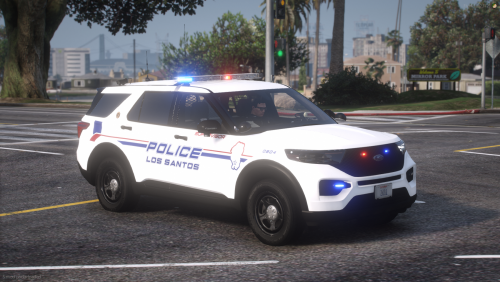 Whose pack is used in the picture?
 -
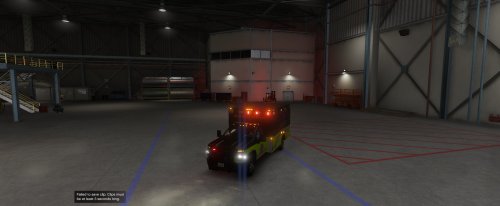 The model is of high quality but the ambulance doesn't show up when calling the EMS using UltimateBackup Neither Los Santos nor Blaine County if you can fix this bug...
- 23 comments
- 1 review
-
 When I open the menu, the words are gibberish can any help? (The language used in the game is Simplified Chinese)
- 248 comments
- 17 reviews
-
-

- 1
-
-
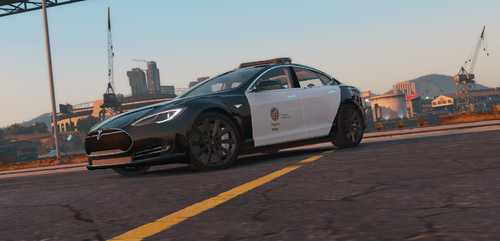 First of all thank you for your reply. The layout line in vehicles.meta can modify the action of the character holding the steering wheel. The problem is that I can't find a suitable value to use on this model. Looking forward to the next update!
 -
The model is great the only problem is that the character's hand can't hold the steering wheel...
-
I support this suggestion
-
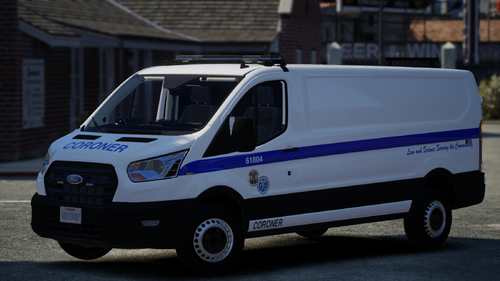 Can you make an unmarked version of LAPD?
 -
 Great stuff, but I was wondering if it's possible to add multiple characters to the chars folder?
- 24 comments
- 3 reviews
-


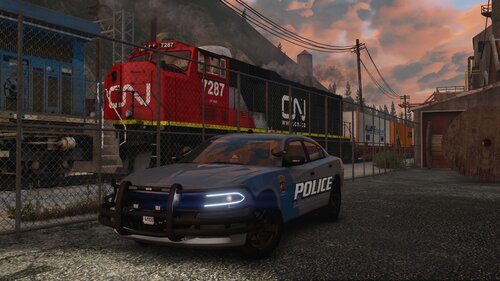


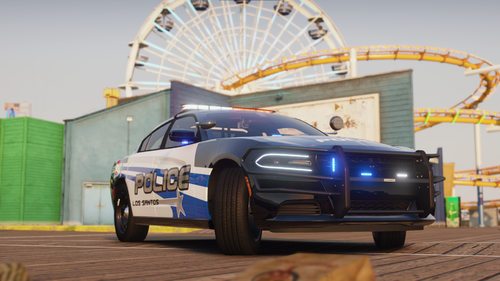
.thumb.png.7942934744d554e03fc0d1f96ffd9347.png)
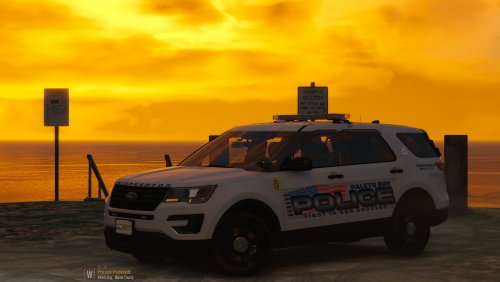

.thumb.png.6942023866a20fa14021ab9ce237a876.png)