



katie
Members
-
Joined
-
Last visited
Everything posted by katie
-
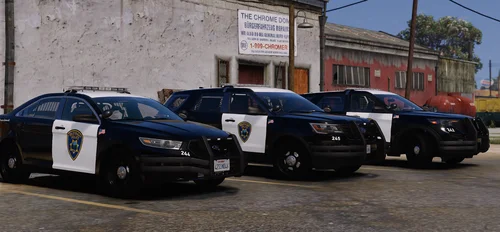 Wanted to add on to 90720's post with the floating trunk lights. The FPIS' lights' environmentals are also facing the front of the vehicle, and the dummies seem to be in the center of the trunk and not over the lights themselves. The same goes for the 20 FPIU as well, the hideaway environmentals face to the front of the vehicle. It seems right now though that the environmentals are turned off for the hideaways anyway. Finally the FPIS' center brake light works, but doesn't show through the rear glass. Wondering if that's a material order issue or something else? All in all, great vehicles!! Can't wait to see what you release next! :)
 -
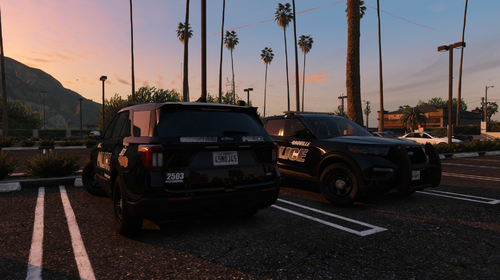 Seems it's just pd2503. Thanks for the quick reply! I'm excited to see how this pack comes out over time!!
 -
Love these vehicles so much! Great work on details and everything. Just wanted to let you know, the environmentals for the rear of the Legacy face forward and not to the rear, and the 20 FPIU's wig wags seem to clip on GM's model. Great work all around however, I'll definitely be adding these to my game!
-
 Ah, I figured it was the beta build, I just wasn't sure. The rear pattern is what got me too haha. Will do then, thank you!
 -
Love the car! Amazing attention to detail, and it's free! I did notice with the DLS file, that it's throwing an error, at line 100, 5. Seems to be something with </Mode> ? Hoping you can take a look at that when you have the time. Either way, the lights look amazing even without the config. Thank you for releasing this to us!
-
Absolutely true what Math said, life should always be priority one. Keep your head up and keep moving forward, we'll be here for you. Wishing you all the best. ❤️
-
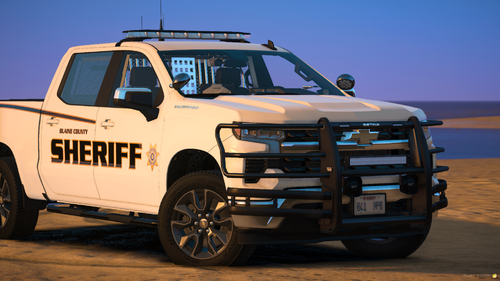 Just wanted to say, I love the pack! Amazing vehicles, great lighting placements, and the patterns are awesome! The Porsche it seems, though, has an issue with the plate lights where they clip either into the car or out of the bottom of the car, and it causes them to scrape the ground and kick the vehicle up a bit. It could be an issue with the model, but I noticed when removing extra 5, the issue went away. Just thought I'd let you know! Thanks for releasing these vehicles to us, they're amazing!
 -
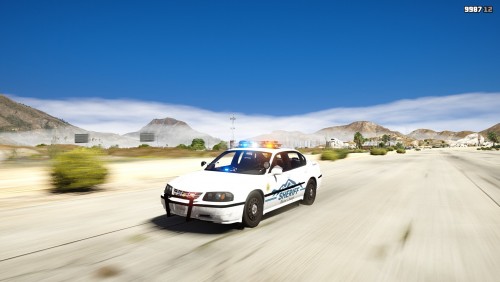 Completely disregard the earlier review; issue resolved somehow. Pack is amazing! Great work with this and your other packs! I've got all the classics in my game now 🙂
- 20 comments
- 11 reviews
-
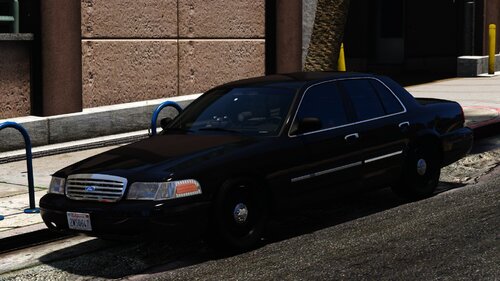
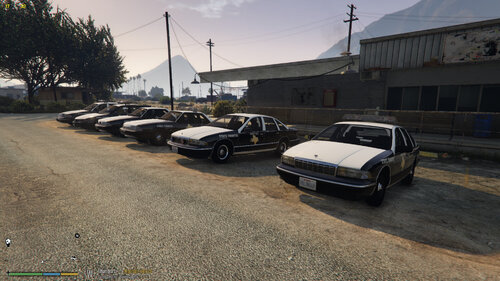 Hey, love the pack! I was wondering if you had plans for an early 00's pack with these lightbars? I love the emissives and style, especially on the CVPI. No worries if you don't, the pack is amazing anyway!


