


yin03063
Members
-
Joined
-
Last visited
Everything posted by yin03063
-
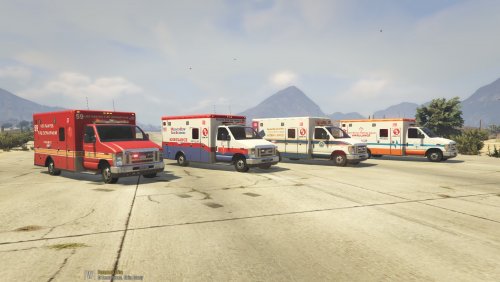 I fixed it! I couldn't figure out why the ambo kept looking like this. I have RDE installed, and apparently it was the ambulance files that it installed that were doing it. Deleted those files, and now it works perfect! Hope this helps anybody else having issues, and thank you to Mercuri for trying to help me out, and for the beautiful textures!!
- 2 comments
- 2 reviews
