


damayor
Members
-
Joined
-
Last visited
-
-
-
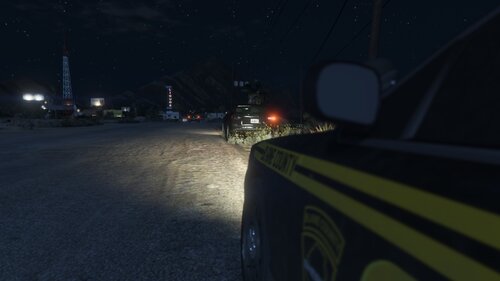 Idk if you can see seat belts. Just thought maybe there was a way to put a blip on the map for a car next to you not wearing one. I do see license plate lights on cars though. But thanks for this amazing plugin.
 -
I been requesting broken lights and you answered my requests. Thank you so much. Adds more immersion to traffic patrols. Maybe you can add license plate lights broken and loud muffler? But this is awesome. No seat belt maybe with a blip when you get behind a car it will come up as your line of sight
-
i realized the traffic policer has the ambient cars with a headlight or tail light out, but unfortunately that plugin is no longer in development. Can somebody create one that emphasizes on traffic pullovers. Headlight/brake light, cracked windshield etc. Not so much a callout but a ambient event.
-
-
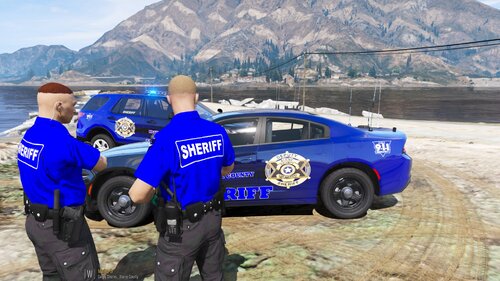 where do these go in after i open up open iv?
 -
-
thats what my brother told me it was. he says that it is just a updated version with better graphics and less bugs
-
Okay, so I finally bought a new computer and I have GTA 4.5 and my question is will LCPDFR work with 4.5? My next question is can you have multiple different police agencies like sheriff, troops and pd policing at the same time? thanks



