


Creators: Due to background reprocessing of files, approvals and file security checks may be delayed. Thanks for your patience.


Carrythxd
Members
-
Joined
-
Last visited
Everything posted by Carrythxd
-
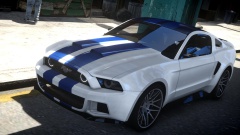
From the album: Carrythxd's Pics [IV]
-
-
-
-
-
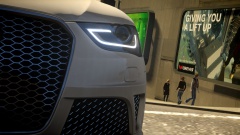 Lol, nice one :P
 -
From the album: Carrythxd's Pics [IV]
-
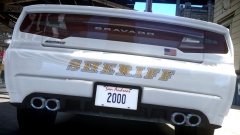
From the album: Carrythxd's Pics [IV]
-
Took a few screens in ARMA 3 :P
-
I used to use Bandicam, which I highly recommend, its a really easy program to use and a lot better than Fraps :P But, at the moment, because I upgraded my graphics card to a 780 Ti, Im using Nvidia's Shadowplay
-
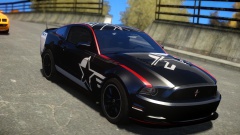
From the album: Carrythxd's Pics [IV]
-
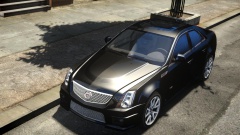
From the album: Carrythxd's Pics [IV]
-
-
This sounds good!
-
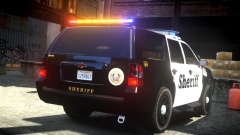 Fraps
Fraps -
Thanks! No sorry, I dont take screenshot requests anymore
-
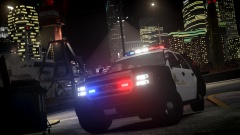
From the album: Carrythxd's Pics [IV]
-
From the album: Carrythxd's Pics [IV]
-
-
Like the person above me said, they might be playing on a Online RP server, or they have joined an online server once, and got the addons from the mod, then they just started up a private server and spawned the cars A few more pics:
-
Great! :D Thanks :) Here's a few from ARMA 2 and a few from ARMA 3.
-
Are you allowed to post ARMA 3 photos here too? :P I got a few of em, love taking em in A3 :D But here's a few from ARMA 2:
-
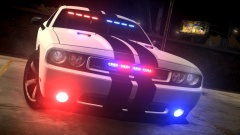
From the album: Carrythxd's Pics [IV]
-
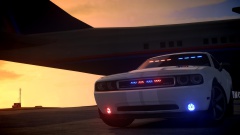
From the album: Carrythxd's Pics [IV]
-
Im from Finland



