


Zilyanna
Members
-
Joined
-
Last visited
Everything posted by Zilyanna
-
-
-
 Now, not only does using turn signals break the mod, but using the park function (shifting the car into park) breaks the entire mod as well and forces a hard crash.
- 446 comments
- 17 reviews
-
-

- 1
-
-
-
 Hey there, So im unsure what is going on but the top half of the outfit isn't changing properly. I followed the install instructions to the exact detail and the bottom half of the outfit works just fine. The top half stays at the L&O Cop outfit and the chevrons go under the sleeve now. This file was working about 1 week ago perfectly, but after I did a fresh install of all the add-ons/mods, now the top half does not work. Any advice is well appreciated and i can provide any photos if you'd like to see what I am referencing.
- 131 comments
- 5 reviews
-
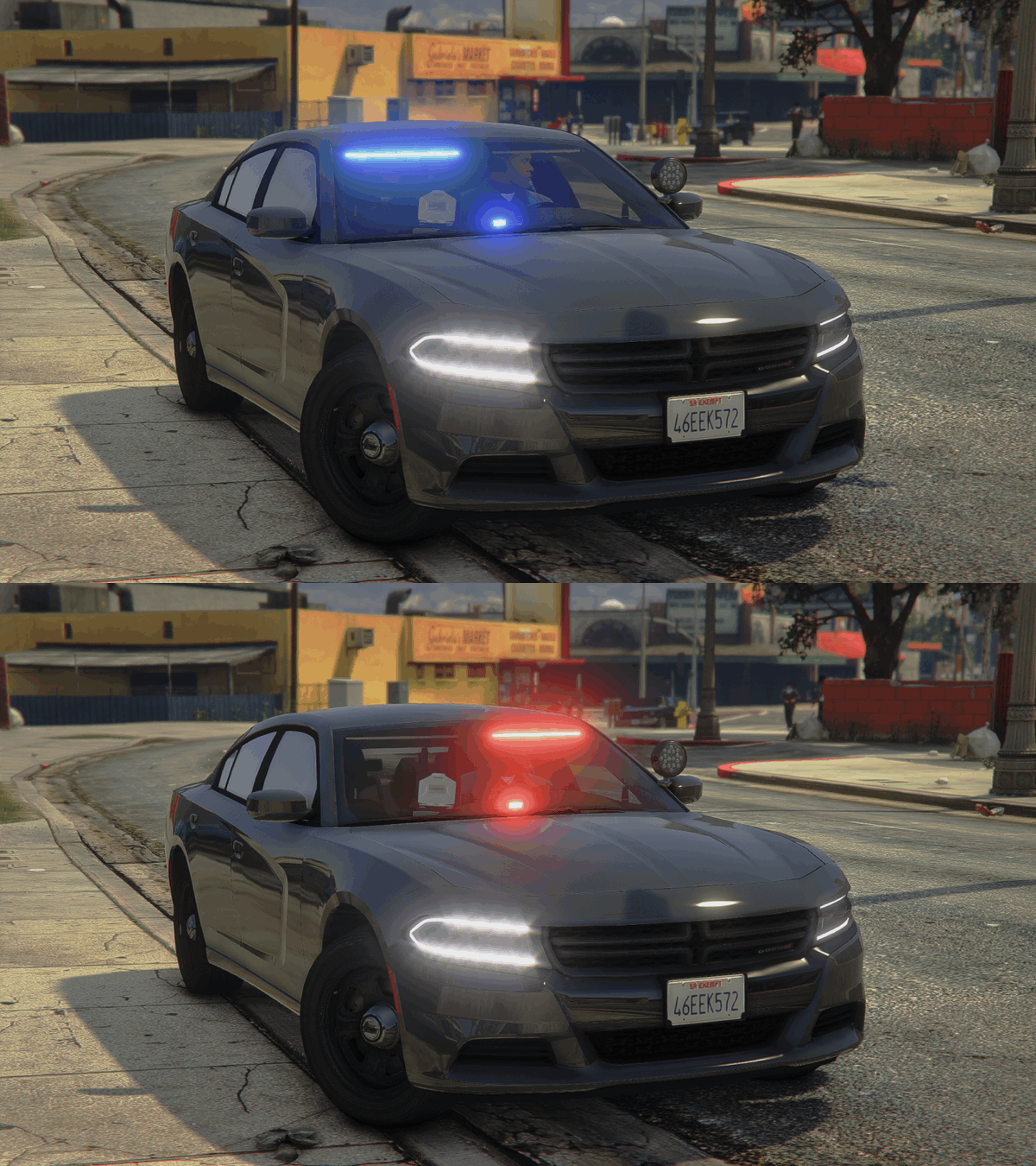 I made an all blue light version of the vehicle, would you like copies of those files or is it okay if i release it as a texture pack giving proper credit?
 -
 I recommend watching a YouTube tutorial (can be a bit complex to do). YouTube "lspdfr how to install/edit texture videos." I made mine blue and blue on top. I don't take credit for the car nor the blue light edits themselves. The only thing I did personally was the top of the light bar, I changed it from red and blue to blue and blue so it matched the rest Also I have a message to akachanyagi to see if they would like the file for their all blue files. If no response in 2 weeks, I'll let you guys contact me (with permission from ripple of course) and I'll send the texture file that I made the edit to with the fix. You'll just have to add that texture file to each vehicle you're using that uses the light bar and that's it. Super easy, but waiting until either 2 weeks pass with no contact from akachanyagi, or have permission from ripple (original maker to the pack) before releasing it. Of course no permission means no release Ripple has given me permission to release the file if akachanyagi does not respond! Keep your eyes open for either an update to the file or a small texture release with just this file!
- 110 comments
- 39 reviews
-
 Love this! There are a few spelling errors, but nothing I cant work around (some of the errors are in the menu selection, some in the responses. Good job overall!
- 202 comments
- 21 reviews
-
-
- 1
-
-
 Just want to bring some attention to the add-on variation. Not entirely sure why, but spawn code "LSPD10" does not work, the rest work fine. Also, not entirely sure if it is by design, but in case it isn't, LSPD6 and LSPD16 spawn without the livery skin. (I don't mean an Unmarked slick-top variant that comes spawned black, these 2 (one is slick-top, one has a lightbar) spawn white (like the rest of the livery skin cars)) Personally I love the pack and still going to use it even if these minor things doesn't get fixed, just wanted to bring it up in case it has not been brought up previously My post edit: fixed some typing errors.
- 276 comments
- 46 reviews
