


McAwesome6934
Members
-
Joined
-
Last visited
Everything posted by McAwesome6934
-
-
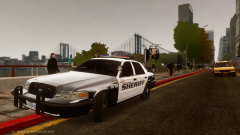 This car makes me feel some type of way...
 -
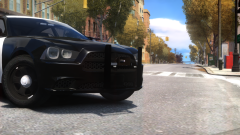 Please release this "What if.." pack!
 -
-
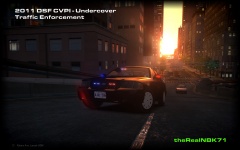 Add a TA and it's perfect!! :D Ya know for the fictional version!
 -
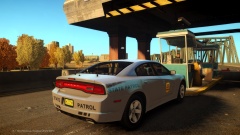 Gorgeous!
 -
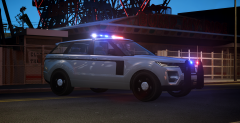 I just wanna touch it.. sexually.. multiple times.. in one night..
 -
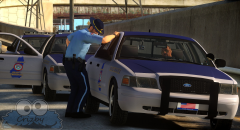 That vic looks so sweet!
 -
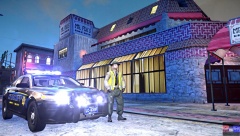
From the album: McAwesome Pics!
One of Aaron's (IronicRainbow) unreleased FPIs. Ped unreleased given to me by a friend. Skin is part of BErad's Berk County based pack. -
LCPD:FR Single Player Episode 25 W/McAwesome - 15 Minute Shootout![HD][Part 1 of 2] Happy Easter!!
-
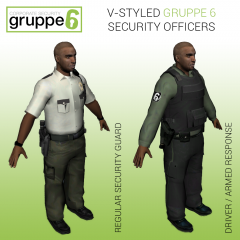 These look really good! A couple of suggestions - Straighten out the line on the Driver's pants. Place the 6 patch on the Regular security guard's sleeve. I think those outlines of where the patches used to be just look weird/bad.
 -
-
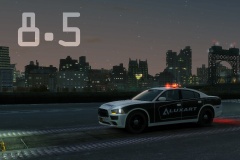 omg...
 -
To get this to work w/a controller download joytokey (or xpadder) and set the Y on your controller to emulate F on the keyboard. Works like a charm.
- 49 comments
- 11 reviews
-
-

- 1
-
-
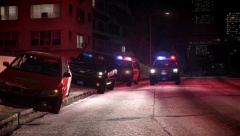
From the album: McAwesome Pics!
3 Deputies out on a DUI stop. Skin by BErad Models by ChevyBoy and Gump. -
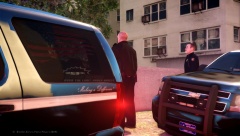
From the album: McAwesome Pics!
3 Deputies out on a DUI stop. Skin by BErad Models by ChevyBoy and Gump. -
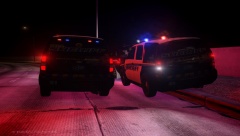
From the album: McAwesome Pics!
3 Deputies out on a DUI stop. Skin by BErad Models by ChevyBoy and Gump. -
Super fucking awesome! 5/5 although it's not a pack, only one car with different light options. At least that's all that was uploaded, just the wraparound ram bar variant.
- 21 comments
- 7 reviews
-
Dude, you're the best! I only hope ticket time can work with .95 or be a standalone mod!
- 48 comments
- 5 reviews
-
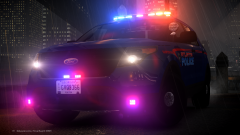 Yes.
Yes. -
-
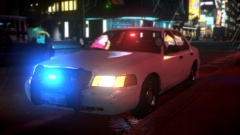 Thumbnail looked like a real life picture!
 -
So 1.0 works fine for me, however 1.01 and 1.05 both give me an error in script after I have already retrieved the radar unit and go to aim. I am using lcpdfr version .95 and with both versions I am using the no sound variant.
- 78 comments
- 9 reviews
-
I don't. Even if I did and I didn't like one of the terms it's not like I would be like "Welp, I am not using this now..."
-
This is amazing! I love the lighting setup. I think a similar setup for PD could look great as well. That song was really sweet to, never heard it before. 5/5 's m8
- 8 comments
- 3 reviews
-
-
- 2
-

