


jdj408
Members
-
Joined
-
Last visited
Everything posted by jdj408
-
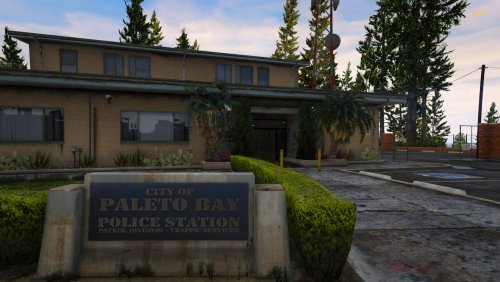 What is the installation path? It is not in the read me file. Thanks!
 -
 Hi there, I went back to version 1.28 to test the numbers for the breathalyzer. When someone was drunk, it was over .08. I did not test with the police computer, full disclosure, but the other numbers were higher like they were before the update. Hope that helps! Thanks, JDJ
- 707 comments
- 33 reviews
-
-
These are the results: .02 .01 .03 .03 .03 .03 .02 .01 .03 .01 .01 .01 Some of these the ped failed the tests and some of these had the "smell of alcohol" as you approached the vehicle. Hope this info helps. Thanks, JDJ
- 707 comments
- 33 reviews
-
Ok will do. Yesterday it was .01,.02, and .03. It never went over .03 and before you might get .164 or something like that. It stays with the two numbers. I will test today and get results to you. Thanks!!!
- 707 comments
- 33 reviews
-
Thanks for the help, is that in the .ini file? Currently, the only thing I can find in the .ini file is this: // The minimum illegal alcohol level for breathalyzer (American=0.08, British=35, Australian=0.05) BreathalyzerIllegalLimit=0.08 // The alcohol unit shown in breathalyzer (American=%, British=ug/100ml, Australian=BAC) BreathalyzerUnit=% // The chance (%) that ped will provide an invalid breath sample (0-100) BreathalyzerFailedChance=5 STP.pdf
- 707 comments
- 33 reviews
-
Hello, I was hoping to get some feedback or help. Since the last update when the Breathalyzer was synced with Stop the Ped to get the same results, I have noticed that no one goes over .08 anymore. I did not put this together until this morning. I did the breathalyzer with both Police Menu and Stop the Ped and it gives the same results, usually, .03, but nothing goes over ,08 anymore. Do you think this is related? At first I even reinstalled Stop the Ped and was getting ready to look at doing a new install on LSPDFR thinking maybe I broke something. BUt a drunk driver that can barely stand up only goes to .03. Any insights into this? Thank you for the mod and great job! If you can offer assistance, that would be great. Thanks, JDJ
- 707 comments
- 33 reviews
-
Thank you for supporting this community. This is an awesome mod. I love it. Very appreciative of the time that it took you and thank you for always updating this and listening to feedback. Awesome Job!
- 707 comments
- 33 reviews
-
 Awesome pack! Love the K9 versions! Thanks for the contribution to the community!
- 264 comments
- 15 reviews
-
-

- 1
-
-
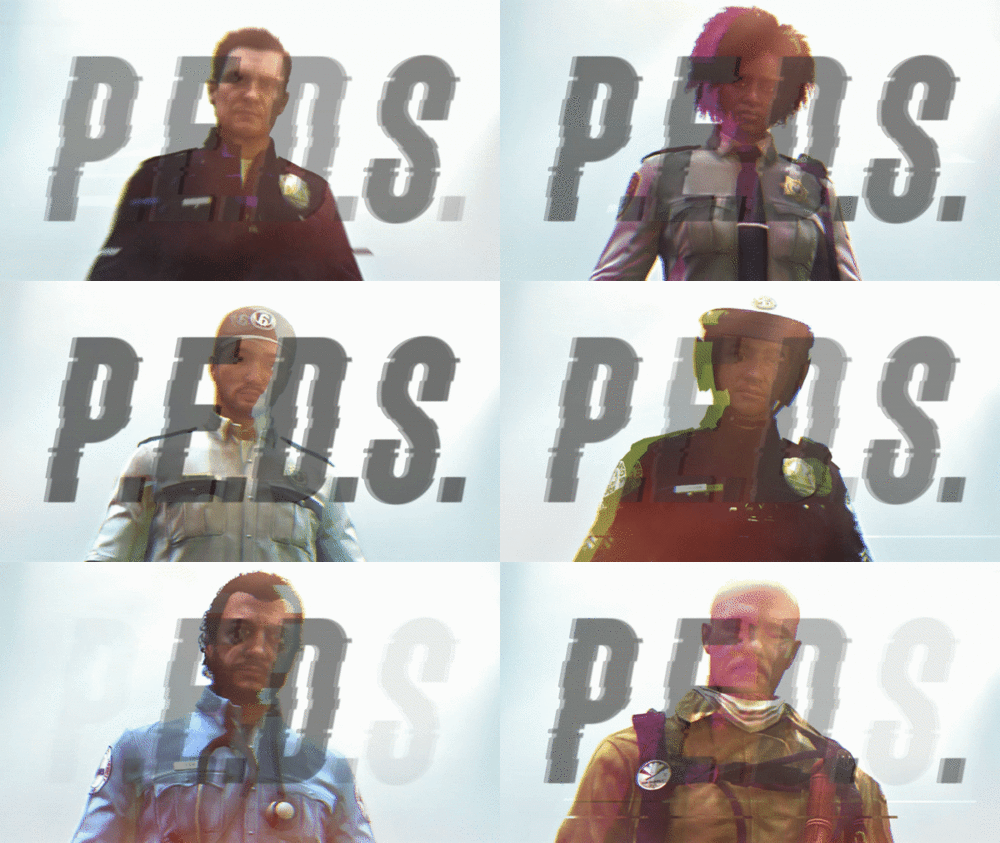 Awesome job! Thank you for contributing to the community!! I can say that I appreciate it, but I think we all do. Thank you again
- 77 comments
- 7 reviews
-
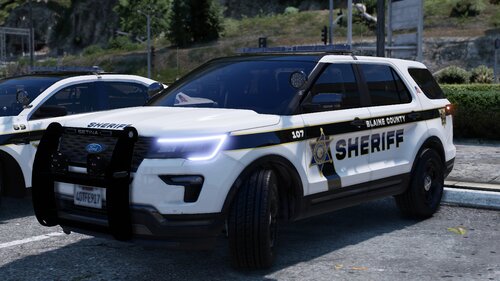 ED knocks it out of the park again! Awesome pack, love the livery and very cool lightbar!
 -
-
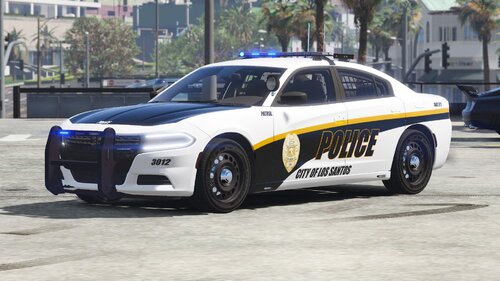 Ryan, Dtailed Designs, is one of the most talented artists I have ever met. He has designed a lot of stuff for me. You should definitely look at this and some of his other work!
- 14 comments
- 2 reviews
-
-

- 1
-
-
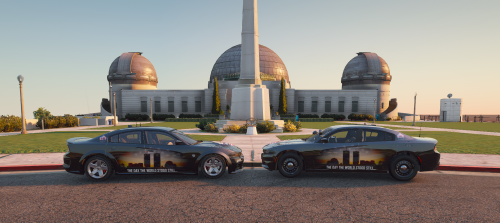 Awesome livery. been using it today.
 -
I watched a youtube tutorial last week regarding this. They exported the lights out of the ytd file and put them in a folder. After that they used paint.net to alter the colors of those lights, renamed them and put them back in the ytd file. It also helped make my lights brighter as well. I am pretty sure this is the link to the video….
-
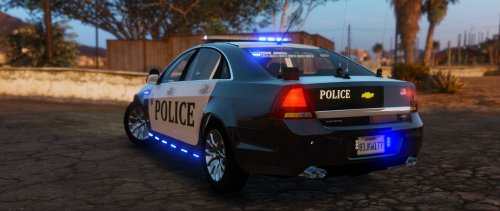 Awesome car, cant believe I havent seen this one, do you have the template where you can use different skins?
- 32 comments
- 14 reviews
-
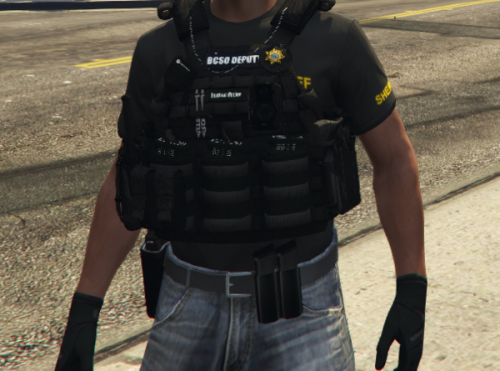 Can you please tell me where to find this vest?
 -
.thumb.png.3fa2dd2dec3ad764e90d9b881b638d7d.png) Can you please tell me where to find the vest?
Can you please tell me where to find the vest? -
That’s what I was afraid of. Lol.
-
First, thank you to all of the modders and people behind the scenes working on the fix on their own time. I know you probably do not get a lot of recognition but there are a bunch of players who recognize that. Second, I know with the new update we have to wait on the new Rage hook to be updated. I had the game backed up and it asked me if I wanted to revert the game back after Steam updated the game. I said yes. I have no idea whether it happened or not but now when I click to launch the game, it tells me that the game executional path is not found and to reinstall the game. If I reinstall the game, it will reinstall with the update. Now when I go to Rage, it shows I have a backup but I have no idea how to get to it. If I choose "Integrity of files" then it will update the game. So I guess my question, am I screwed until the Rage is updated or what would be the next step with the reverted game and how can I tell if it reverted back or not? Thanks in advance for any help or advice. My wife is probably happy anyways because she said I needed to take a break from the game for a few days. LOL.
-
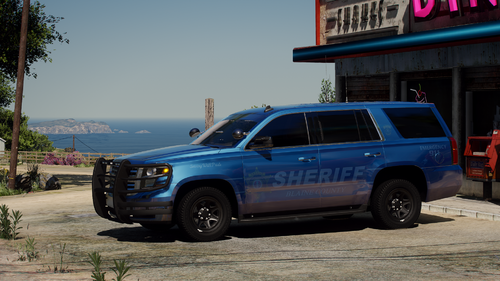 Hi there, love the F150 but it is not being recognized as a police vehicle, what do I need to do to make that work? Any help would be greatly appreciated.
- 75 comments
- 10 reviews
-
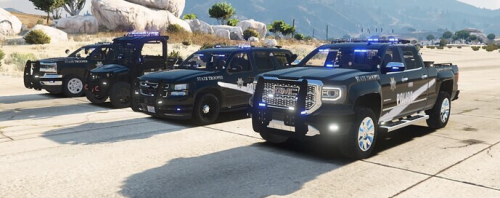 where do you find the vehicles for this pack? I clicked on discord and it said the invite was invalid.
 -
@Charlie686 Thanks! I actually downloaded it and it did not work. However, after a re-install of GTA V from last night, I downloaded again and it worked. So not sure what happened. I am reinstalling everything I had again so I dont pick up any bugs, etc.
-
Hey everyone, I am hoping someone can help me with LSPDFR. I love the game and my gaming laptop wasnt cutting it so I bought a new Alienware desktop computer. I always save my backup in a folder on my desktop. When I got the new desktop working, i had to reinstall the game via steam. I tried to move the game in the folder once it was installed but my Ragehook.exe file did not move. I installed it again and received the message “Not compatible with 2545.” After researching that error message, I should not be getting since it has been updated since then. I uninstalled LSPDFR and installed it again. It still would not work. My laptop was Windows 10, my desktop is Windows 11. I tried to research if it works on Windows 11 but did not find much. Can someone please help me? I accidentally installed some mods into the new game directory so deleted it and now installing a fresh copy, did I mention it has been a day. LOL. Nothing has gone right today so I imagine this should not either. Any help would be appreciated. I would love to get this back working. This is one of my favorite games. Thanks in advance. Jon David Jones
-
Thank you!
.thumb.png.3fa2dd2dec3ad764e90d9b881b638d7d.png)
