


Tomix1305
Members
-
Joined
-
Last visited
Everything posted by Tomix1305
-
LSPDFR does not start RagePluginHook.log
-
The game does not start. At the moment when Rockstar starts, it gives an error: failed to start the game, try reinstalling. I tried to run with Epic games, run as administrator, reinstall rockstar, reinstall mods, reinstall the entire game with mods. Nothing helps
-
everything worked. Thank you very much for your help ❤️ sry for my bad eng
-
sorry everything worked. Thank you very much for your help ❤️ sry for my bad eng
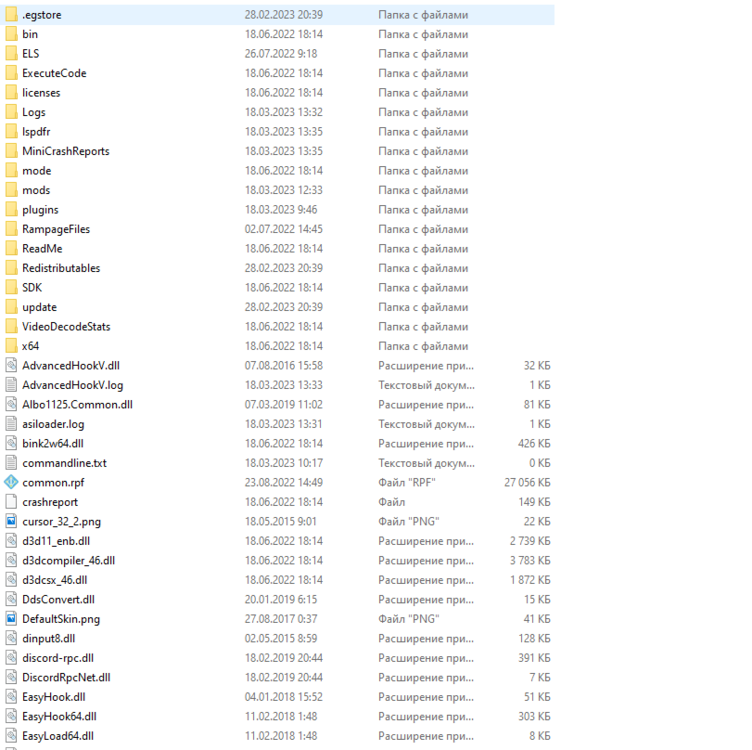
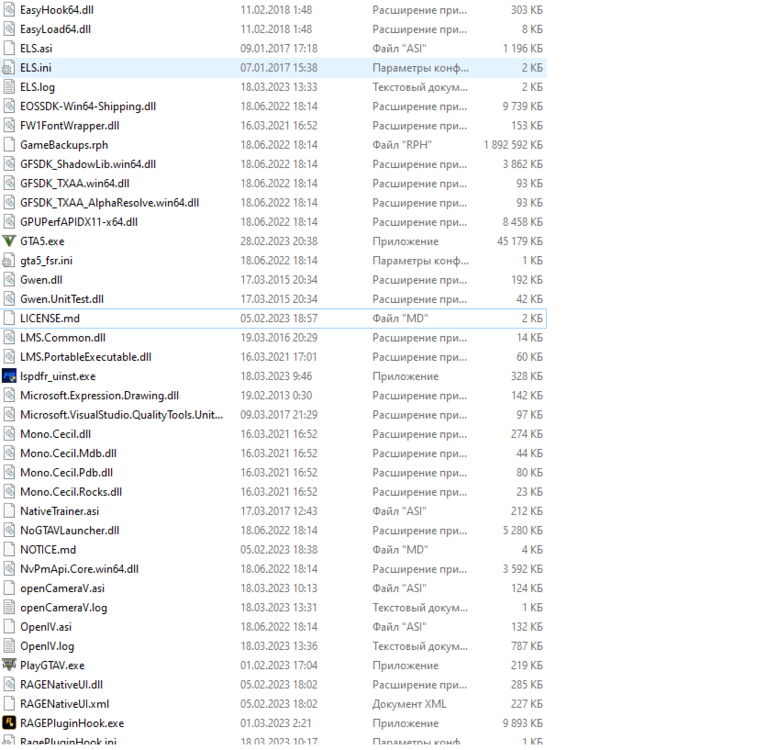
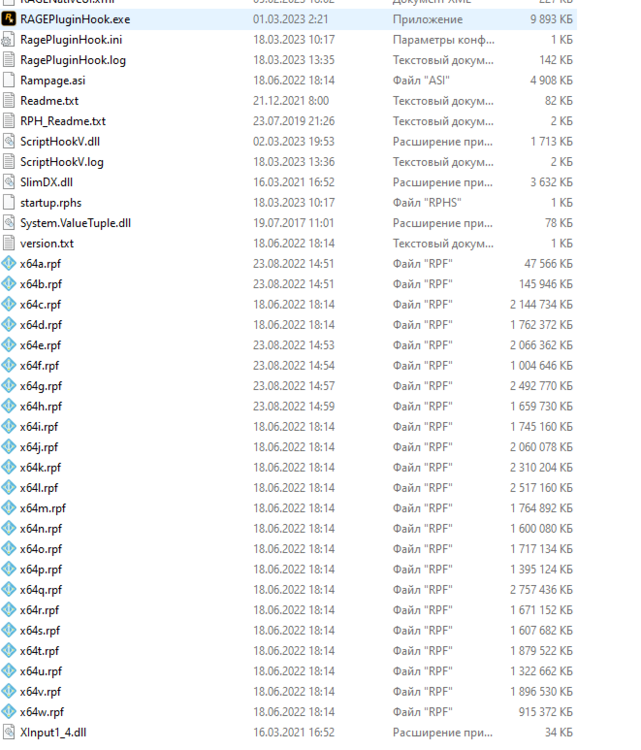
-
ok, but I already reinstalled but I will do it again and send screenshots Reinstalled, the plugin now works but immediately crashes https://youtu.be/kOGYOrFwitk RagePluginHook.log here are the screenshots of the game directory
-
these? RagePluginHook.log
-
Did it, but it still doesn't work. Should I send logs?
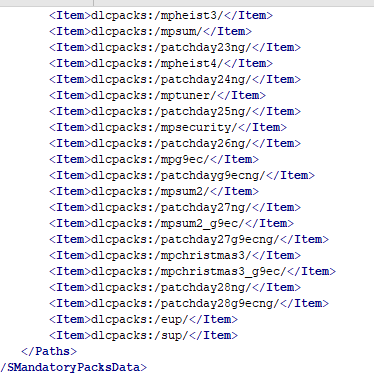
-
Oh, I already have all these mods installed. Can you tell me how to add the dlclist.xml lines back?
-
Can someone help me?
-
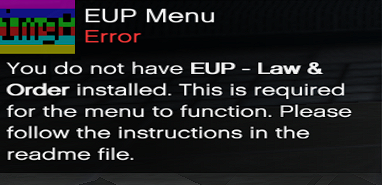
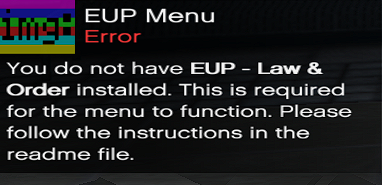
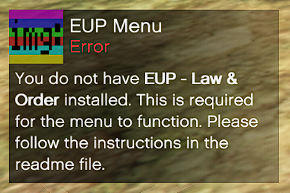
EUP not working
-
The mod does not work, everything seems to be installed correctly
-
Sorry RagePluginHook.log
-
RagePluginHook_01022022_100132.log
-
Crashes after pressing the "Go on duty" button


