
ByQzen
Members
-
Joined
-
Last visited
Everything posted by ByQzen
-
 I like this. Nice theme. 😉
 -
 Harikasın bro 😉
 -
-
-
-
-
-
-
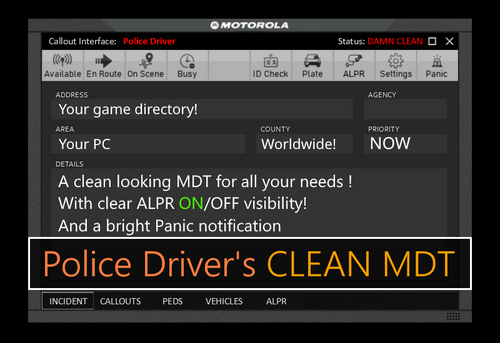
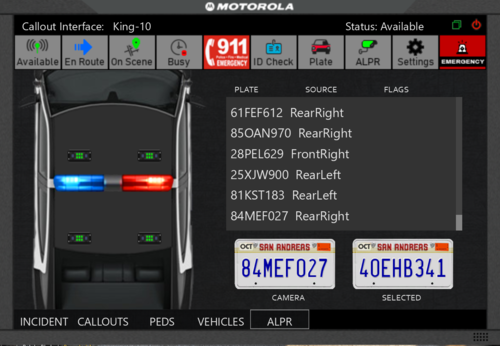 ByQzen INSTALLATION: Copy all of the contents of the Grand Theft Auto V folder into the game's main directory. Callout Interface Criminal Justice Thank you.
- 7 comments
- 3 reviews
-
-

-

-

- 15
-
-
Detaylar güzel eline sağlık bro.😎
-
-
-
 Hello to everyone. 😉 Installation: 1) Copy x64b.rpf, x64e.rpf and common.rpf to your mods folder Using OpenIV: 2) Drag and drop all minimap_sea_ and minimap_ to mods/x64b.rpf/data/cdimages/scaleform_generic.rpf/ 3) Drag and drop all minimap_sea_ and minimap_ to mods\update\update.rpf\x64\data\cdimages\scaleform_generic.rpf\ 3) Drag and drop mapzoomdata.meta to common.rpf/data/ui/ 4) Drag and drop minimap.rpf to x64e.rpf/levels/gta5/ 5) Drag and drop scripts folder to GTA 5 main directory 6) Enjoy!
- 107 comments
- 8 reviews
-
-
- 1
-
-
-
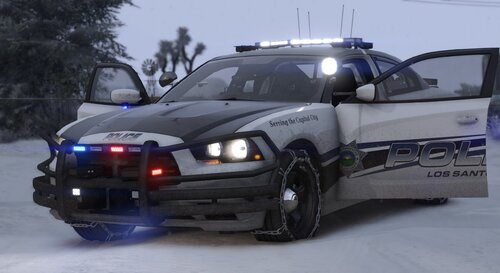 Nice job 😉
 -
-
-
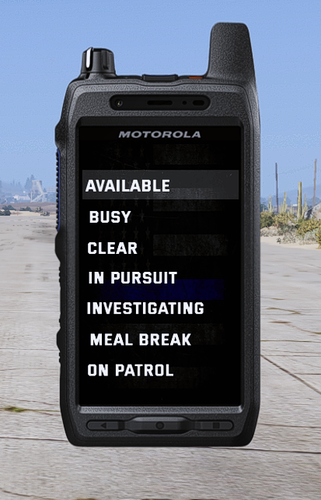
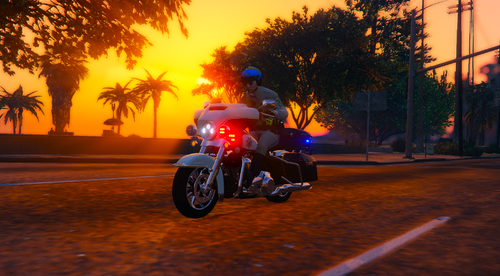 hello, can you fix the front led constantly fixed.
 -
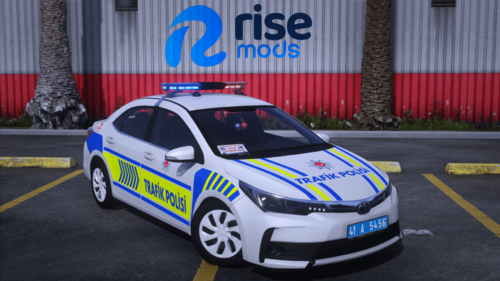
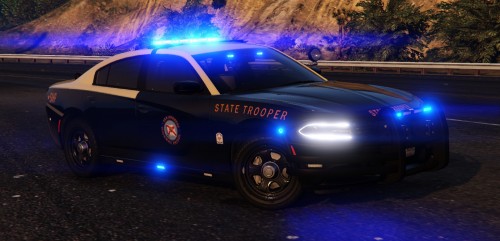 Hello, the tool in the pictures is different from the tool in the file. Can you update it? back plate single led. no front speaker
- 30 comments
- 21 reviews
-
-
-
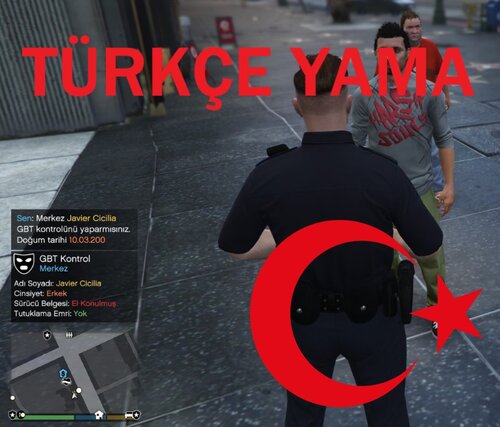 Eline sağlık +rep👍
 -


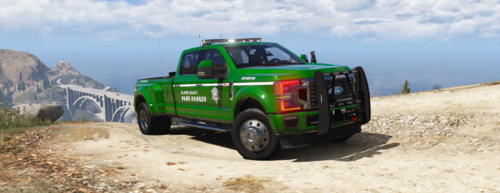
.thumb.png.74a5567401ec81d1388a90d35a473ca7.png)