Nzii3
Members
-
Joined
-
Last visited
Everything posted by Nzii3
-
@SilverLaw99 the concept of a mod like unit control is good, but to be honest after trying it, there isn’t a use since GrammarPolice is so flawless. good vision, but poor execution. but there’s always ways to update and improve things.
-
 When using "Send nearest ped to hospital" and standing face-to-face with a ped, it doesn't always choose the correct ped to send to the hospital. Most of the time it will send the ped behind me (a backup officer) to the hospital; which is less than ideal since it can cause the game to crash, specifically UB.
- 783 comments
- 86 reviews
-
When using "Send nearest ped to hospital" and standing face-to-face with a ped, it doesn't always choose the correct ped to send to the hospital. Most of the time it will send the ped behind me (a backup officer) to the hospital; which is less than ideal since it can cause the game to crash, specifically UB.
-
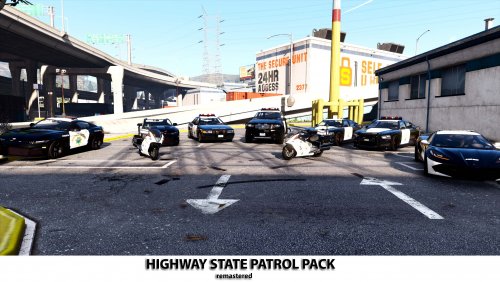 It is necessary, its used by many people including me, its not outdated - it works with the current version of LSPDFR and isn't hard for you to make it ELS. Maybe more people will use your pack if you make it ELS optional.
- 35 comments
- 2 reviews
-
-
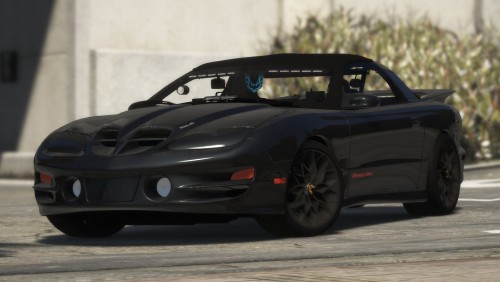 @BlueGhost I see that in the photos in the showcase of this file. But I can’t seem to spawn the black livery/color. I also suggest making liveries for the vehicle if you know how to, it would look amazing with speed enforcement, as well as all-blue-lights.
- 16 comments
- 6 reviews
-
How do you install this pack exactly? Also is there another way we’re able to contact you? (e.g. Discord)
- 10 comments
- 6 reviews