


ScoopityPoo
Members
-
Joined
-
Last visited
Everything posted by ScoopityPoo
-
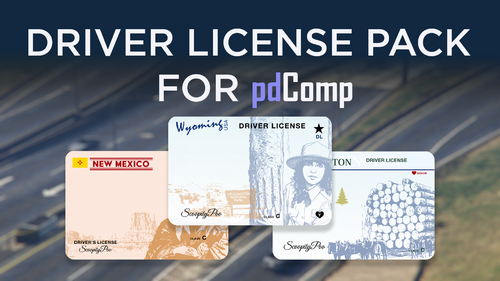 Hello While I created these Drivers License to closely represent their real life counter parts, from researching the design that drivers are issued in their state current day. I took creative liberties either because of the dimensions these needed to be or to highlight significant aspects of the state Historically or Culturally. While I only live in one of these states and have not been to every state across the entire United States, feel free to comment any suggestions or corrections that may need to be done and I'll try to respond as soon as possible. :) My inspiration for creating all these Drivers Licenses over a period of a weekend using resources such as Adobe Stock Images, Evanto, and my own Graphic Design Experience is by sharing my work I hope to inspire YOU the reader who may be interested in creating Driver License for their larp patrols. With this being said I have included the Illustrator file and a template to help aid you!
 -
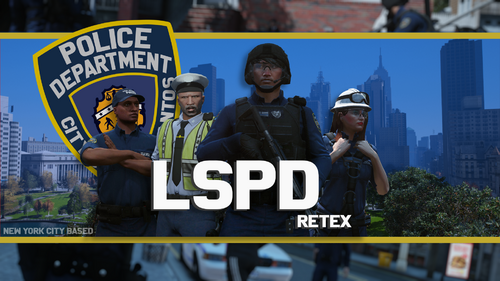 I most likely wont make one that explicitly says NYPD to keep it lore friendly with the game, as you'll be spending most of your time in Los Santos (Unless you have the preservation project or some way to play on the Liberty City map👀). I'm also just kind of busy with other cool stuff so I probably wont be making anymore reskins for some time unless I get some free time😊
 -
-
-
-
-
-
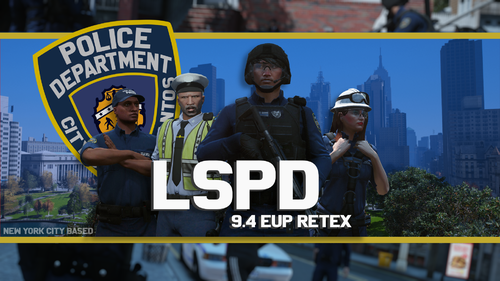
Considered one of the largest Police Departments in the world, comes The City of Los Santos Police Department Pack based on the New York Police Department, which operates within the State of New York. **While this pack is meant to resemble the New York Police Department, some elements have been changed for creativity and "Lore-Friendly-Ness." These include but are not limited to patches, badges, etc.** **Revamp of EUP version 9.4.** You'll need everything below for this texture pack to be meaningful. (EUP 9.6) BADGE USED IN SCREENSHOTS (Pretty much required unless you want to use the LSPD badge)
-
 hopefully sooner rather than later!
 -
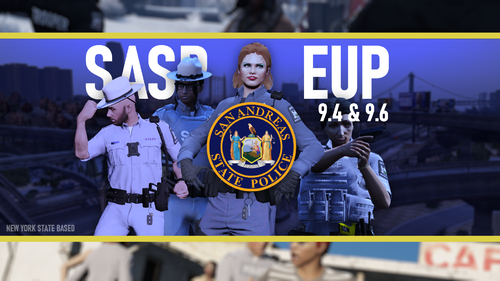
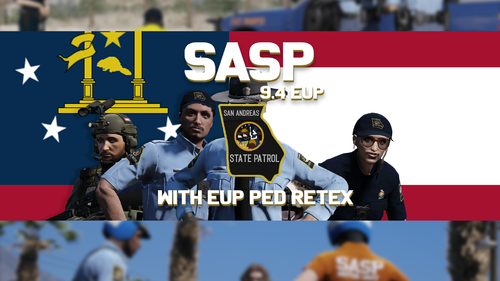
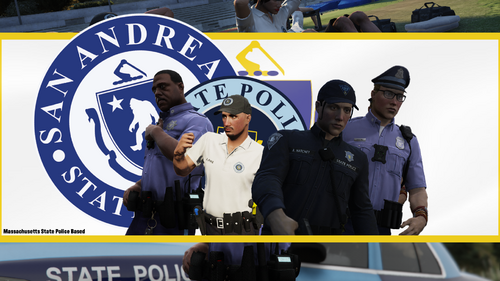 With their rich history from the American Revolution, comes the San Andreas State Police pack. Based off the Massachusetts State Police! **While this pack is meant to resemble the Massachusetts State Police, some elements have been changed for creativity and more "lore-friendly-ness." These include but are not limited to patches, badges, etc.** (EUP PED) (EUP 9.6) (The textures in this pack were made for EUP 9.6, but feel free to try them in newer or earlier versions.)
 -
 I'll take a look at it, the file itself was just sitting on my computer for a bit after I forgot to upload it I'll get em fixed gamer!
 -
**While this pack is meant to resemble the New York State Police, some elements have been changed for creativity and "Lore-Friendly-Ness." These include but are not limited to patches, badges, etc.** You'll need everything below for this pack to be meaningful. (EUP 9.6) (EUP 9.4 is no longer available on the Patreon :C) I was planning to upload this much earlier but life caught up to me. With that being said, I believe the EUP outfitpreset.ini for 9.6 is a little wonky, but I can't remember right off)
-
It was more to keep within the context of the game which takes place in Los Santos, so more of a lore friendly moment than anything else
-
true, I'll probably get around to something like that eventually.
-
Ill probably just stick to "lore friendly" uniforms for the time being
-
I'll probably get around to making county related uniforms eventually, but I have an end goal of making uniforms for all 50 states including Washington, so to make it easier on myself I'm sticking to Highway patrol and then a police department for a popular city within that state.
-
yup
-
I'm not entirely sure. I've been considering trying it but haven't got around to it. Yeah, I'll probably look into updating this pack and creating my future uniforms in 9.6 as I was told recently 9.4 isnt available anymore
-
 This video here basically explains the process for installing my packs though it's not me. If there's something a little more specific that the video doesn't cover, then we could always talk over discord if you would like.
- 19 comments
- 2 reviews
-
I found the map from gta 4 Liberty City and downloaded it A map called Liberty City Remix which basically adds liberty city to gta 5 I'll probably look into updating it to 9.6 as I was told 9.4 isnt available anymore
-
holy moly, I didn't know that. I'll keep that in mind You got me 😄
-
Considered one of the largest Police Departments in the world, comes The City of Los Santos Police Department Pack based on the New York Police Department, which operates within the State of New York. **While this pack is meant to resemble the New York Police Department, some elements have been changed for creativity and "Lore-Friendly-Ness." These include but are not limited to patches, badges, etc.** You'll need everything below for this texture pack to be meaningful. (EUP PEDS) (EUP 9.4) BADGE USED IN SCREENSHOTS (Pretty much required unless you want to use the LSPD badge)
-
Installation should be as easy as going to the "eup_componentpeds.rpf" (located in your EUP folder in dlcpacks) within OPENIV and dragging and dropping everything. Keep in mind this is for EUP 9.4 (paid version) and not EUP 9.3 (free version of this website) so there's a chance the textures won't align properly as the versions vary. I'd be happy to walk you through it if you need help though!
- 19 comments
- 2 reviews
-
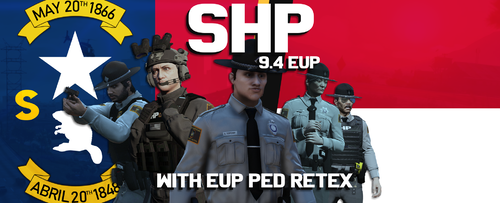 There should be no conflicts, though I can't say the same for the outfits preset in EUP menu unless you use the preset, I believe I provided in either pack which should include clothing presets to go with both.
 -
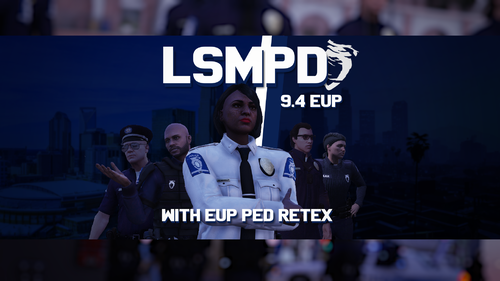 Nope, just LSPD their pants will change considering most of the "sub" departments use the same pants but only LSPD should change
- 9 comments
- 2 reviews



