Skip to content
View in the app

A better way to browse. Learn more.

LCPDFR.com

A full-screen app on your home screen with push notifications, badges and more.

To install this app on iOS and iPadOS
  1. Tap the Share icon in Safari
  2. Scroll the menu and tap Add to Home Screen.
  3. Tap Add in the top-right corner.
To install this app on Android
  1. Tap the 3-dot menu (⋮) in the top-right corner of the browser.
  2. Tap Add to Home screen or Install app.
  3. Confirm by tapping Install.

Asterus

Members
  • Joined

  • Last visited

Everything posted by Asterus

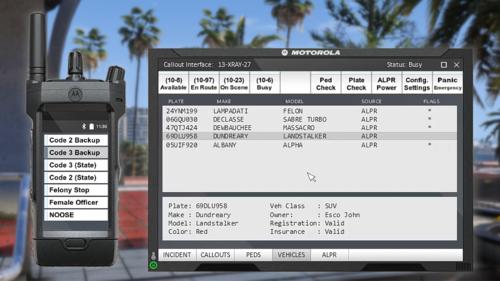
  1. If you're game doesn't work and it shows this error JUST REPLACE THE GRAMMAR POLICE RADIO TEXTURE WITH THE ORIGINAL ONE AND YOU'RE GOOD. [6/11/2023 3:17:27 AM.233] LSPD First Response: [TRACE] Thread CopManager #1 initialized
  2. There is Its not a big deal but it says 1.4 instead of 1.5
  3. It will be really cool if you add the push bumper
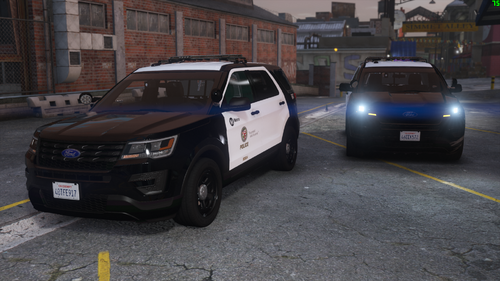
  4. LAPD Pack please??[especially FPIU]
  5. How do I get the push bumper? [C]Officer Rodriguez
  6. make an LAPD one please
  7. Can this work with stop the ped because lspdfr+ is outdated
  8. Is the EMS Vehicle Pack the only compatible one? cuz its been 5 years its been released
  9. Do you have a 8.2 version? not all people pay for stuff

Account

Navigation

Search

Search

Configure browser push notifications

Chrome (Android)
  1. Tap the lock icon next to the address bar.
  2. Tap Permissions → Notifications.
  3. Adjust your preference.
Chrome (Desktop)
  1. Click the padlock icon in the address bar.
  2. Select Site settings.
  3. Find Notifications and adjust your preference.