Skip to content
View in the app

A better way to browse. Learn more.

LCPDFR.com

A full-screen app on your home screen with push notifications, badges and more.

To install this app on iOS and iPadOS
  1. Tap the Share icon in Safari
  2. Scroll the menu and tap Add to Home Screen.
  3. Tap Add in the top-right corner.
To install this app on Android
  1. Tap the 3-dot menu (⋮) in the top-right corner of the browser.
  2. Tap Add to Home screen or Install app.
  3. Confirm by tapping Install.

Hiffal

Members
  • Joined

  • Last visited

  1.    Hiffal reacted to a comment on a file: Sheriff k9 and police k9 vests
  2.    Roman McCartney reacted to a file: SWAT VEST
  3. Hiffal started following LSPD LIVERY PACK.
    • 13 downloads
    • Version 1.0.0
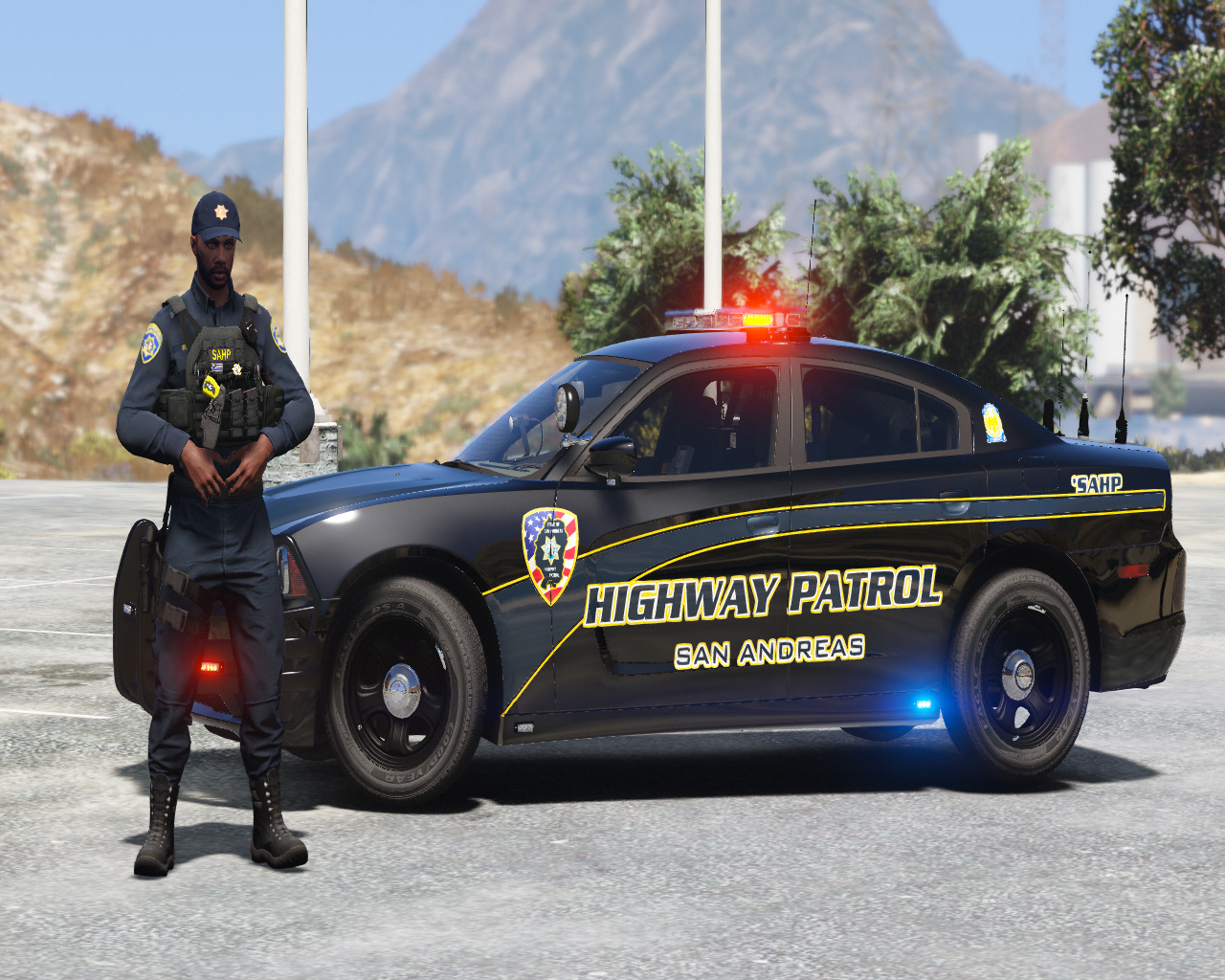
    These are NON REFLECTIVE LSPD liveries for the SAN ANDREAS HIGHWAY PATROL pack by Scorpionfam. pack includes: 2011 CVPI 2014 R1200RT 2014 Charger 2016 FPIS 2016 FPIU 2018 Charger 2020 FPIU 2020 Tahoe K-9 UNIT 2021 Tahoe
    • 2,149 downloads
    • Version 1.0.0
    Before installing please backup your mp_m_freemode_01_mp_m_clothes_01 This file replaces the merryweather vest 13 setup 1 by https://www.lcpdfr.com/profile/218275-hanako/ with POLICE GANG UNIT and NORMAL POLICE VEST How to install:replace "task_diff_006_a_uni.ytd" for GANG UNIT and "task_diff_006_b_uni.ytd" POLICE in C:\Program Files (x86)\Steam\steamapps\common\Grand Theft Auto V\mods\update\x64\dlcpacks\eup\dlc.rpf\x64\eup_componentpeds.rpf\mp_m_freemode_01_mp_m_clothes_01. YOU CAN CHOOSE THE YELLOW OR WHITE WRITING FOR THE GANG UNIT
    • 103 downloads
    • Version 1.0.0
    San Andreas Highway Patrol K-9 Livery for 2021-2022 Tahoe by EmergencyDistributors
  4.    Fronx reacted to a comment on a file: 2018 ZL1 Camaro STATE TROOPER LIVERY.
  5. it fixed ,didn't notice thanks.
  6.    Fronx reacted to a comment on a file: 2018 ZL1 Camaro STATE TROOPER LIVERY.
  7. this is a livery for the unmarked camaro by vanny
    • 41 downloads
    • Version 1.0.0
    This is a state trooper livery for the 2018 zl1 camaro by Vanny. Requirement:
    • 135 downloads
    • Version 1.0.0
    Florida and Georgia Highway Patrol Liveries for 2018 charger by RangerZ.
    • 704 downloads
    • Version 1.0.0
    These files replaces the us marshalls by HANAKO vest4 setup1 size1 with METRO POLICE and size2 with SHERIFF. How to install: drop "task_diff_012_a_uni.ytd" and "task_diff_013_a_uni.ytd" in Grand Theft Auto V\mods\update\x64\dlcpacks\eup\dlc.rpf\x64\eup_componentpeds.rpf\mp_m_freemode_01_mp_m_vinewood. ingame preview
  8.    nofreeusernames123 reacted to a file: SWAT VEST
    • 1,366 downloads
    • Version 1.0.0
    This file replaces the police vest by HANAKO vest2 setup4(normal) with SWAT. How to install: replace "task_diff_011_a_uni.ytd" in Grand Theft Auto V\mods\update\x64\dlcpacks\eup\dlc.rpf\x64\eup_componentpeds.rpf\mp_m_freemode_01_mp_m_vinewood ingame preview:
    • 1,348 downloads
    • Version 1.0.2
    This file replaces the us marshall vest 2 setup 3 by https://www.lcpdfr.com/profile/218275-hanako/ with SAHP K-9 UNIT. How to install:replace "task_diff_009_a_uni.ytd" in C:\Program Files (x86)\Steam\steamapps\common\Grand Theft Auto V\mods\update\x64\dlcpacks\eup\dlc.rpf\x64\eup_componentpeds.rpf\mp_m_freemode_01_mp_m_vinewood
  9. Hiffal changed their profile photo
    • 1,365 downloads
    • Version 1.0.1
    This file replaces the us marshall vest 7 by HANAKO with sheriff k9 and police k9 textures. Before installing please backup your mp_m_freemode_01_mp_m_heist3 How to install:replace task_diff_000_a_uni.ytd for sheriif K9 and task_diff_001_a_uni.ytd for police k9 C:\Program Files (x86)\Steam\steamapps\common\Grand Theft Auto V\mods\update\x64\dlcpacks\eup\dlc.rpf\x64\eup_componentpeds.rpf\mp_m_freemode_01_mp_m_heist3 Requirements:

Account

Navigation

Search

Search

Configure browser push notifications

Chrome (Android)
  1. Tap the lock icon next to the address bar.
  2. Tap Permissions → Notifications.
  3. Adjust your preference.
Chrome (Desktop)
  1. Click the padlock icon in the address bar.
  2. Select Site settings.
  3. Find Notifications and adjust your preference.