


.png.54ecd2cecbdbad94930ad7746eb96dac.png.e081ea7d323261a5381466b0ae81b9de.png)

q57
Members
-
Joined
-
Last visited
Everything posted by q57
-
hello?
-
yeah it's very sensitive, no typos allowed make sure to review everything
-
👍
-
im seeing that your ragenativeUI is outdated and isnt working correctly, try downloading a mod that has it included in it's download file and install the RAGENativeUI.dll
-
well, you cant expect me to help you if you dont give me a log...
-
When you edited the regions.xml, you did this: <Vehicles> [addon vehicles you added] </Vehicle> You're missing an S, this stuff is very sensitive! make sure to check everything
-
Have you actually put the vcf/xml files into the ELS folder?
-
The RPH log was:
-
1. wrong topic 2. I cant help you if you provide no info about anything....
-
So I was arresting someone at a traffic stop, i got them out of the car and held E to arrest them Once I fully cuffed them via normal LSPDFR arrest system, my game freezes for a second, then unfreezes, makes a few beeping noises and force-closes the game RPH figures out that the game crashed and generates a crash report, RPH specifically states that "This crash was most probably caused by LSPD First Response, Please report this to the G17 media team." This is the crash report (sorry for the big spam): Any LSPDFR mods or beta testers or something that can help me? I've narrowed it down to some sort of .NET Framework issue but i dont know what
-
sometimes when you load many plugins at once rph breaks try only loading 2-3 plugins at a time and loading the rest while in-game (i do this)
-
Well i spammed backup so much the game crashed, and i got no rph UB error guess it was a one-time glitch
-
i fixed it, turn your post-fx and shader quality both to high
-
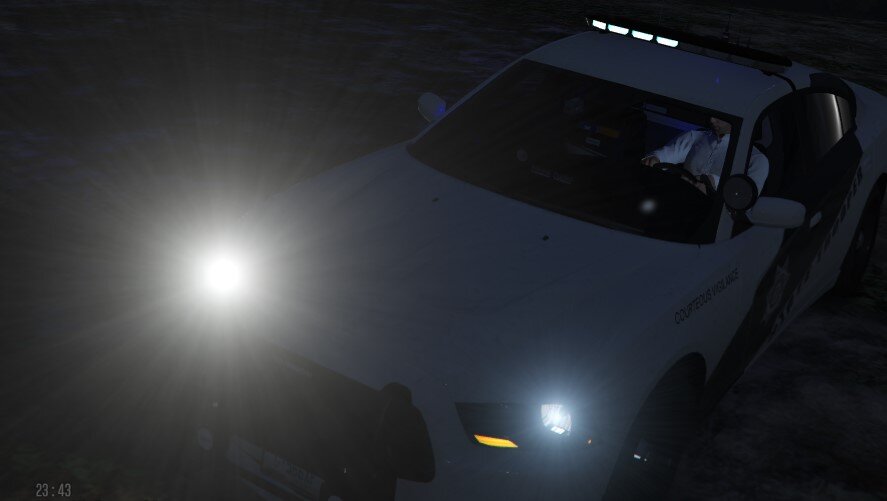
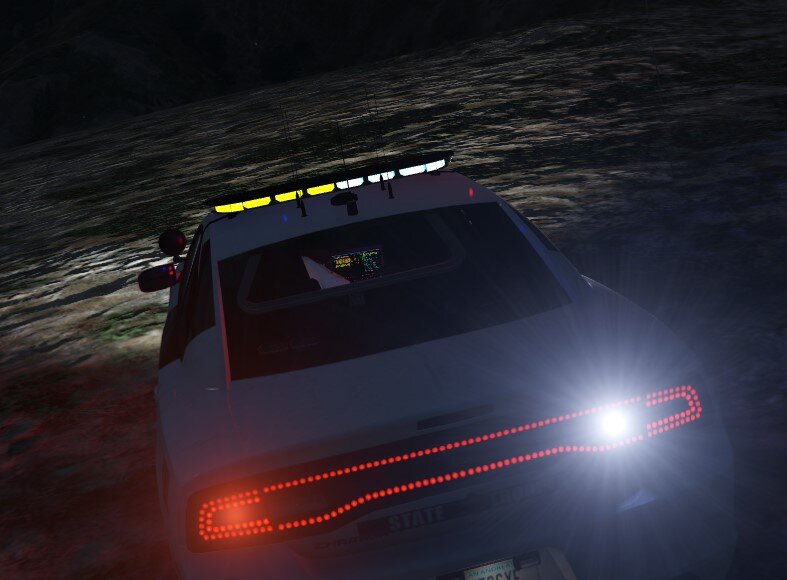
So, when i go in game my lights turn yellow and white, the els is not working properly?
-
Thats weird because i only requested 2 backup units
-
So i was arresting someone in vespucci and called some backup because they were shooting, when i arrested them my character froze and my rph spammed an error, i used unstuckV to unstuck myself and it worked, but rph kept spamming the same error, and then i realized THAT THERE WAS 1000 COPS BEING SPAWNED BEHIND ME FOR NO REASON, THEY EVEN SPAWNED AS AGGRESSIVE AND THEY STARTED BEATING ME UP!!! RagePluginHook.log
-
The vanilla gameconfig is garbage, so if you have it mods will probably not work
-
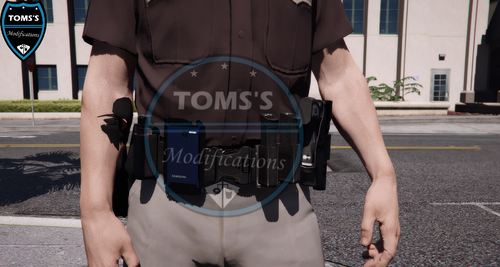 where do i find this? i know it's in undercoat but i cant find the item number?
- 21 comments
- 2 reviews
-
Unless you want to write/code billions of handling and vehicle.meta files, the only way to do this is to get a car pack that was made for it. For example this car pack is addon, which means it will not replace cars but it will still add them:
-
The logs state this: Command line option "hdr-disableCustomLoadingScreen" is specified twice. Please remove one. Command line option "borderless" is specified twice. Please remove one. I don't actually know what to make of this, since you've provided 0 info
-
The EUP Dlcpack broke, just reinstall EUP and EUP menu + the configs like bastion said.
-
try this first: right click your grand theft auto V folder and click on "properties" Click on and disable "read-only" If this problem still persists after this, disable "read-only" on all of the folders inside of GTAV folder. If this still doesn't work, follow the steps given by bastion read-only is stupid, it actually prevents GTA5 from accessing it's own files......

-
1. You have 2 asi loaders ( if your on a downgraded version, delete dsound, if your on the lastest complete edition patch, delete xlive.) 2. download the latest versions of this: https://dotnet.microsoft.com/en-us/download/dotnet-framework
-
are you on steam GTAIV or something else?
-
You installed the wrong LCPDFR version, install the latest version if you aren't on a downgraded version Also, get the scripthookdotnet that was included in the LCPDFR .rar


