


chantz
Members
-
Joined
-
Last visited
Everything posted by chantz
-
-
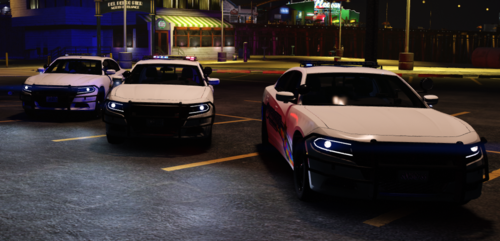 is the spot light supposed to shine in the rear
 -
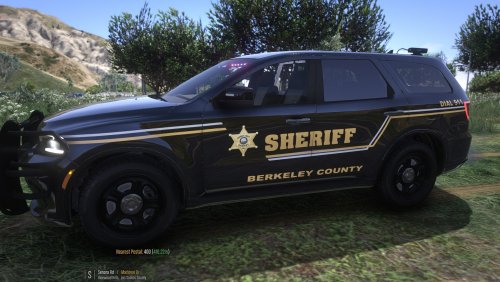 when i try to use on both year fpiu's they don't line up at all and plate is on hood how do I fix this because I really love these because I'm from W.V
 -
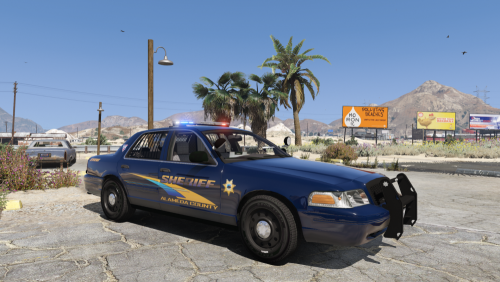 um I just installed it to and the back light wont go off and its 2022 am I missing this pack or what because I want to use it
- 33 comments
- 3 reviews
-

