



Commissioner Canon
Members
-
Joined
-
Last visited
Everything posted by Commissioner Canon
-
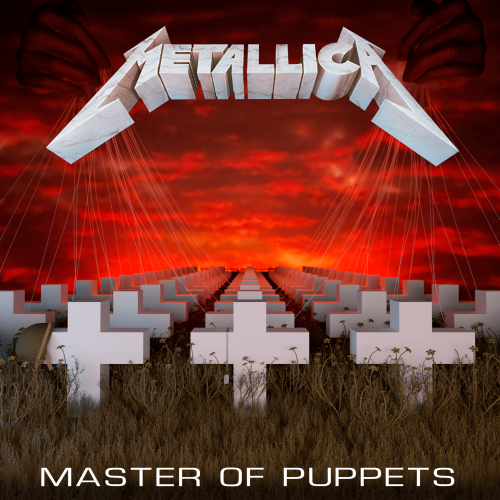 The title says it all, really. Just an audio mod that replaces the vanilla loading music with "Master Of Puppets" from Metallica's album of the same name. Installation instructions are included in the download, and remember to back up your files! If you have any issues, please leave it as a comment, not a review. Thanks, and enjoy!
 -
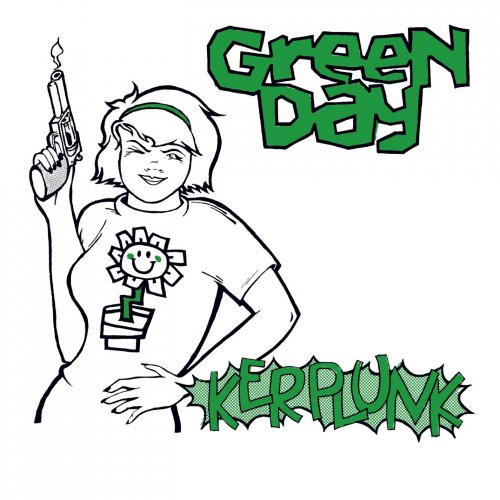 The title says it all, really. Just an audio mod that replaces the vanilla loading music with "Welcome To Paradise" from Green Day's album "Kerplunk". Note that this is the original version of the song. For the better known version from the "Dookie" album, check my file uploads. Installation instructions are included in the download, and remember to back up your files! If you have any issues, please leave it as a comment, not a review. Thanks, and enjoy!
 -
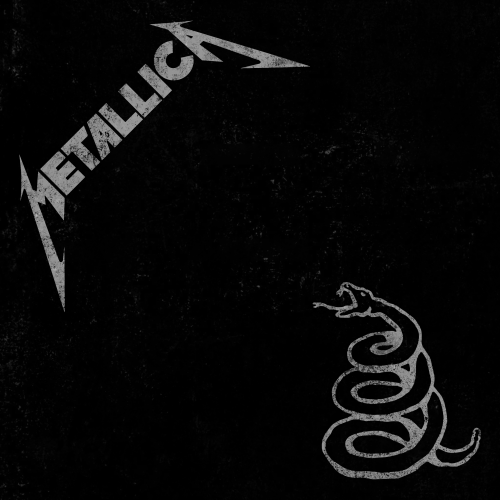 The title says it all, really. Just an audio mod that replaces the vanilla loading music with "Enter Sandman" by Metallica. Installation instructions are included in the download, and remember to back up your files! If you have any issues, please leave it as a comment, not a review. Thanks, and enjoy!
- 1 comment
- 1 review
-
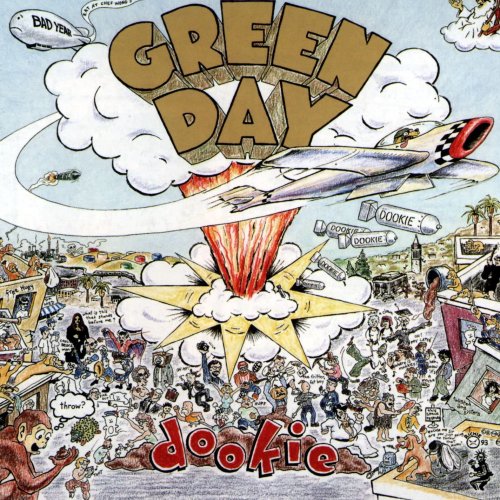 The title says it all, really. Just an audio mod that replaces the vanilla loading music with "Welcome To Paradise" from Green Day's album "Dookie". If you want the original mix from the "Kerplunk" album, check my account file uploads. Installation instructions are included in the download, and remember to back up your files! If you have any issues, please leave it as a comment, not a review. Thanks, and enjoy!
 -
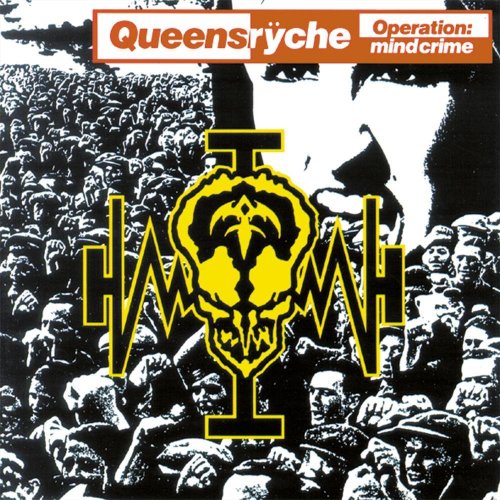 The title says it all, really. Just an audio mod that replaces the vanilla loading music with "I Don't Believe In Love" from Queensrÿche's album "Operation: Mindcrime". Installation instructions are included in the download, and remember to back up your files! If you have any issues, please leave it as a comment, not a review. Thanks, and enjoy!
 -
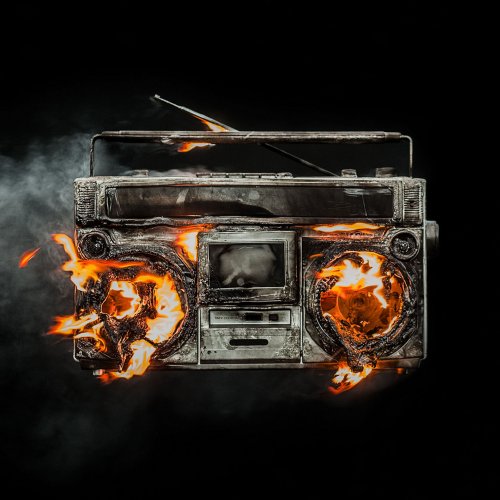 The title says it all, really. Just an audio mod that replaces the vanilla loading music with "Bang Bang" from Green Day's album "Revolution Radio". Installation instructions are included in the download, and remember to back up your files! If you have any issues, please leave it as a comment, not a review. Thanks, and enjoy!
 -
OK, quick little update. I've been able to solve the problem. I had an outdated SirenSetting Limit Adjuster.I've removed it, and the game is working fine now. Thank you very much for your help, though!
-
Here you go.
-
Thank you for the suggestions, but unfortunately it didn't work. I followed all the steps, but the same thing is still happening. Thanks anyway!
-
So, since the latest update, whenever I try to start my game using RPH it gets stuck in an infinite loading loop, and whenever I try to start the game using the Rockstar launcher, the game crashes while loading. No error dialogues, nothing. I've tried renaming my mods folder to _mods, and that didn't change anything. Any suggestions?
-
 The mod seems like it would be amazing, but I can't confirm that because whenever I press Shift + F10, the plugin crashes. Could someone check my log, please? RagePluginHook.log
- 656 comments
- 28 reviews
-
So, whenever I spawn a police partner with my outfit with Ultimate Backup, it just spawns a default freemode male ped which isn't wearing my outfit and doesn't appear or work as a partner in game. It only just started happening today. I've tried reinstalling Ultimate Backup, but it didn't work. Any ideas? Note: Requesting Code 2, Code 3, and Pursuit backup using Ultimate Backup works perfectly fine.
-
Yep. I'll have that log for you soon. Ok, update. The audio is now working fine. I don't know what the issue was, but it's fixed now.
-
Look at Cyan's and Benzo's comments.
-
Ah, I see now. Sorry about that.
-
I'll upload that ASAP, just waiting for patch update.
-
That says the latest RPH isn't available on the RPH website and is included in the download of LSPDFR. Love your vids by the way!
-
So, just as of today, whenever I start RPH, I get an error dialogue saying "Game Patch Not Supported". I have the latest version of LSPDFR and RPH installed, but it says that it only supports up to patch 2612, and that I have patch 2628. This is the first time this has ever happened to me, and I was only playing GTA with RPH yesterday. Any clue as to what might be the issue?
-
No, my game hasn't crashed in a while.
-
Here you go. RagePluginHook.log
-
The issue has been solved. Not sure what caused it, though.
-
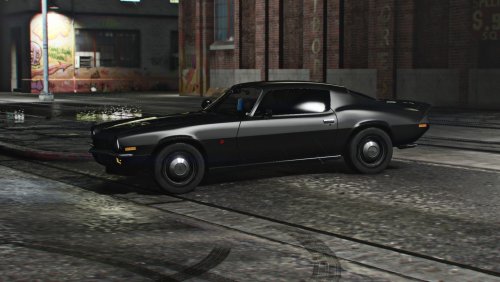 My God! This is absolutely beautiful, just what my game was missing! Keep up your amazing work!
 -
Make sure you have the newest version of RageNativeUI, scripthookv, and community scripthookv.net. Hope this helps!
-
I'm sure some of you have seen this a million times before, but I keep getting the "Bad anti-virus or insufficient permissions" dialogue upon starting RPH. I've tried disabling my anti-virus, rebooting by computer and running as admin. Any other ideas? (If it's any help I'm using the Steam edition of GTA and my game folder is called "Grand Theft Auto V") Edit: I found the issue, I was running an outdated version of community scripthookv.net.
-




.thumb.png.307fe1747760bc426912b3a3649d86fb.png)