


bradrsp12
Members
-
Joined
-
Last visited
Everything posted by bradrsp12
-
G Thanks so much been looking for ages for this i can confirm also that this works.
-
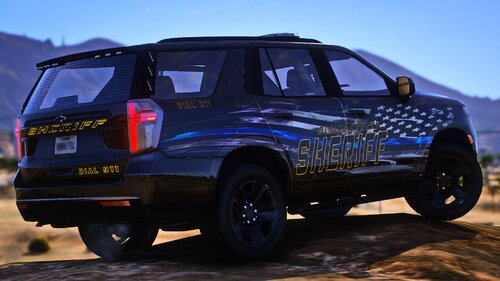 Hi thanks for these great models, i have a few issues with the unmarked vehicle though, firstly the headlights are orange not sure why is that an issue for everybody? secondly the brake lights and reverse lights cannot be seen. thirdly the front indicator emergency lights only flash red on stage 2 but red and blue on stage 3 is this normal? and last of all the left wing mirror the red lights doesnt work until stage 3 but the right blue ones come on at stage 2 again is this normal? Sorry for all of the issues but other than those the cars are amazing.
- 18 comments
- 2 reviews
