
BMBOY5421
Members
-
Joined
-
Last visited
Everything posted by BMBOY5421
-
Thank you! If you can. I understand the point of it but the red circle is seen well enough where I feel the 0 it not needed.
-
Hey @Dark Devil, This is the 0 I was referencing before. (The one in the red circle) Can this be removed? Thank you for looking into this so quickly!
-
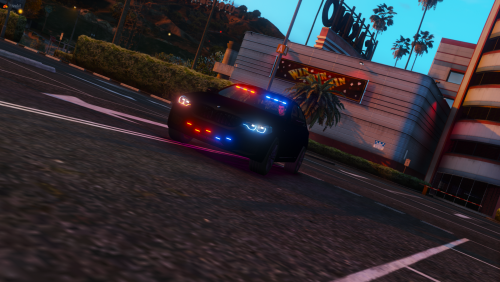 Love the car! -Everything perfect about it -The perfect amount of lights! .........but why this paint job??
 -
Hi Charlie, Yes i do. I recently reinstalled LSPDFR, ELS and then reloaded the cars and that seemed to work..... for now hahaha Thank you for your help tho! Really appreciated!
-
Hello, For some reason LSPDFR crashes if replace cars are uploaded to sheriff/2. -Everything works just fine, not sure what issue is. 😕
-
-
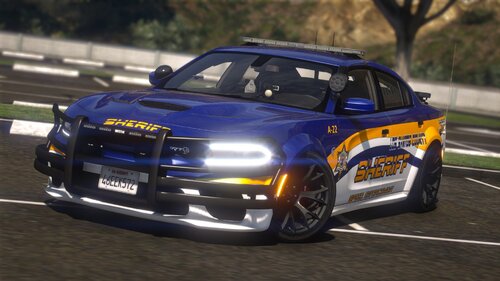 Hey @Big G 069, Thank you for the feedback. I saw Albos modding dlc just wasn't sure if it would do exactly what i'm looking to do. I got my fingers crossed for you man because this car pack you made was sick, just wish it would appear in the correct default slot. BTW LML is Lenny's Mod Loader
- 76 comments
- 6 reviews
-
 Wow, this looks amazing! great job all around! -Easy to install! Please continue to make it compatible with LML!
- 27 comments
- 15 reviews
-
-
 Wow, this looks amazing! great job all around! -Easy to install! Please continue to make it compatible with LML!
- 779 comments
- 187 reviews
-
-
Hi @Big G 069, Wow, this looks amazing! great job all around! -Easy to install! Please continue to make it compatible with LML! -The only thing, this is supposed to be for LSCS. For some reason, it removed all of the LSPD cars and changed them to LSCS cars😕 Any fix for this?
- 76 comments
- 6 reviews
-
-

- 1
-
-
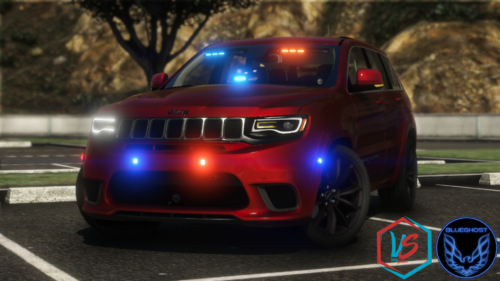 @BlueGhost Wow, everything on this car works amazing! great job all around! @LMS Thank you for making it compatible with LML!* extracted the file and then uploaded through LML! -Super easy! Thank you both!
- 19 comments
- 6 reviews
-
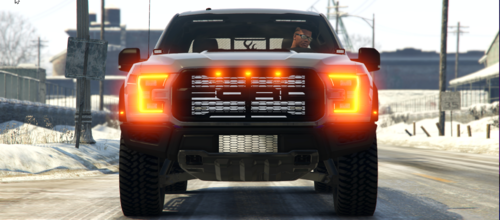 Wow, this looks amazing! great job all around! -Easy to install! Please continue to make it compatible with LML! -The only thing, No siren sound
 -
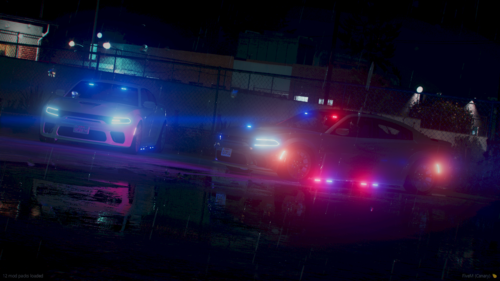 Wow, this looks amazing! great job all around! -Easy to install! Please continue to make it compatible with LML! -The only thing, No siren sound 😕
 -
 Wow, everything in this pack looks amazing! great job all around! -Was Easy to install! *Please continue to make it compatible with LML!*
- 2,346 comments
- 236 reviews
-
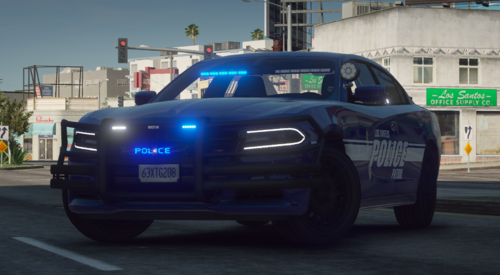 Yeah, Using the "Download with Mod Manager" Button Worked. Yes, excuse me, the Livery, I couldn't figure out how to get that changed or the message board.
 -
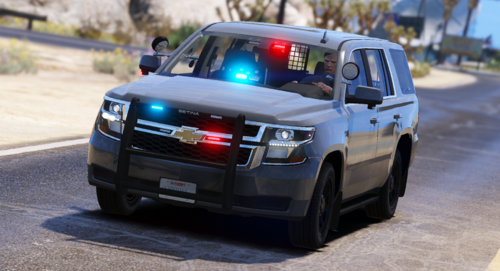 Wow, this looks amazing! great job all around! -Easy to install! Please continue to make it compatible with LML!
 -
Wow, this looks amazing! great job all around! -Easy to install! Please continue to make it compatible with LML! If possible, can you include instruction on how to change the decal (Still new to all this)
-