



braydenisdude
Members
-
Joined
-
Last visited
Everything posted by braydenisdude
-
-
.jpg.adff0db94cb4e89ed8b31e6e5c1f877d.jpg)
From the album: Lore Friendly / Vanilla Emergency Screenshots
-
-
.jpg.021225ec8cbb8685a8e9742d4e816128.jpg)
From the album: Lore Friendly / Vanilla Emergency Screenshots
-
.jpg.7c49c96e93156cfe85d53f81bba6e090.jpg)
From the album: Lore Friendly / Vanilla Emergency Screenshots
-
.jpg.379e037fc79301c367da514956734bf7.jpg)
From the album: Lore Friendly / Vanilla Emergency Screenshots
-
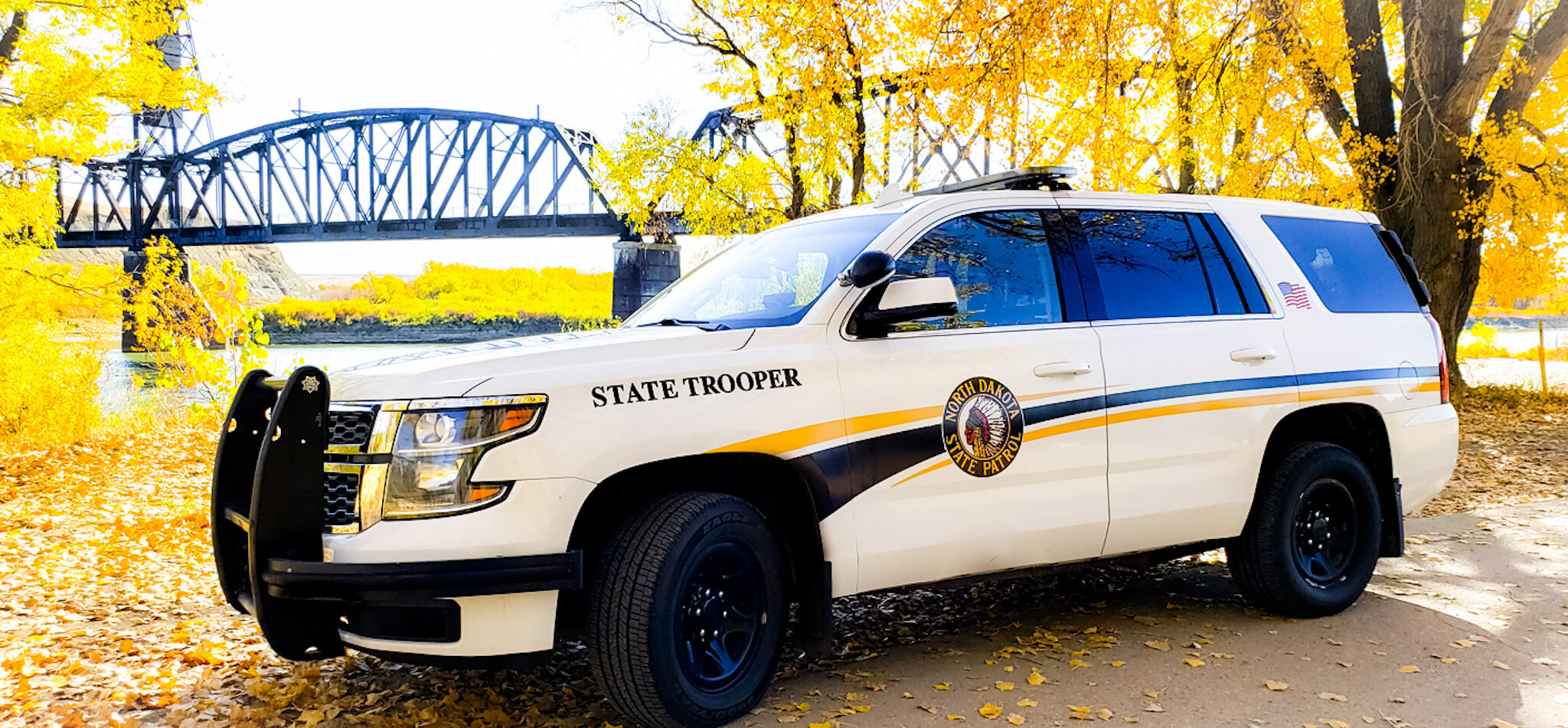
 No not really, I live in ND and Fargo is way way bigger, they won't replicate a little town to a big city.
- 15 comments
- 1 review
-
-
 The dev templated link does not work, it leads to "author deleted this page" or something.
 -
 Nice car in general, but the installation instructions are a bit funky, you would put the files inside the patchday vehicles.rpf inside the mods folder, otherwise great job and you should make more vapid staniers with other agencies.
 -
So I got a SAHP car pack and it had me put a vehicle.meta inside my update.rpf and stuff like that, as soon as it got compressed I started out as franklin and couldn't choose a agency and it was all blank, I rejoined and crashed upon joining.
-
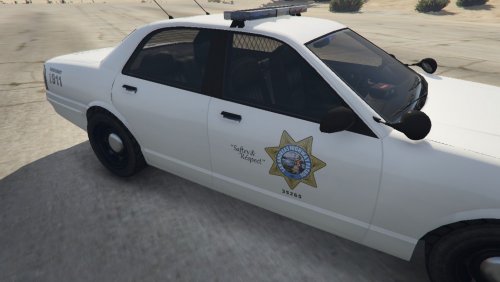
.thumb.png.10dadda019f2993a559807feaae3aa0e.png) God, this is so awesome as a livery! I've never heard of the LA County Police Department before, but now I have, pretty sweet! Especially when I'm switching to LA instead of LS.
God, this is so awesome as a livery! I've never heard of the LA County Police Department before, but now I have, pretty sweet! Especially when I'm switching to LA instead of LS.- 7 comments
- 1 review
-
-
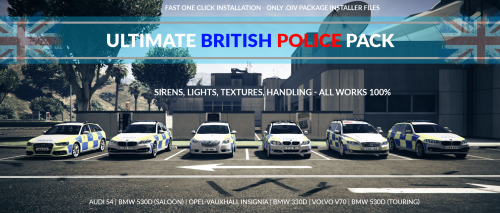 How do I uninstall this so the AI's police cars are not british anymore, please help
- 52 comments
- 22 reviews
-
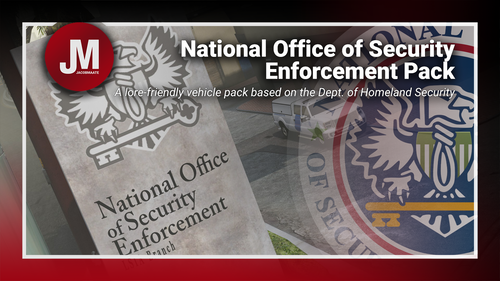 My game crashes every time I try to join LSPDFR ever since I got this pack can someone help?


.jpg.adff0db94cb4e89ed8b31e6e5c1f877d.jpg)
.jpg.021225ec8cbb8685a8e9742d4e816128.jpg)
.jpg.7c49c96e93156cfe85d53f81bba6e090.jpg)
.jpg.379e037fc79301c367da514956734bf7.jpg)


.thumb.png.10dadda019f2993a559807feaae3aa0e.png)

