Stompyrabbit
Members
-
Joined
-
Last visited
Everything posted by Stompyrabbit
-
-
-
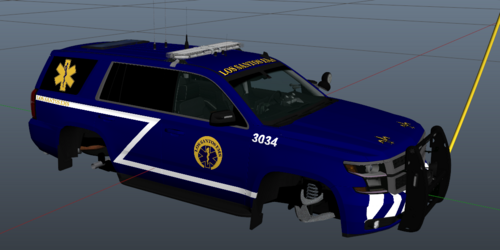 Los Santos Emergency Medical Services (LSEMS or Los Santos EMS) based on New Orleans Emergency Medical Services (NOEMS or New Orleans EMS), Sprint unit. Vehicle I used in the pictures: https://www.lcpdfr.com/downloads/gta5mods/vehiclemodels/34534-fivem-ready-2018-chevrolet-tahoe-fire-command/
 -
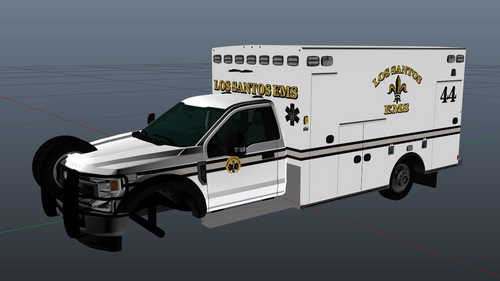 Los Santos Emergency Medical Services (LSEMS or Los Santos EMS) based on New Orleans Emergency Medical Services (NOEMS or New Orleans EMS). Ambulance is from Redsaint, 2021 5500 Truck.
 -
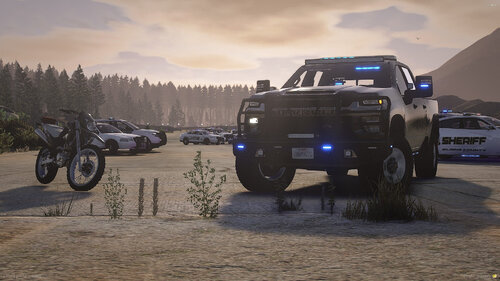 Is there a way you or someone can get us the correct template, please?
 -
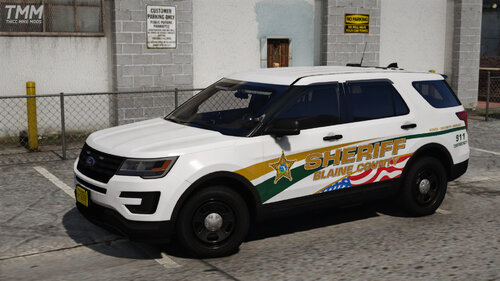 How did you get that American Flag like that on the door?
 -