EmporosThanatou
Members
-
Joined
-
Last visited
Everything posted by EmporosThanatou
-
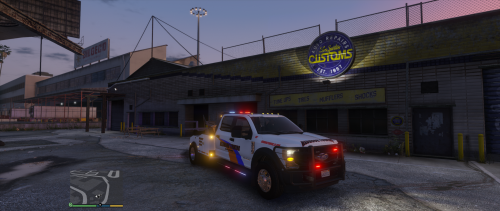 Late to the party, but what's the button to drop the arm. I love the mod. How do you move the wheel lift? I used this mod years ago and just reinstalled LSPDFR. I cannot remember what I pressed on keyboard or gamepad. Also, your Discord link does not work, still says invalid. DO you happen to remember what key press or gamepad button that was to move the wheel lift up/down? Thank you UPDATE: For anyone coming to this later on and gets stuck, use any script that you can to assign trunk open/close to drop/raise the wheel lift.
- 24 comments
- 1 review
-
 You, someone else, a collective. I don't know how many people worked on that part.
- 451 comments
- 50 reviews
-
Sorting the license plate textures seems a bit messy. Not sure why we couldn't of just retained the same plate01, plate02 formatting.. or at least do things in the same order?
- 451 comments
- 50 reviews
-
-
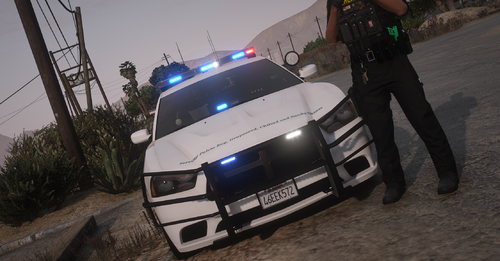 This was a great pack until I saw the license plate problem. Baked in license plates ruin it for me every time, especially when it's a mix of custom and default.
- 37 comments
- 4 reviews
-
Been noticing any time I turn on my amber lights, the AI moves out of the way as if I'm law enforcement. I've even done this without LSPDFR loaded in, they still stop and/or move to the side. It's also a non-ELS flatbed tow truck, which it seems like it thinks lights on = code 3.. for a tow truck. It also does not have any emergency flags in the vehicles.meta. Thank you for any help!
-
 Better than me.. I found it on a law insurance website. Most random thing I have ever seen when trying to figure out the default tow mechanics. I would absolutely love to see this get a county update one day. It still works years later, but there's no fun in the county. After years of using this along with the rollback flatbed script, I still have hope for a county update.
- 57 comments
- 4 reviews
-
-

- 1
-
-
 You can technically already do this if you modify the simplehud.ytd. Get the sign you want and replace the SpeedLimit.dds. If you venture this route, before making any changes, make duplicates/copies of files prior in case you want to re-use the US (lore friendly) sign. You will need Paint.NET to open DDS files.
- 556 comments
- 28 reviews
-
I sent you a friend request and I think I joined your Discord. I'll reload in to LSPDFR and see if it does it again. Disregard the menu not working. It's 100% functional, user error. I didn't know I had to accept the change lol, I kept toggling it left-right expecting it to do something, but pressing A on the gamepad changes as intended. As far as I can tell, 50mph on East Joshua Road in Sandy Shores. I think the Rockford Hills (Michael's house) side streets are 35mph? Your script has them at 45mph. Some are hard to tell, because they don't have proper road signs. It'd be great if someone did a map with all the speed limits lol. As for the screen size issue.. I hear ya. I tried adding transparent margin/space underneath the speed limit sign and while it bumped it up, it created a new issue with the numbers being off. Idk if that would be a usable quick fix, adding a larger bottom margin on the SpeedLimit.dds file?
- 556 comments
- 28 reviews
-
I can only imagine how crazy that is to literally move around the map to figure out street speeds. I only noticed because I passed a speed limit road sign on East Joshua Road in Sandy Shores that said 50mph. Not quite sure how Rage Show My Location gets the speed limits, but those seem to be a bit more accurate. I was going to change the JSON on my end, but I wasn't sure how to cross reference the numbering. I tried reloading scripts and using the menu, but the General and Speedo settings do nothing for me. 12-hour clock is an America thing, I apologize if you are not. It uses AM/PM instead of 14:00, it would display 2:00 PM. Not a big deal if it's not an easy thing to implement. Is it possible to get move options for speed limit and speedo? Currently, the speed limit sign covers the area on the map that tells me how far I am from a blip. I am sorry if I'm nitpicking, I really like your script. In fact, I plan on using it over PLD and RSML. The clean visuals is a lot better than what RSML ever did.
- 556 comments
- 28 reviews
-
What speed limits is SimpleHUD pulling from? That don't seem accurate, unless there's a setting somewhere I need to change? I'm on East Joshua Road, road sign says 50mph, yet SmipleHUD says 60mph. General and Speedo settings don't seem to do anything. I would love to see an option to change the clock to 12-hour (if possible) Questions: What are Primary and Secondary colors used for under General settings? What is the Speedo color setting, for exceeding speed limit? If yes, nothing happens for me. Outside of those, I really like it. Very clean and simple to get running. It fixes a lot of clutter on my HUD for when I run radar. Thank you so much.
- 556 comments
- 28 reviews
-
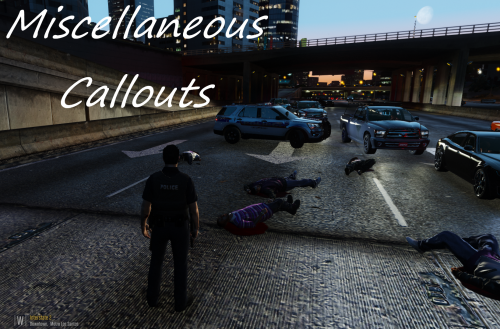 Arrest warrant callout did nothing. I tried the bar fight, which they auto generated in the middle of the street, suspect chased the victim down an alleyway. He tried to bail, got him in cuffs, then Stop-The-Ped stop responding and the suspect began walking away while handcuffed. I was able to call for backup for police transport and they were able to haul him away. I could only knock him down while running, he wouldn't respond to STP, just kept walking away.
- 68 comments
- 21 reviews
-
-
- 1
-
-
-
Not sure if this callout works anymore? As soon as I accept a call, it says code 2 and the bleep disappears.
- 15 comments
- 12 reviews
-
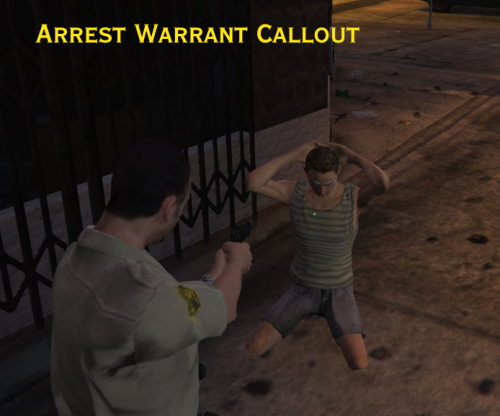 I really wish this callout would get updated. It sounds great and seems different. I have a lot of callouts that seem to do the same scripted things, surprisingly arrest warrants aren't very common.
- 156 comments
- 19 reviews
-
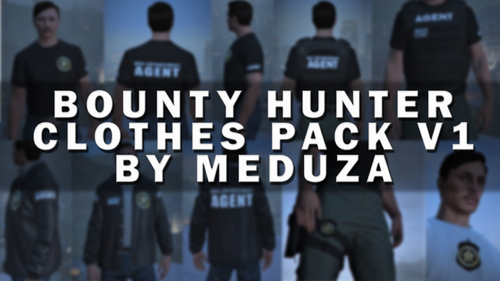 Same. I can basically everything else, except for the vest.
 -
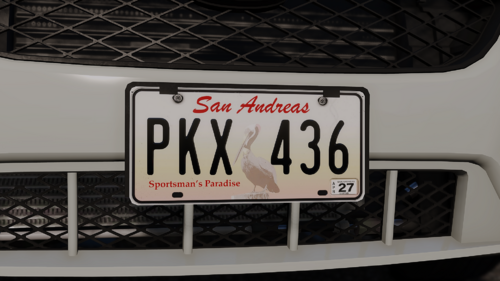 Go in to the vehshare and change one of the other license plates to another style. I use the Florida plate and changed every plate to different style Florida plates. Also, changed to only one exempt, since some civ vehicles were showing up as county exempt. I could have changed what plates appear for those vehicles, but I didn't want to make a ton of changes on multiple files.
 -
Also, if your vehicle keeps on flipping with those.. check this post out. https://forums.gta5-mods.com/topic/20553/modded-car-rolling-when-turning
-
Easiest method is to find what car GTAV already has in the base game that's your sheriff2 and add that as your handling. You can create a new one as Gelse16 said, but it can be messy if you don't fully know what you're doing. Fastest and easiest approach is to just match the base emergency vehicles. Take a peek in the vehicles.meta and handling.meta to see what they're all using. I think the base models use SHERIFF, FBI, FBI2, POLICE, POLICE2, POLICE3 and PRANGER. Also, make backups/copies of everything before you dabble.
-
Yeah, it takes a while to understand where to put stuff correctly. I had difficulty with changing AI default uniforms, especially in the county and troopers. If I recall, I think I tried to change mine in more important plugins that I would call for backup, transports, emergency vehicles, etc from.. off the top of my head Ultimate Backup or Stop The Ped.
-
Cloud save? Use Google Drive, OneDrive, etc to only backup specific files/directories. I personally cloud save important stuff, but I also have a backup drive that I save to as well. I have Windows 10 and use a program called "SyncToy". It works basically like a cloud drive, you can select specific folders just like the others and use some basic Windows task scheduling to run it however frequently you want to. I personally do it over night like most updates. SyncToy's 3 modes: Synchronize. Syncs your drive and backup on both ends. Echo. Changes are left-to-right. Don't change anything on the backup (right) drive. Contribute. Like echo, makes changes left-to-right. Only difference is that your backup files/folders cannot be deleted. It's useful for teams/groups, so no one can accidentally delete something or override another person.
-
I noticed that only the base emergency vehicles can do traffic stops and the AI moves out of their way in pursuits. All my add-on vehicles have the appropriate flags and vehicle type <flags>FLAG_LAW_ENFORCEMENT FLAG_EMERGENCY_SERVICE FLAG_DONT_SPAWN_IN_CARGEN FLAG_IS_OFFROAD_VEHICLE FLAG_HAS_INTERIOR_EXTRAS FLAG_REPORT_CRIME_IF_STANDING_ON</flags> <type>VEHICLE_TYPE_CAR</type> It's something ignoring any add-on emergency vehicles? ELS works fine, AI just ignores pullover blips and code 3 responses. I have also copy/pasted working vehicles and renamed them in vehicles.meta. Everything else works great for the vehicles, except for any interaction with the AI. From what I recall, these would be traffic flow and ped/vehicle interaction plugins and mods I run:
-
 What would I need to change for add-on emergency vehicles? It seems to register fine for the base game models (police1-3, sheriff-2, pranger, etc). AI dodges out of the way for those as expected, but they do not move for new vehicles I added like sheriff3, pranger2, etc. Not sure if this is a problem with this plugin or ClearTheWayV.
- 366 comments
- 32 reviews
-
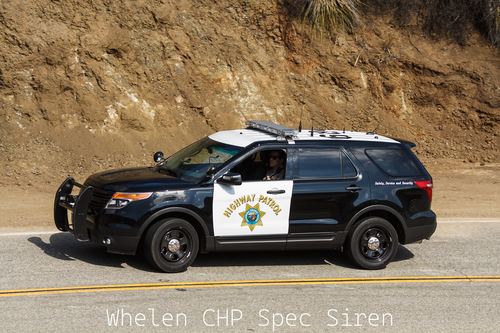 In OpenIV, where is the folder for this? I've tried changing the ../mods/x64/audio/sfx/RESIDENT.rpf/vehicles.awc in the past (indicator sounds) and it breaks the some sounds for me. It plays it fine in OpenIV, but not in LSPDFR. Other sounds that go mute are horns and sirens until I drag/drop the backup vehicles.awc file. Not sure if it's an OpenIV issue when you repack and import openFormats back to the folder. If there's a new/different folder for vehicles.awc, I would love to know.
- 8 comments
- 1 review