Br0l15
Members
-
Joined
-
Last visited
Everything posted by Br0l15
-
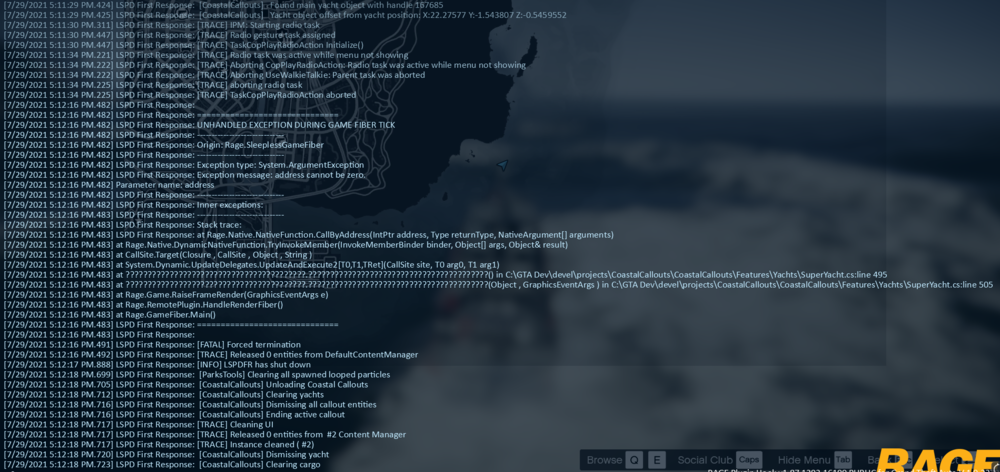
What were you doing when the crash/bug occurred? Responding to an yacht fire call. And once I got about 200 meters to the yacht, LSPDFR crashed, but the game didn't. It crashes when responding with a boat and with a helicopter. Did the game crash to desktop, or did the plugin crash? The LSPDFR plugin crashed. Does the same crash or bug happen consistently? If so, describe the steps to reproduce the issue. Yes, it happens every time I respond to the call. No matter if I warp to the call and if I don't. Upload a copy of RagePluginHook.log from your main GTA V folder. Upload any relevant in-game screenshots. Additional Video: (Note video taken from a separate playthrough than the log files attached) https://streamable.com/ef94fh Another note: All other callouts seem to work fine. RagePluginHook.log