We're performing changes on the site and things may be unstable. We'll remove this notice when we're done. Thanks for your patience.

Crip Developments
Members
-
Joined
-
Last visited
Everything posted by Crip Developments
-
-
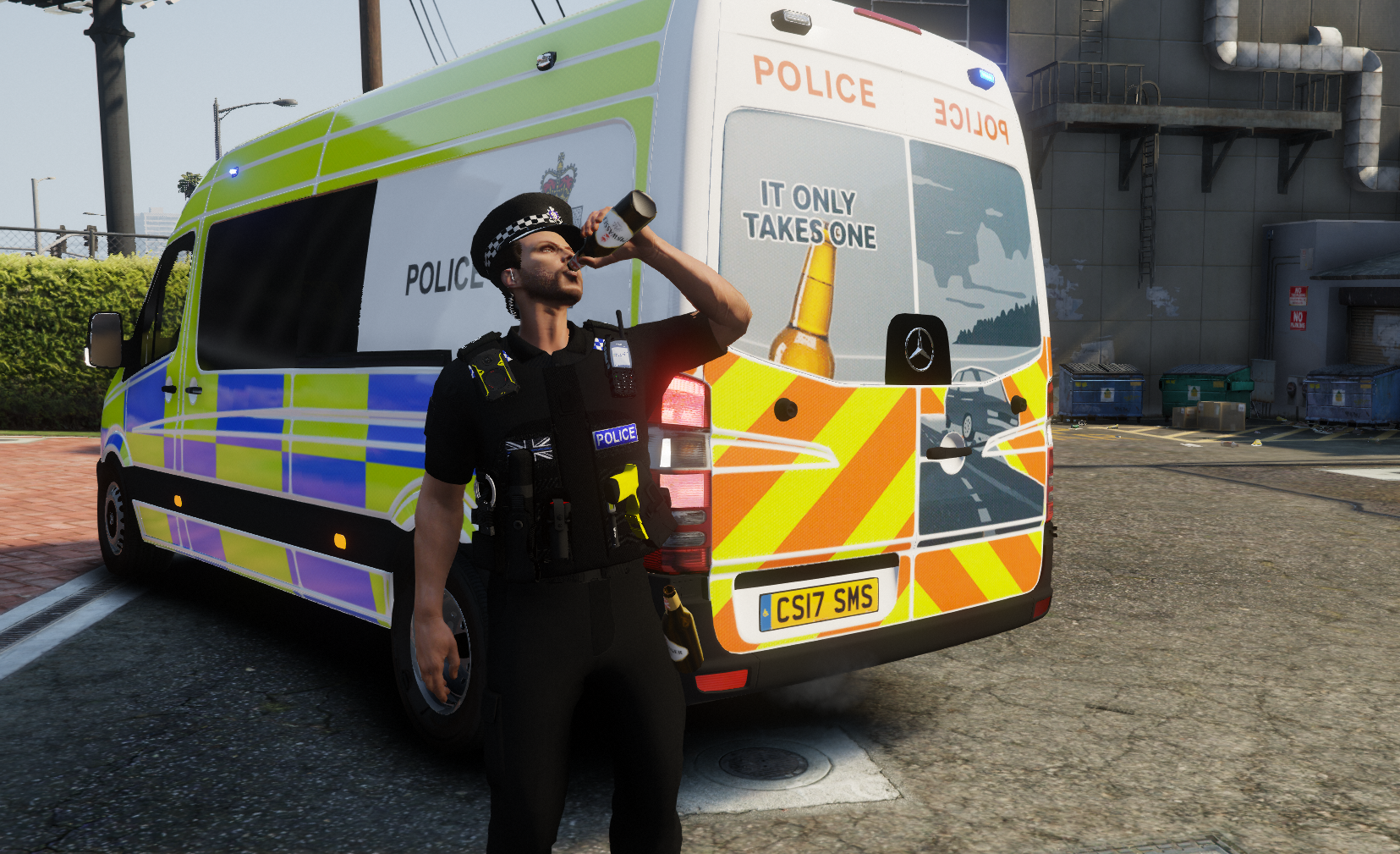
 Are the belts included or are they paid separately
 -
 Yea you can get any ELS xml and rename it
 -
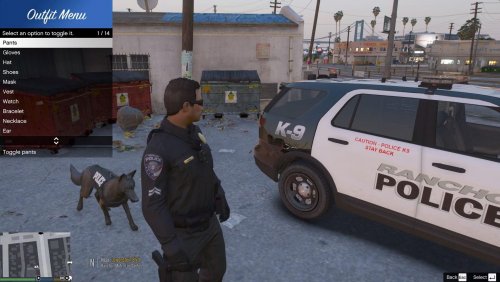
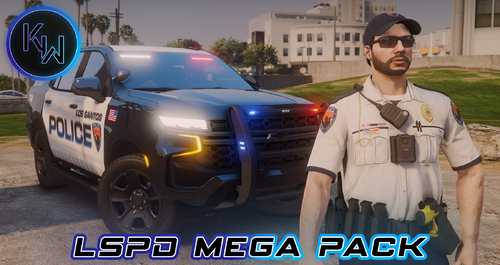
 does it come with the belt as shown in the screenshots
 -
-
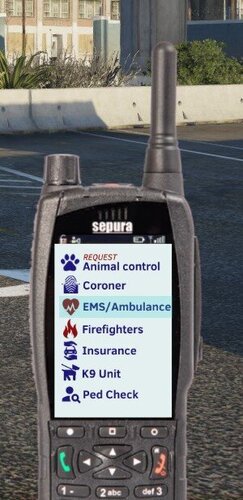 Made my game 10 times better and more realistic only thing is the keyboard could be extended / finished (If possible) so we could have it higher on screen
- 1 comment
- 2 reviews
-
-
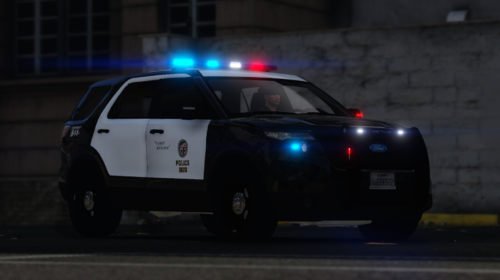 The seal on the doors can I change them to be LSPD?
 -
 I have an issue where I have no audio playing for the intro / outro and the on screen radio
- 1,366 comments
- 88 reviews
-
Can I please edit the seal on the side of this explorer and the vic?
-
-
-
-
-
-
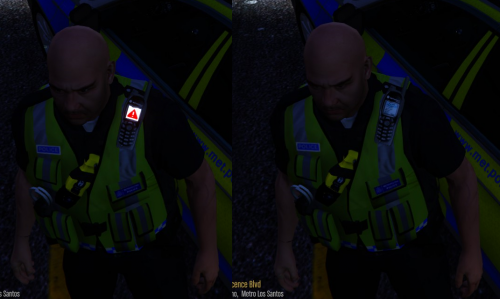 love this mod
 -
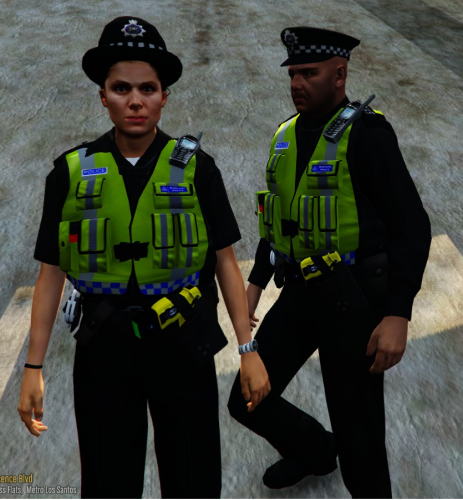 How do i get the taser and handcuffs like the one in the screenshot? (in the vest)
- 53 comments
- 13 reviews
-
-
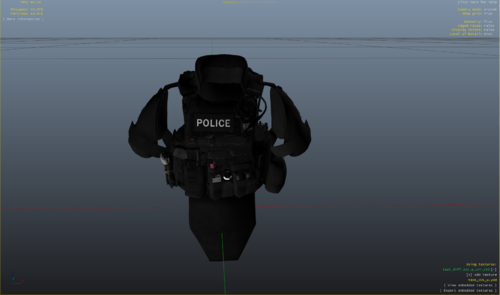 do you need EUP for this?
 -
-