
dept.jones
Members
-
Joined
-
Last visited
Everything posted by dept.jones
-
-
 It's fine
 -
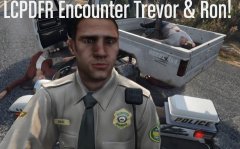
Its lspdf not lcpdfr.
-
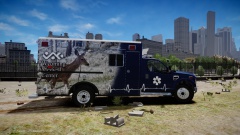 Are you planning on releasing these I like them!
 -
-
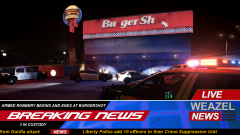 Did someone die from a "Gorilla attack"? lol
 -
 Homicide detective's are being debriefed on the days tasks.
 -
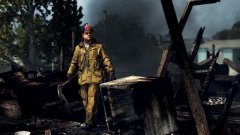 A Los Angeles County Fire Fighter does the final clean-up on what turned out to be the work of an arsonist.
 -
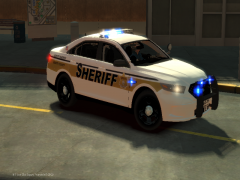 I see you like my home county's sheriff design. I like the little twist on it with liberty instead of Columbia.
 -
 Officer Cole Philips interrogates a suspect in the murder of a unarmed man.
 -
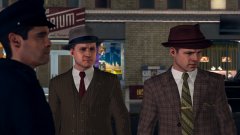 That's right !
 -
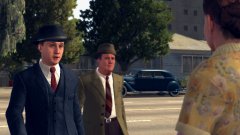 Detective Cole Phelps is flagged down by a helpful citizen who may have clues to the murder of a defenseless housewife.
 -
Traffic officer Cole Phelps and Stefan Bekowsky arrive on scene of a gruesome hit and run witch turned out to be a murder case.
-
 Me to.. haha
 -
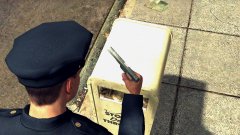
Officer Cole Philips badge number 1247 find a clue to the murder of Evert Gauge who was gunned down in the street.
-
Ok I will give it a go.
-
LCPDFR 1.1 Trainer 65 ELS V8.5 (R-001) Whelen 295SL100 Siren Pack 1.0 Thats it.
-
Ok sorry to bother again but now i have the other things fixed but now the black screen were it tells you about the game never goes away it just stays there?
-
Thank god they worked ! thank you for all the help!
-
I will try the second since i have a Alienware 14.
-
Ok so now the game works, but there is a graphics restriction and the game is in a weird aspect ratio. Any way to fix it ?
-
I will test it now.
-
Here is a list of mods I installed. LCPDFR 0.95 RC2 ELS V8.5 (R-001) And that's it but I still get the infinite loading screen glitch.
-
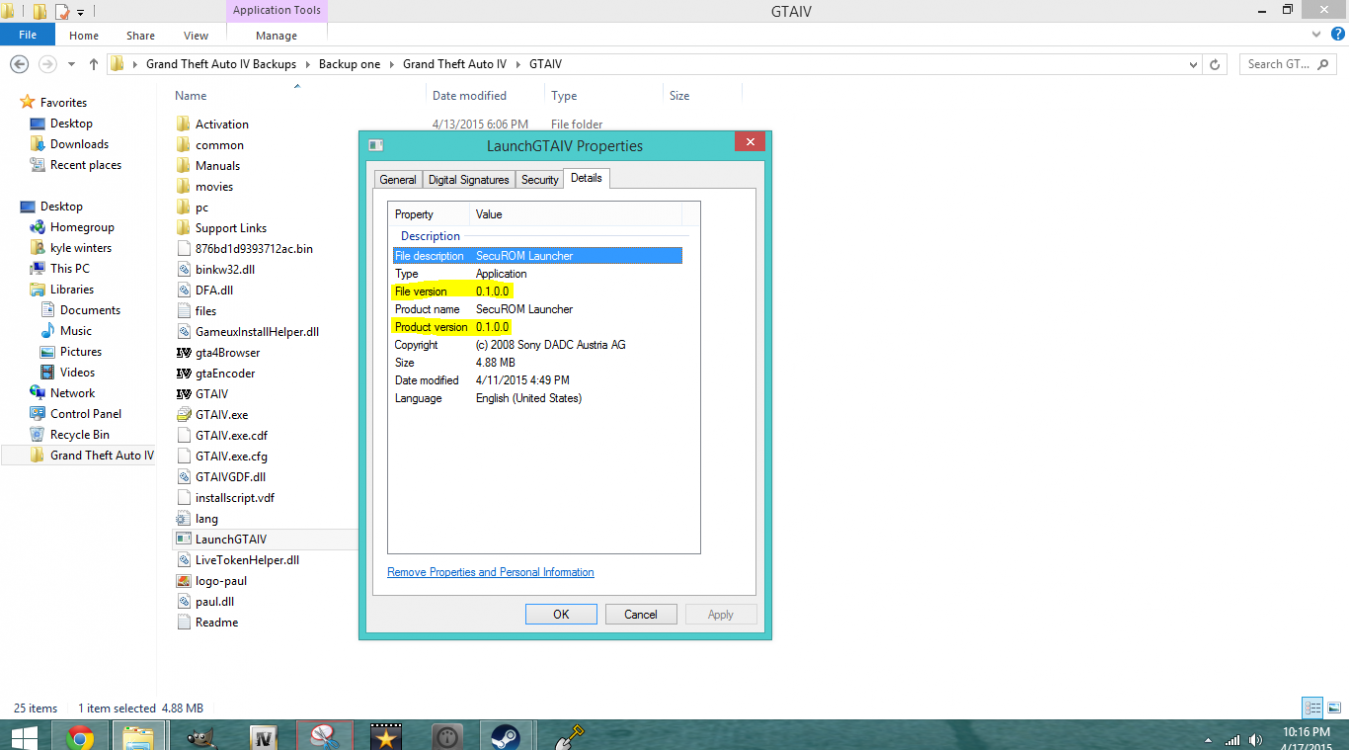
Hello everyone i just recently installed my GTA IV and when i installed some mods the game gave me the infinite loading screen glitch. The reason why is probably because the game version is 0.1.0.0 not 1.7.0.0(the picture is my backup file but its like that on all of the files.) So if any one has help i need it !
-
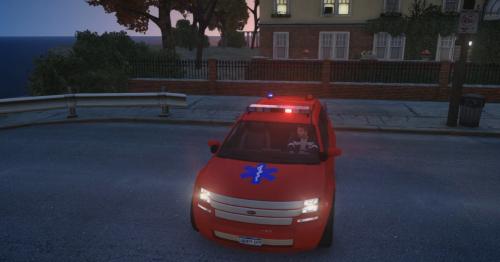 Change the rims and you have a nice car there !