
Marc1407
Members
-
Joined
-
Last visited
Everything posted by Marc1407
-
-
-
I dont know why but my belts I have installed are shining... But why it does that? That is the belt I wear in the screenshot: https://www.lcpdfr.com/downloads/gta5mods/character/29182-chp-style-duty-belt-eup/
.thumb.png.6a03061092d8efafffa456165873698a.png)
-
-
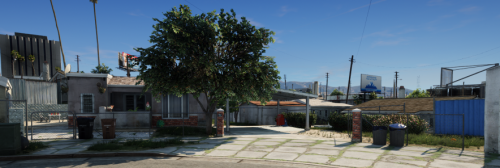 Looks very nice 🙂
 -
You have to uninstall EUP so EUP cant load any uniforms into the game.
-
Try to install RageNativUI. Or start RPH, click on the settings symbol, then on Plugins and then press "Uncheck all" after that click on "Don´t load any plugins on startup". Then Save and launch.
-
Try to install this when youre using EUP and Ultimate backup. This solved the problem for me
-
Try to update your RagePluginHook.
-
When you try to launch LSPDFR, what error comes up?
-
The first thing you can try is to update RageNativUI. Then install PoliceSmartRadio. Your mod you have install named Automatic Roadblocks needs this plugin in order to launch. When this doesn´t work rename your mods folder to _mods. When you can start lspdfr with that you have to install your whole mods folder again. Good luck 🙂
-
-
-
.png.db4be2d723f95ed58f6e342441843f18.thumb.png.0f169373b147f1c5a5ce45f8a9a49c88.png) Works and looks great! I think if you could do a version without this gate it would be better 🙂
Works and looks great! I think if you could do a version without this gate it would be better 🙂- 1 comment
- 1 review
-
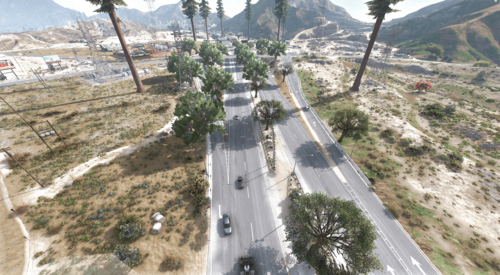 Absolutely great!
 -
.thumb.png.019a5ec83cdef4de09bce2920b40614e.png) Looks great!
Looks great! -
.thumb.png.dfdac5d6c2364be49a7e0977ac8e78eb.png) Because many people asked. Here is a picture how it would look like when a callout comes in:
Because many people asked. Here is a picture how it would look like when a callout comes in: -
Hello Benzo. For me the PLD is behind the callout notification so you can read without any problems. Edit: I just added new screenshots to the file. Now you can see it works without any problems 🙂 Hi, thanks for your comment. For me the PLD is behind the callout notification wich means you can read it without any problems.
-
Yes it is. But for some people it may be easier to just drag and drop the new file inside your directory instead of spending much time on trying to find a good postition for PLD.
-
I recently got tired of the PLD being over the text when i talk to people in callots. So I decided to place my PLD on top of the minimap wich means it´s not in the way anymore. I hope this can help you if you have the same Problem 😀
-
Everytime I try to upload a file and press on "safe & upload file" it just doesnt do anything... It just refreshes the side... I tryed it multiple times and always the same result. Can someone pls help me? Edit: I dont know why but the problem fixed itself.
-
-
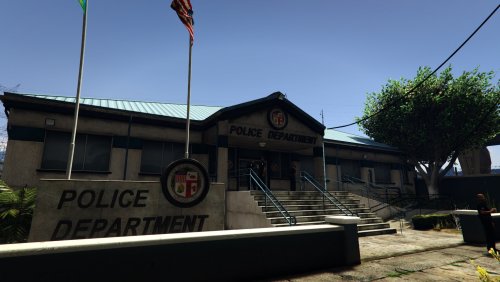 FINALLY!!! I gave only 4 stars because its really "hard" to install it correctly... It would be muuuuuch better when you make a .oiv file 🙂
- 59 comments
- 8 reviews
-
Im sorry but i dont know what you mean with "change the base hair mesh"... Could you send me a video or something like that? I really appreciate that you are trying to help me!
-

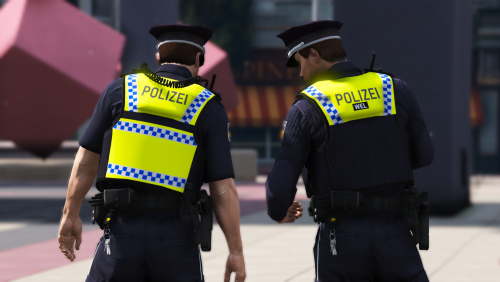
.png.96a5aacb6f7ed135593b54f5b155e84a.png)
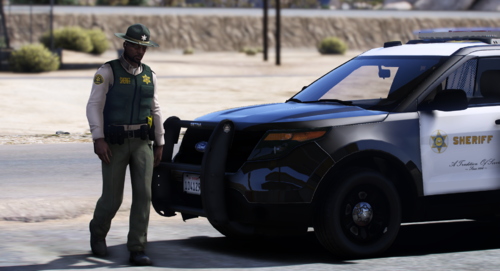

.thumb.png.2e1482d3e8d6427dc9a9683d65b30b08.png)
.png.db4be2d723f95ed58f6e342441843f18.thumb.png.0f169373b147f1c5a5ce45f8a9a49c88.png)
.thumb.png.019a5ec83cdef4de09bce2920b40614e.png)
.thumb.png.dfdac5d6c2364be49a7e0977ac8e78eb.png)