



OfficerD1ck
Members
-
Joined
-
Last visited
Everything posted by OfficerD1ck
-
thanks again charlie. though it was mostly a conversation rather than a mystery for me, cuz I used to play on a low-end pc and now I have a fairly high-end one. 16GB ram and RTX3050 are killing it for me and yet it's satisfying to see how fast the modders pushing their boundaries that some mods even challenge high-end rigs to cough a bit for a game decade of age. anyway, good suggestions as always. I'm gonna try 'em out. you rock dude 😉👍
-
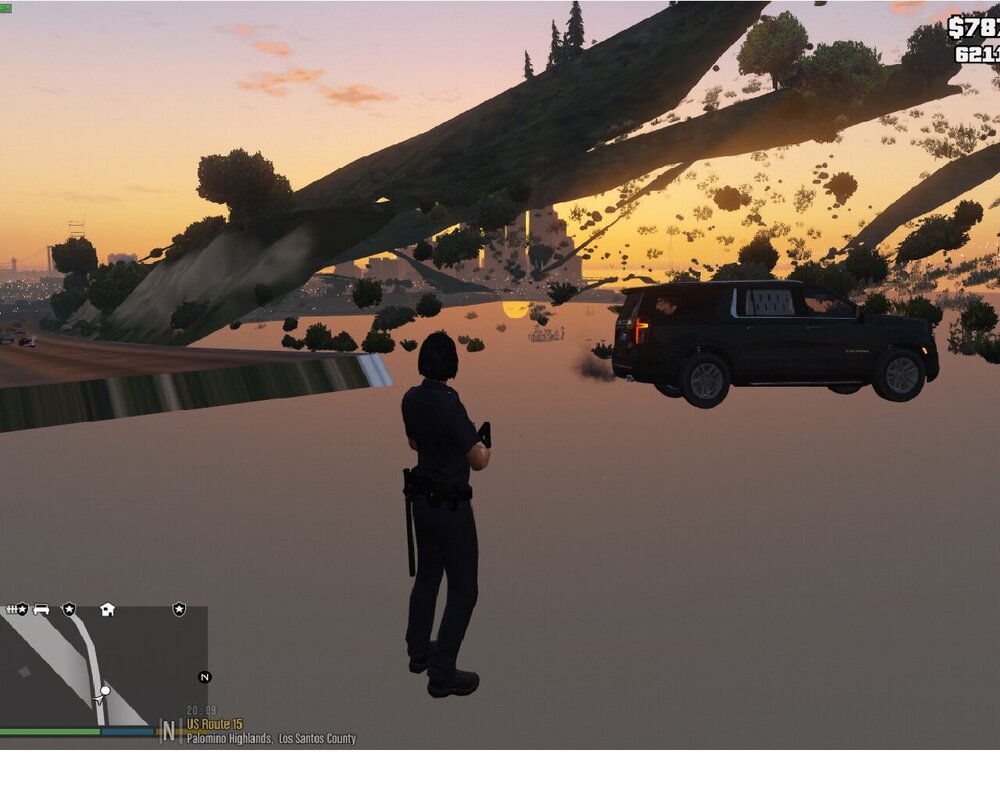
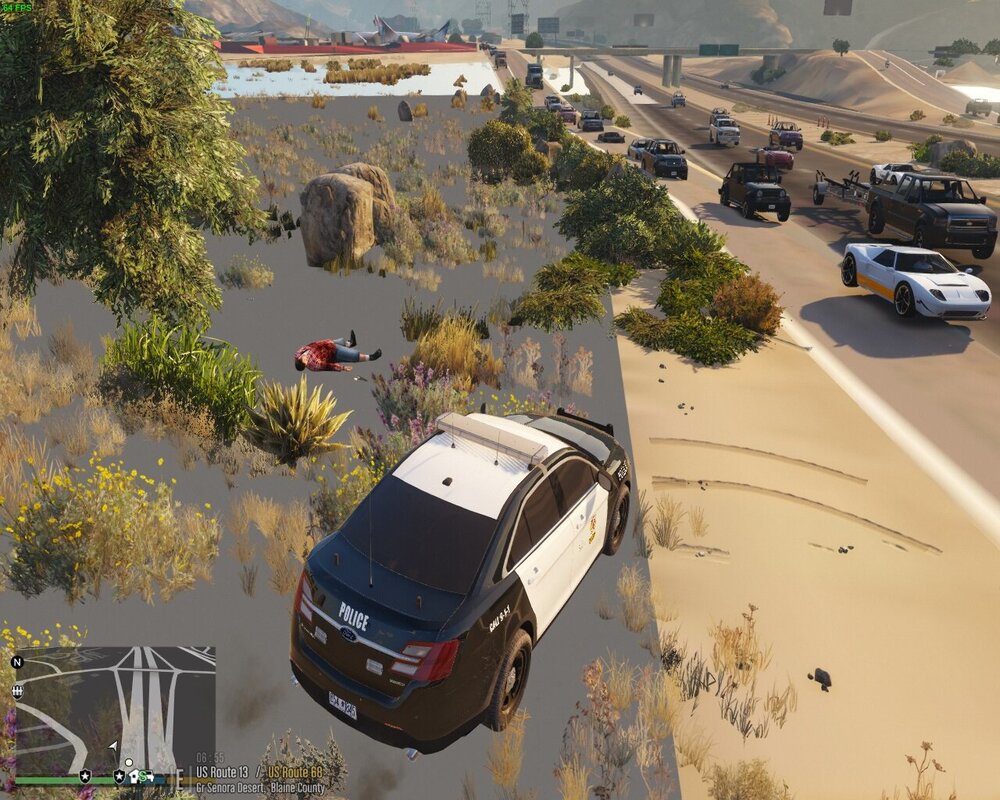
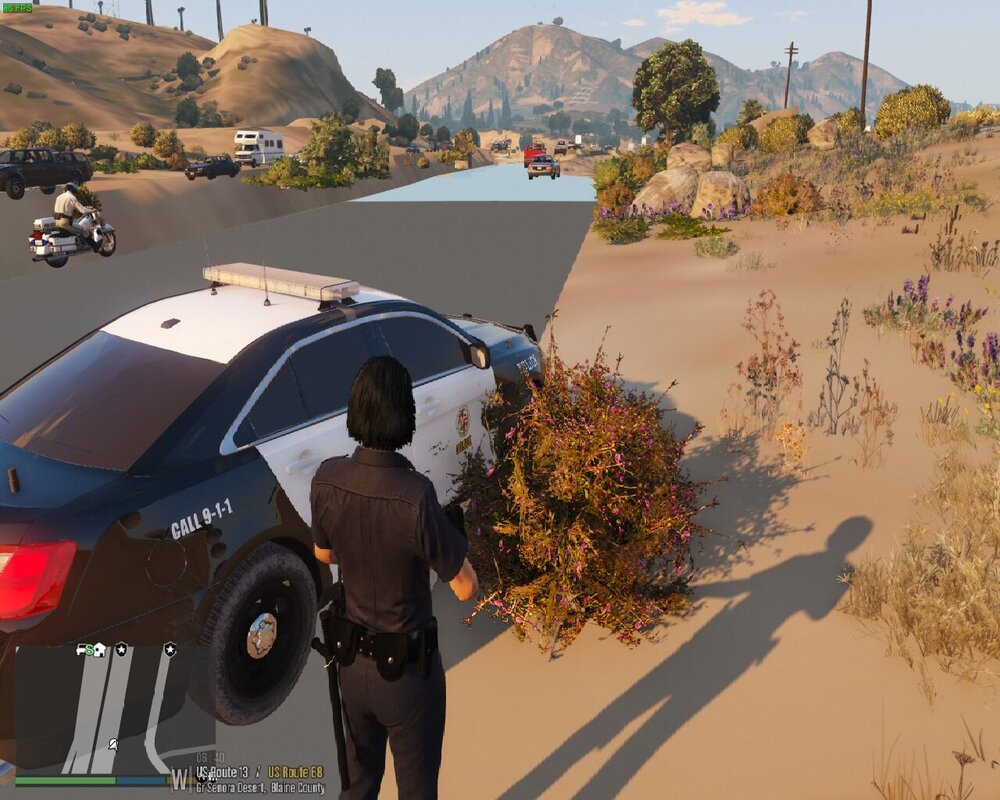
can you guys see the picture and tell me what is the reason? since it happened after I installed blueGhost's unmarked mega pack and this pack is so huge and heavy (which by the way is the best pack I used until now by FAR, big shout to @BlueGhost, job well-done dude) I suspect it caused the problem!?!?! after testing two vehicles game failed to load textures.
-
ok it seems that you missed to put the scripthookv in the game directory. download and put the scripthookv in the main directory and you should be good. 😉 here is the link: http://www.dev-c.com/files/ScriptHookV_1.0.2845.0.zip copy every file from the zip to the main directory.
-
hey there it really depends on what you looking for and what you want to add to your game. callouts, visuals, cars, scripts to add functions... let me know and I will give you some add-ons that I tested to enjoy.
-
JESUS !!!! are you guys all serious?!?!? the answer is " no you don't" using OPENIV app gives you the option to only edit game files copied to the mod folder and each time you try to edit a game file it asks you to copy the file to the mod folder first and then lets you edit the file. so this way you don't have to waste disk size. and if you can't remember which files in the directory are the original ones, you can simply take screenshots from the clean version of main directory and save them somewhere safe for later use. and don't worry. you don't have to do this for subfolders since you only adding files in there or editing files in mods folder. hope it was useful
-
hey there. I just managed to solve my problem with els 10 minutes ago so I feel confident right now 🙂 can you attach your ELS log file? it's ELS.log file in your game directory. and to be sure, does the ELS control panel show up in the game?
-
thanks to the good request of @Charlie686, and checking the log file, I removed all the VCF files and copy/pasted the default file provided in ELS version for all my vehicles since all of them seemed to be faulty for some odd reason and it worked out. I didn't know that game is so sensitive to ELS mod. The game loaded perfectly and all I have to do now is edit all my VCF files manually which looks dumb and I feel lazy about it. 😐🤨🙄 thank you again @Charlie686! 🥰💖
-
well, here you go. I read the file and I noticed this line: "Parsing file. *A crash before all clear indicates faulty VCF.*" it's a bit weird cuz they worked fine before with the same ELS version. ELS.log you can check the file now. thank you ELS.log
-
well hello guys sorry if I posted in the wrong place, let's get into it. I tried to set gta v up after some time with the mods I used to use. so I installed all of them like before. surprisingly the game crashed. many times as a matter of fact. so I dug the whole game directory up and came to the conclusion that I can't use scripthookv and advancedhookv together like before. and it's a dealbreaker of course. why? cuz we do need both of them for ELS to work! so I tried the game with each of them separately and it worked both times, but together, no joy. now the question is "what am I missing here?". BC they worked fine before. I tried reinstalling, double-checking to stay up to date, and so on. and yet when I use them at the same time game keeps crashing in loading without any errors and notifications. And of course I tried heapadjuster and gameconfig and packfilelimit adjuster to make it work. i appreciate the help in advance.
-
there u go buddy RagePluginHook.log here u go buddy RagePluginHook.log
-
hello im not sure if its the right place to post it but since i saw similar topic im posting it here. so i added some new cars , made changes to carvariation , handling , vehicle.meta and installed gameconfig and limitadjuster to my working GTA V. and as u may guessed it , it started to crash at loading screen after some 20sec or so. i deleted changes from mod folder(carvariation ,meta ,limitadjuster) to reverse but no chance. i know that maybe i should revert other files too , but i wanna know what is exactly the issue. maybe i can learn about modifying my game and the order of files and know which files can cause crash and which wont. so im leaving my crash report and appreciate the help in advance. https://file.io/Ncux8oOljxAy




