


Speeders
Members
-
Joined
-
Last visited
Everything posted by Speeders
-
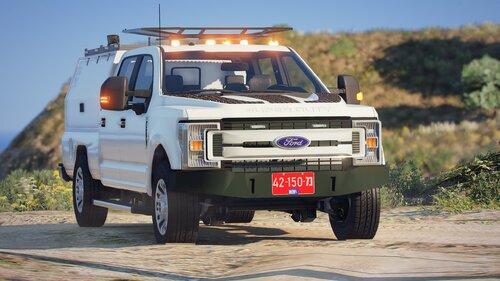 This is not your Dev model The f250/f350 was made by razer fix your credits
 -
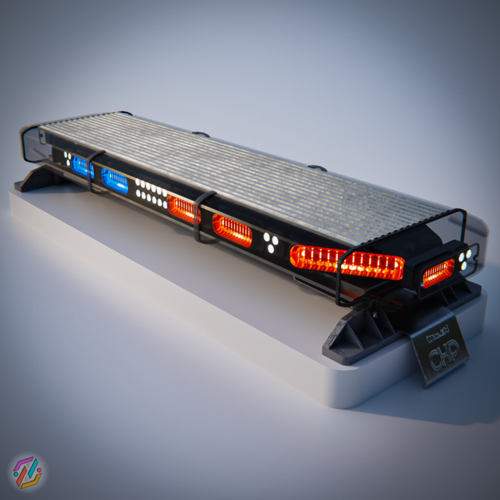 Good model but can you use a better EMIS?
 -
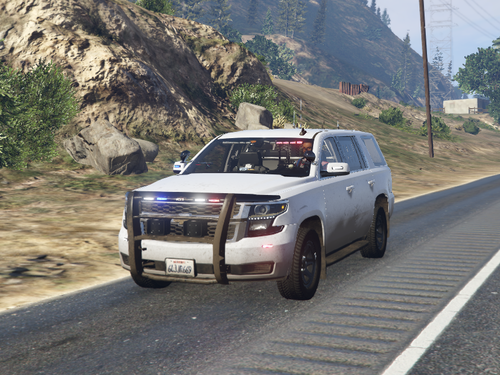 whos base model?
 -
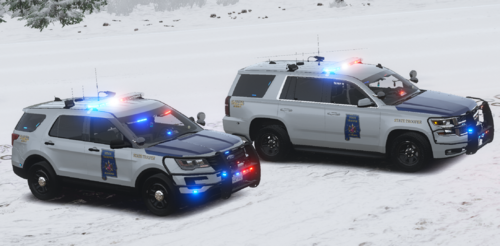 your arguing with one the best Modelers there are in the GTA5 And GTA4 Community.
 -
Can i please have the z3d i would love to finish this
-
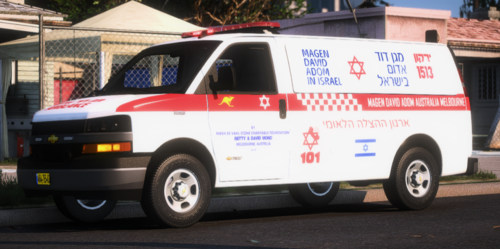 Thank you do you also have a window template
 -
Template?
-
-
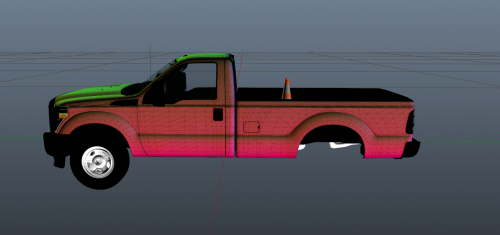 Credits: Whelen Ion: StraightGlitcheZ - Bed Accessories: Cones: LixLyte - Med Bag :Blackcloud Modifaction - MSA Air Tanks: Night Rider - F250 Dev Model: JackTheDev Discord: https://discord.gg/uKye24yugU - This is my first release on LCPDFR! This vehicle is intended for Fire / Rescue POV You can open the YTD in open IV and grab the PNG of the Ion and change the light color in whatever photo editing software that you use!


