


AlexMtl718
Members
-
Joined
-
Last visited
Everything posted by AlexMtl718
-
-
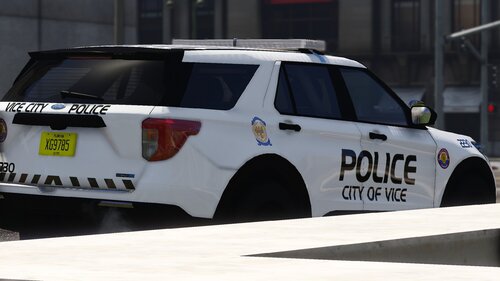 Thanks!
 -
Nice pack! Do you have the the templates for the explorer?
-
-
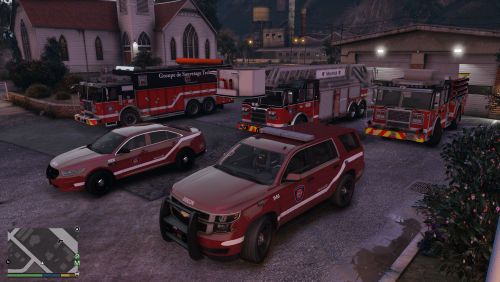 Clarendon Black BT, c'est cque j'utilise pour mes skins (privé) et c'est aussi la police officielle utilisée. (j'espère que ça peut toujours t'être utile si jamais)
- 13 comments
- 1 review
-
-

- 1
-
-
@Reddington I tried multiples times in multiples DLC's and it still wont work.... I uploaded the carvariations file for the car I previously send, in case you may find a syntax error I ddnt see. carvariations.meta
-
@Reddington Just to make sure, in which carvariations.meta should I put the lines if my .yft .ytd models are in patchday24? Can I just create a new carvariations.meta inside patchday24 or should I put the lines in another dlcpack?
-
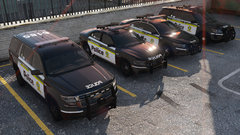 Criss qu'y sont beau ces chars là man! Vrm hâte que ça devienne public!
 -
I added the flag but it didn't changed (carvariations was alredy at siren=1) . I'm starting to think it may be a plugin confict of some sort. I dont have many plugins, only StopthePed, UltimateBackup and CompuLite, all from Bejoijo. Do you think it could be related to those plugins? **Update**; I tried to simply copy sheriff2 .meta files and change the name but it dosent changed anything
-
Yoo! So I have an issue with my new addon vehicules, the game dont recognize it as police cars, peds dont move over and I cant perform a traffic stop on someone. I included the vehicules.meta file of one of em. Do someone have an idea of what's the problem? I am very familiar to work with XML and meta files, but I still dont undertsand what I did wrong 😅 vehicles.meta


