NPDEXPLORER6178
Members
-
Joined
-
Last visited
Everything posted by NPDEXPLORER6178
-
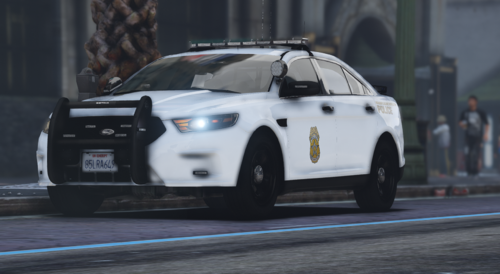 The line is right under the window, there is also thin lines in the doors. It is all marked in red. also badghe needs to be higher, after that it will be perfect.
 -
You forgot the pinstripe
-
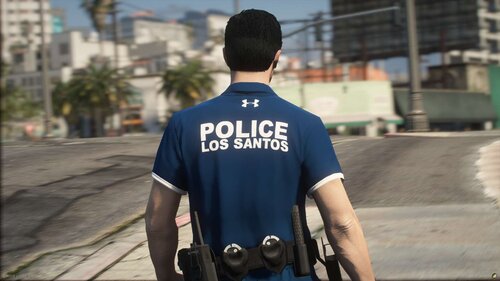 stinky
 -
-
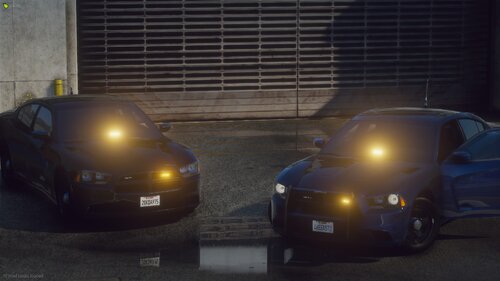 This is the best free one, GM's 14' Charger is still the best but only if you have the money to buy it
 -
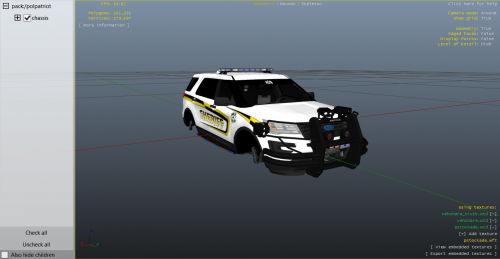 holy fucking ALPRs
 -
-
-
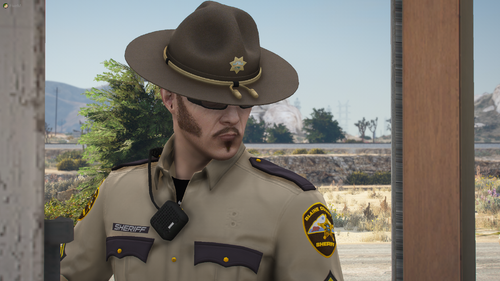 Who's Campaign hat is pictured? it looks really nice!
 -
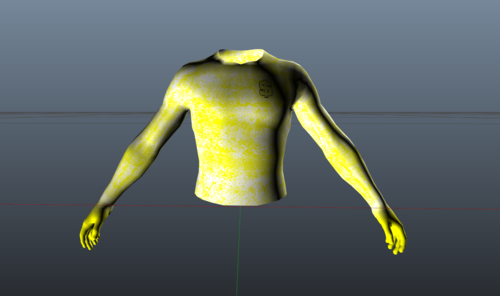 wtf
wtf -
-
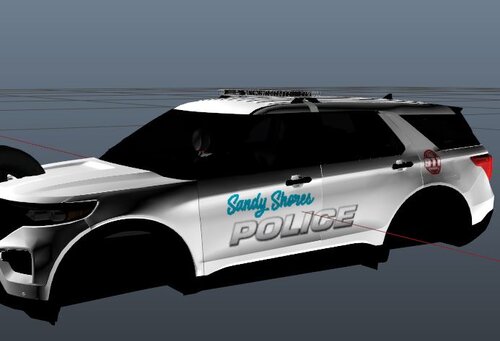 Could you provide templates please?
 -
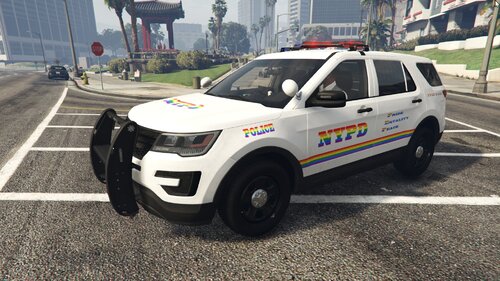 Ill let this picture speak for itself.
 -
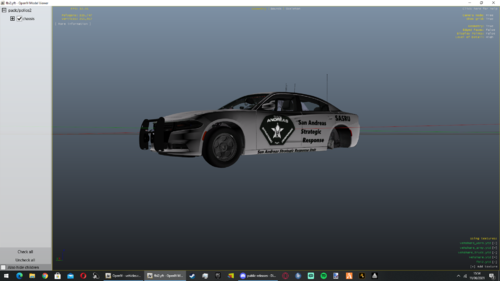 Your logo is a bit large
 -
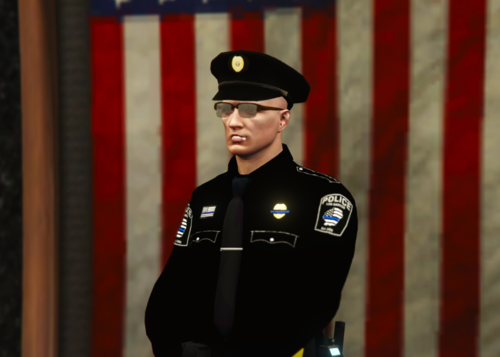 Could you re-do without the Paint Bucket black? DM Me on discord if you got any questions about what black or what not | NPDEXPLORER6178#1826
 -
-
-
-
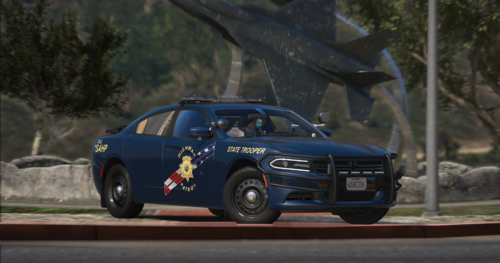 Looks Good!

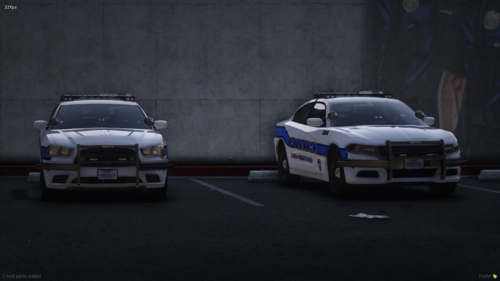

.thumb.png.57effd39ebaf5050d7a5608b64d64e35.png)
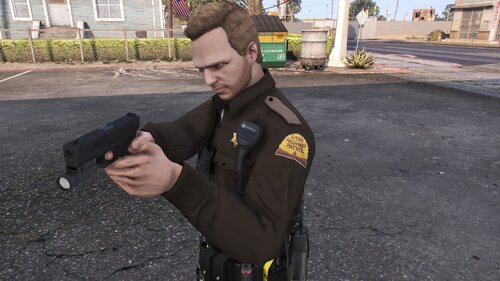

.thumb.jpg.182dedb1a55dea252c1853d35d4d1e3c.jpg)