ZentoHere
Members
-
Joined
-
Last visited
Everything posted by ZentoHere
-
Sup, 1 delete your mod folder and EUP in your plugins folder, 2 Recrate a mods folder using OpenIV 3 Redownload EUP Menu and Law&order 4 Then put eup menu in your plugin folder 5 Put the preset ouftit from law and order to your plugins folder 6 Install law and order using the auto package oiv
-
Hello, do you got an lspdfr plugin named CrimesManager in your game ?
-
Sorry i dont have any more idea maybe wait other people can help you
-
Uninstall lspdfr and rage hook and do the manual installation of lspdfr and put the new version of rage hook RAGE Plugin Hook
-
Can i get a screen of your game folder please ?
-
Launch gta V normally when the game is fully loaded launch gta rage hook
-
Disable this callout
-
Game close /freeze and dont respond / or close and get a rage crash report ?
-
Any other plugin or callout ?
-
You cant, use add-on vehicule Blaine County Sheriff Pack [Add-On] - GTA5-Mods.com things like that
-
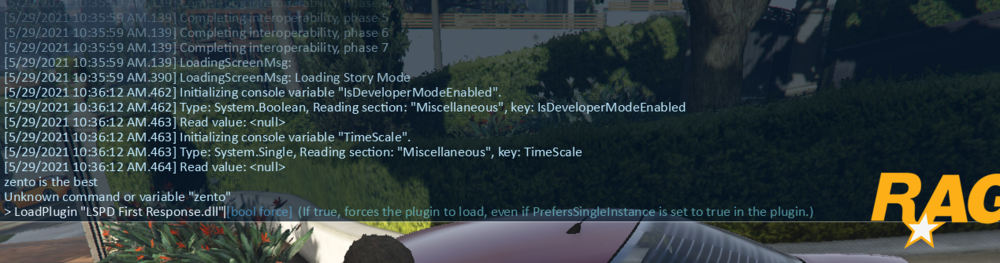
Try to dont launch lspdfr at the start and loadplugin when the game is fully starded
-
Hello did you installed the newest version of rage plugin hook or you used the version who was in the lspdfr files ?