



TheBeaner
Members
-
Joined
-
Last visited
Everything posted by TheBeaner
-
 the mirror lights dont move with the lighting equipment on the 2020 FPIU. like whenever you are to open the door, the lights stay in place n dont move with the door.
- 240 comments
- 27 reviews
-
-
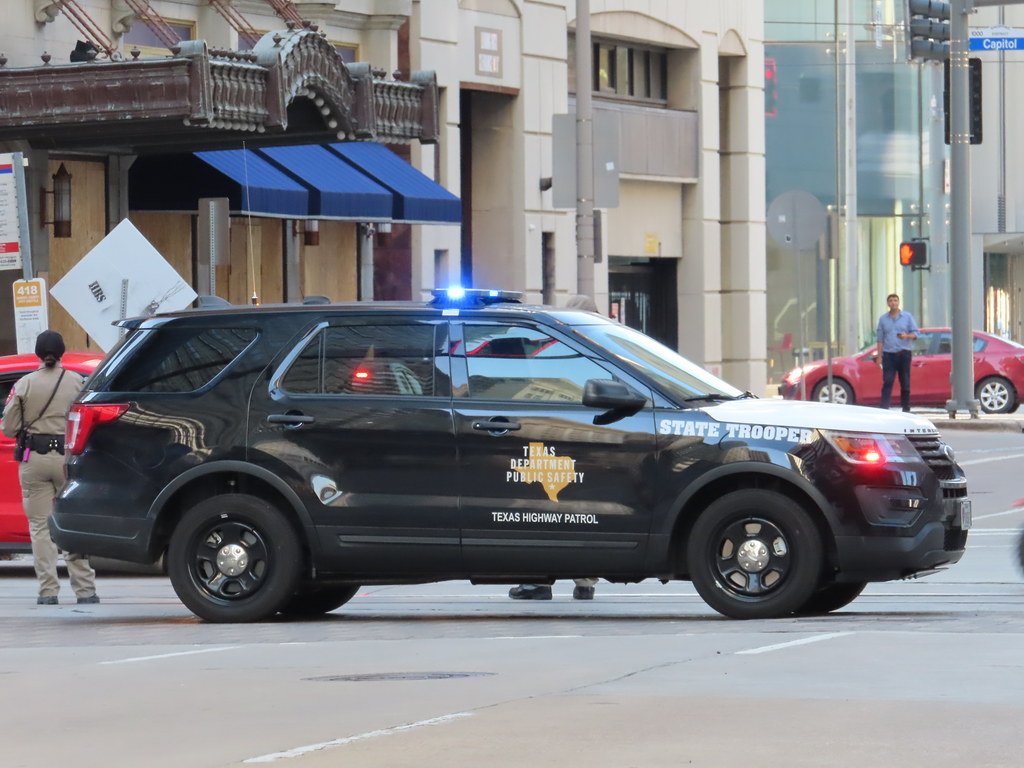
I like this one man, real talk. Keep it up You think you could make a Texas DPS based pack to go with this pack?
- 240 comments
- 27 reviews
-
-

- 2
-
-
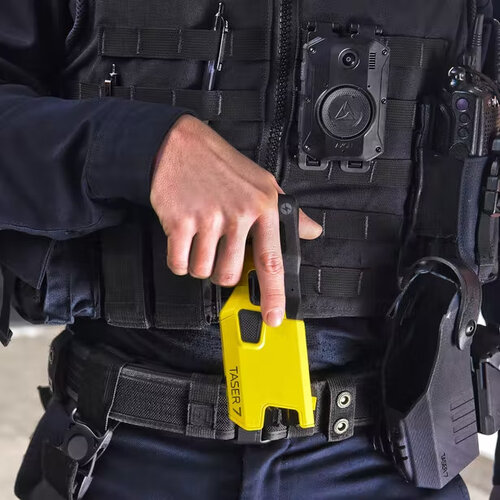 Any preview???
 -
 Do u not see the difference between both of em?
 -
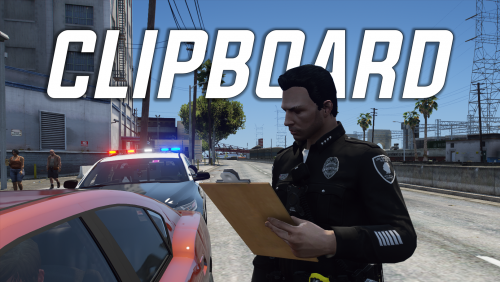 Ooooo, looks nice👀
 -
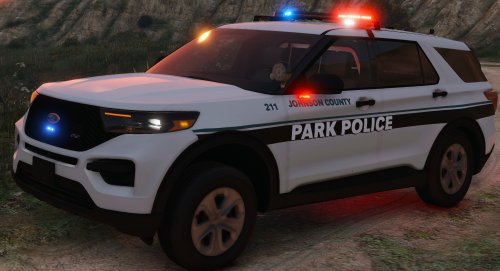 Yeah This is the error I get
 -
Um, so idk if it's only me. But I installed the pack correctly, and for some reason it crashing my game with the 'Corrupt' file.
-
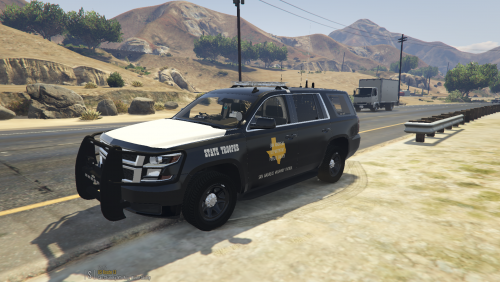 First, the DPS Door Seal Logo. If you're wanting to go Lore Friendly based then change the Texas Logo to the SA Outline and fill it in with the proper color. another thing would be the "STATE TROOPER" on the Sides of the Units, i recommend you extend them (width wise). Same goes for the Trunk Lettering on the units.
 -
Uhhh, well. This could be way better tbh
-
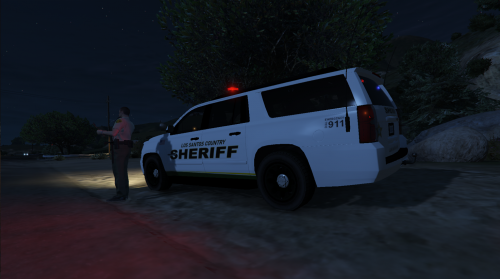 As well as the Trunk doors
 -
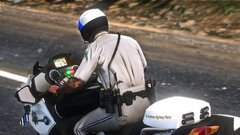
Where'd u get the bike from?
-
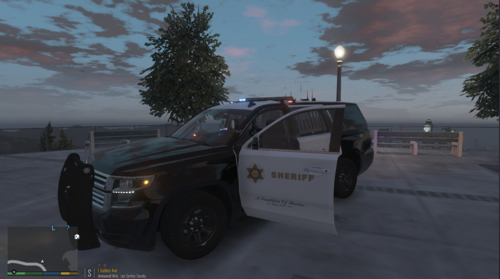 Do u have a new link by any chance?
 -
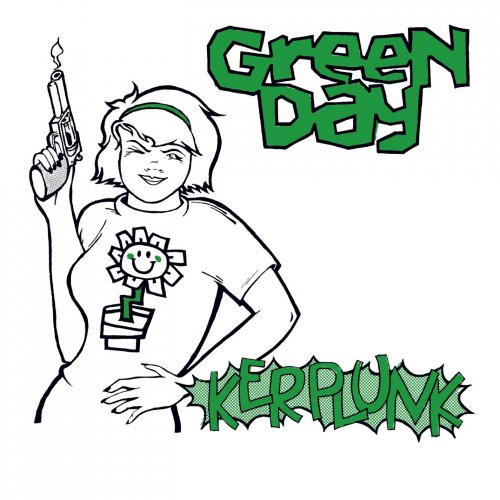 Can u do "Wake me up when September Ends" by Green Day pls?
 -
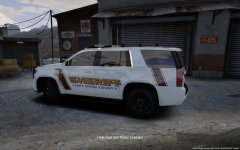 Was boutta say the same thing lol
 -
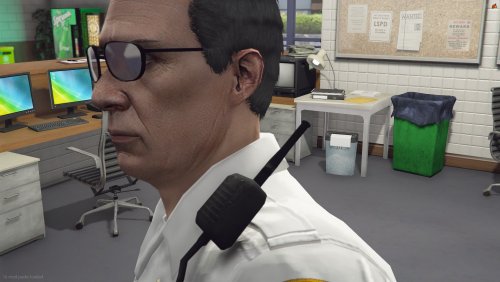 Could you make a radio something like this one ?
 -
 Pls release a free G2 Set😩
 -
-
-
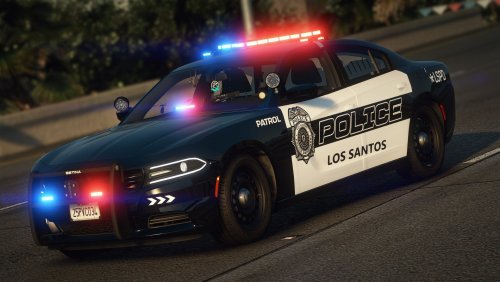 A gameplay video would be nice
 -
.thumb.png.edf1fb47decf48bbf7cde334f5fc057d.png) Wait, so is this VP meant for SP or 5m?
Wait, so is this VP meant for SP or 5m? -
Nope, I installed Pinky Radiance, and time was 23hrs, and I tried checking it out at 21hrs, and whenever I reached the 21hrs it had decided to crash everytime
-
Uhhh, so idk if its only me, but whenever I change the time, it tends to crash my game
-
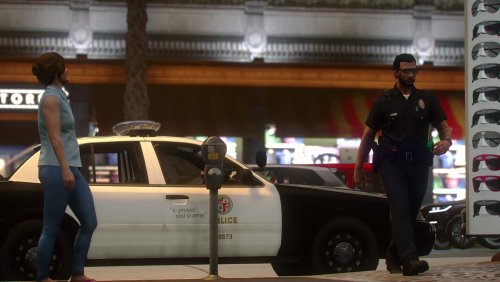 Love this Model ! I was curios if you could possibly make a new version to where it's on the other shoulder?
- 11 comments
- 1 review
-
 @DaddelnIt says above the download button that there's a Anomaly detected. Should I be concerned before downloading the pack?
- 45 comments
- 1 review
-
 He wasn't even calling u the dummy lmaooo




.thumb.png.edf1fb47decf48bbf7cde334f5fc057d.png)
