



MyToasty
Members
-
Joined
-
Last visited
Everything posted by MyToasty
-
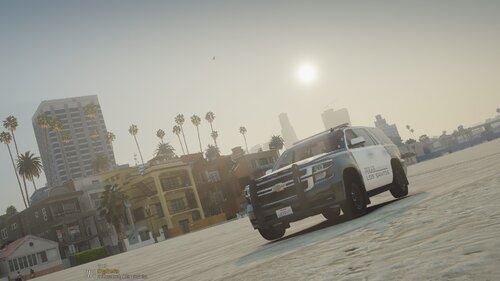 Yup I'm still very new to this but I'd say this ones pretty good!
 -
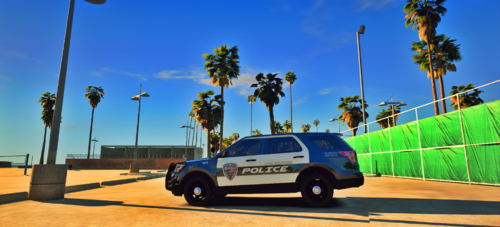 The Badge is from an LSPD Eup pack don't know which one but you might need to change it for Plagiarism (I don't know so keep it until someone says so.) BTW Texture looks great!
 -
This is my soon to be LSPD Mini-Pack Cars: -Tahoe -Charger -Taurus, Explorer
-
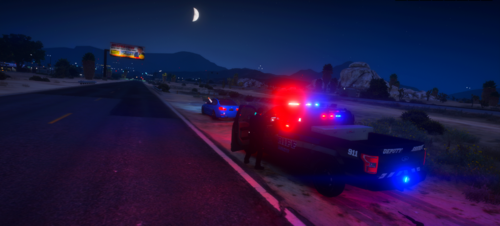 You know if these are compatible with Ripple's older Nforce Pack because i'm assuming these are for his FiveM Nforce Pack.
 -
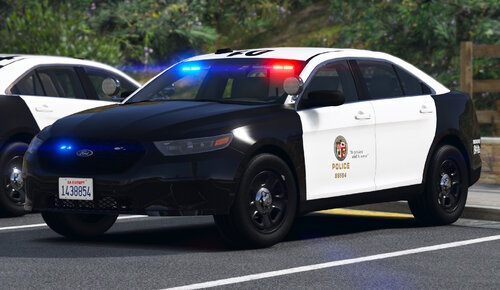 Pack is GREAT but the replacement cars do not work, if you could fix that, that'd be lovely!
- 255 comments
- 75 reviews
-
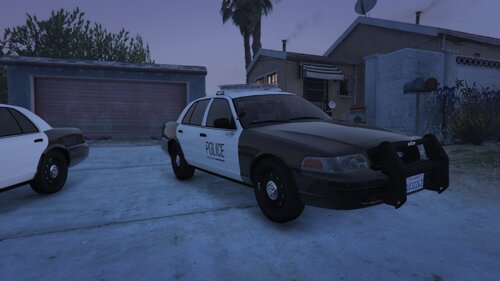 Thank You!
 -
This is my first "real" Texture if you like it maybe i'll do a pack I dunno. These textures are not based on any real life department. If there are any bugs report them to me. Link to the pack: Discord: Coming Soon
-
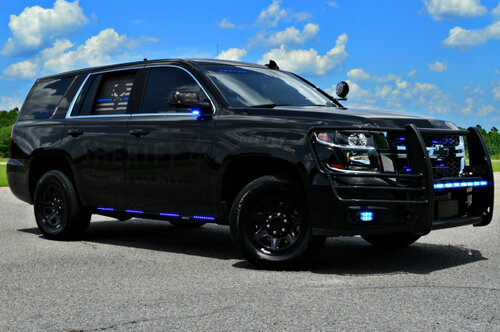 These are Unmarked textures for Ripples K9 vehicles (Aren't any screenshots cause my game isn't being very kind right now) NOTE | This is my first Livery/Texture for LSPDFR And I know it's very easy to do this on your own but I thought I'd do this for the people that don't have the software to do so and Ripples K9 vehicles are pretty sick! Links to the vehicles:
 -
.thumb.png.69f541f5ea239013499a869869dccd5a.png) You think you could make textures for a bike using these BCSO skins or the LSPD skins that you made, Thanks! Like maybe this but I know its not DLC/Replace it's replace.
You think you could make textures for a bike using these BCSO skins or the LSPD skins that you made, Thanks! Like maybe this but I know its not DLC/Replace it's replace.- 10 comments
- 5 reviews
-
-
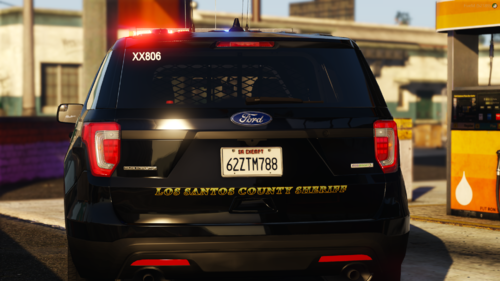 Can you send links to the vehicles because I can't for the love of me find GeorgieMoon's vehicles... Thank You!
 -
 oh okay that makes a lot more sense!
 -
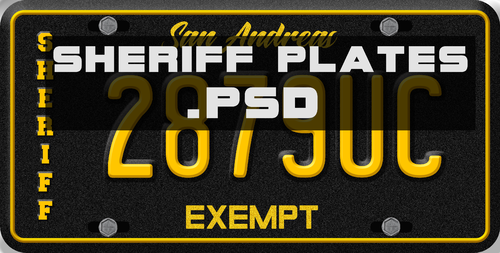
I would LOVE these plates, but how do you install them?
-
-
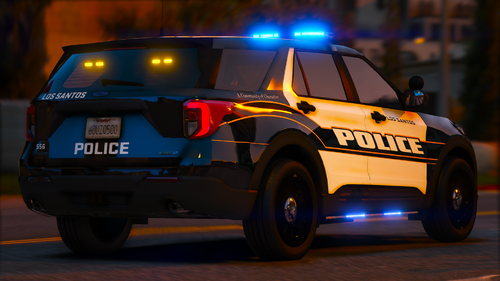 Can you maybe do a livery for the Extended Cab F150 from the BCSO pack the other F150 is in... Thank You for the Tahoe!!!
- 38 comments
- 2 reviews
-
Maybe this one but I know you've been getting a lot of requests so if you don't want to, don't to it but, keep it up this is one of the best texture packs I've seen in a while!
- 38 comments
- 2 reviews
-
I love these!!! You think you could make them for Ripple's NForce Pack or his Code3 Pack?
- 38 comments
- 2 reviews
-
OMG! I'm sorry I had used it before and remembered it being Non Lore Friendly but just downloaded the pack last night and they are Lore Friendly... btw Keep it up, your vehicles and packs are GREAT!
-
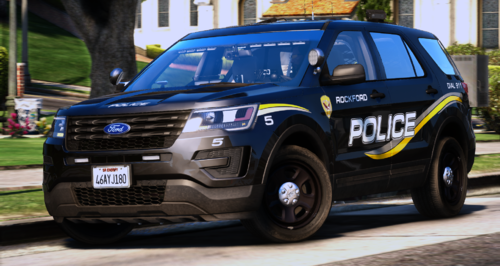 From what I can tell it's most likely a FiveM pack based on the Tahoe screenshot😁
 -
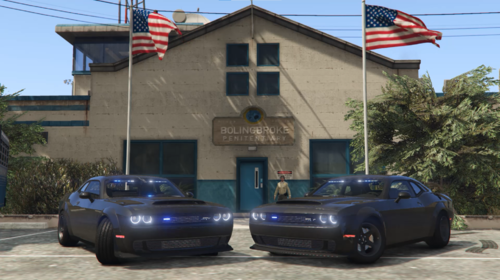 Is it just me or does it look like a Demon or did Dodge use new rims for the new SRT?
- 4 comments
- 2 reviews
-
I haven't found out how to make addon cars/packs patrol and respond to backup but I know that some are already made to patrol and respond to backup, Here are some. Both packs are Lore-Friendly
-
I would STRONGLY suggest any vehicles by Ripple https://www.lcpdfr.com/profile/325713-ripple/content/?type=downloads_file&change_section=1 In MY opinion he makes the best pack and if you find a Texture pack you like for one of his vehicles or packs he uses the same vehicle models with all his packs so its mostly compatible!
-
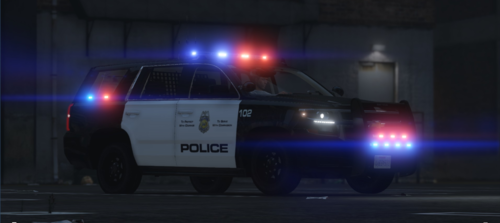 Great Tahoe I'd suggest using Ripples Tahoe model since that one is higher quality but this is great!
 -
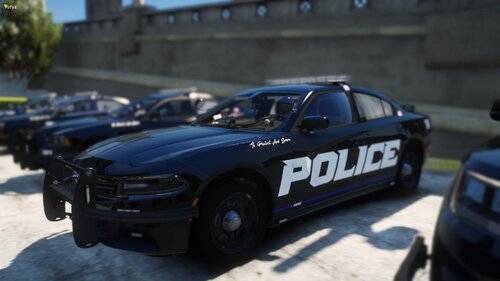 Am I dumb or can I just not find the pack you used for this? ... Nevermind I know which ones you used the cars by RedSaint right?


.thumb.png.69f541f5ea239013499a869869dccd5a.png)

