
Alfie's Creations
Members
-
Joined
-
Last visited
Everything posted by Alfie's Creations
-
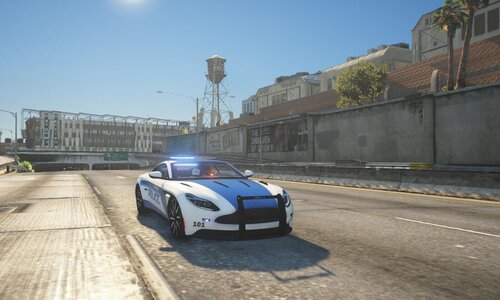 looks amazing!!
 -
.thumb.png.7e0267f87455400b45eb7201203e296e.png) 5/5 straight away, great livery, great guy, Had an issue with downloading and he was there straight away, tried in game and works perfectly. i hope to see more in the near future!
5/5 straight away, great livery, great guy, Had an issue with downloading and he was there straight away, tried in game and works perfectly. i hope to see more in the near future!- 7 comments
- 1 review
-
-
-
-
cannot download, uploaded incorrectly, and when i download it comes up damaged files
- 7 comments
- 1 review
-
 EVERYONE - This is the addon link!! IT WORKS - https://mega.nz/file/iDJW3bZT#YScEoMZtEMK2JK1jxyBTNbLqY1bs-E1odr4jhn53Syg
- 954 comments
- 158 reviews
-
.thumb.png.884aefc0d2be7fc4f8465700eeff0ba2.png) @Kaczorek whats the installation path
@Kaczorek whats the installation path -
 you dont need it, his plugins are unlocked/free meaning do whatever you want. Mine arent
 -
 check your discord, i found something #general channel @HANAKO didnt see your most recent message nvm
- 36 comments
- 8 reviews
-
-
-
-
oh im sorry! ive been really busy, so i forgot to do it. Here: LINK -> https://discord.gg/xf68ancT
-
no problem if it still doesnt work after scripthook update come to my discord and ill help you out
-
oh maybe. wait for scripthookv to update and itll work 🙂
-
hi! if you have compulite installed press CTRL + Numpad0 to open a tablet, and E i believe inside of a car Hope this helped!
-
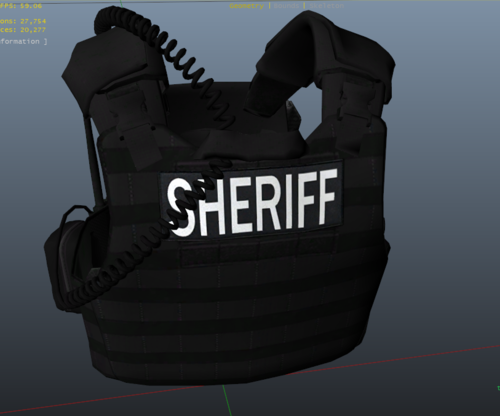 Hi, where do i put these files?
 -
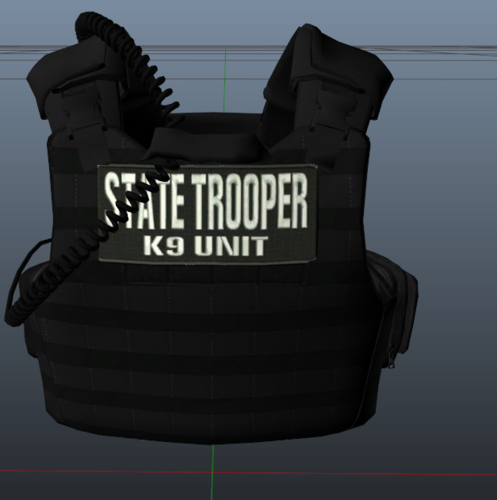 Hi, where do i put these files?
 -
-
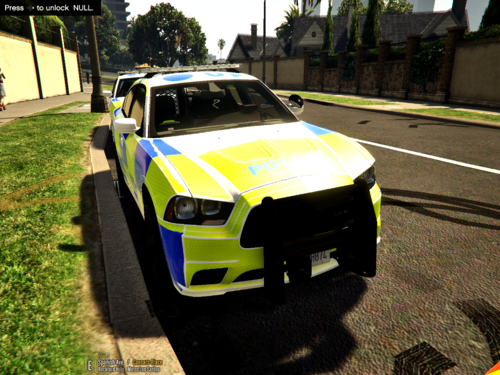 It looks AMAZING. nice work and being from UK i can say the livery looks exactly like the UK police cars and being on a US car is amazing! Thank you and hope to see more soon
- 6 comments
- 2 reviews
-
-
 well thats it, i copied it and sent it im on discord rn it should work Thanks
- 1,017 comments
- 63 reviews
-
-


.thumb.png.7e0267f87455400b45eb7201203e296e.png)
.thumb.png.884aefc0d2be7fc4f8465700eeff0ba2.png)