


PurvesDC
Members
-
Joined
-
Last visited
Everything posted by PurvesDC
-
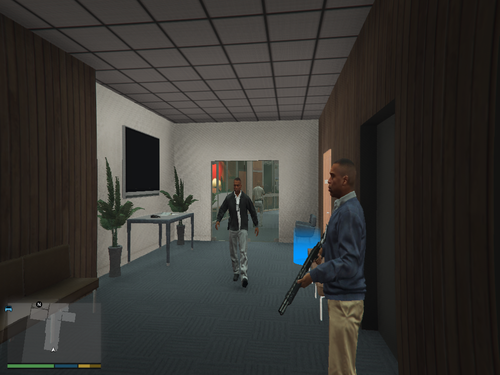 FIB interior map looks and works totally fine but the IAA building interior doesnt show the added back wall for me. It might be because gtamp-unlock-all-objects.asi is horribly outdated. Do you have another option for this or can you include your object list? Edit: Does not appear to be the objectlist. After finding a huge one the wall still did not appear. Attached a picture of the missing wall Edit 2: The issue is indeed with the gtamp-unlock-all-objects.asi DO NOT USE THE 1.1 VERSION OF gtamp-unlock-all-objects.asi, Use the 1.0 version.
