OFCTimbo
Members
-
Joined
-
Last visited
Everything posted by OFCTimbo
-
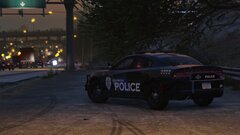
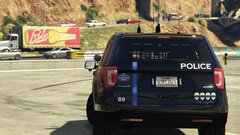
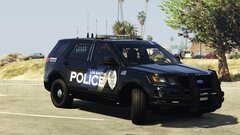
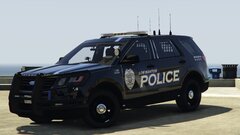
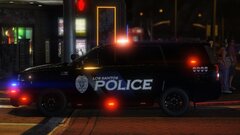
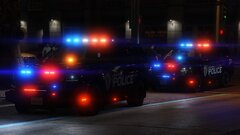
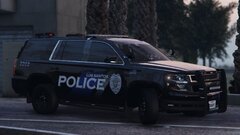
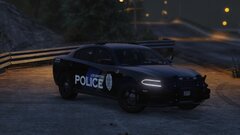
 Love the pack, its got the same light bars as my local PD so of course I made my own livery to match lol. Anyway the 2016 FPIU is unable to hold prisoners in the backseat. It just wont allow me to put them back there. Any ideas?
- 131 comments
- 45 reviews
-
 Hows this pack coming along? release date?
 -