



BlackedoutVR4
Members
-
Joined
-
Last visited
Everything posted by BlackedoutVR4
-
 This is the complete replacement for STP, UB, Compu-lite (use MDT PRO on a tablet or spare device you have laying around), and many many more. It is all of that wrapped up into 1 amazing plugin that will be all you need! I CANNOT WAIT to watch this plugin grow and become the best thing we've ever had for LSPDFR. Great job on the Devs for making this masterpiece. I cant wait to see where this is 6 months from now and beyond. You can totally customize your experience through the Loadouts, questions, regions, ect.... Make it what you want. I stongly recommend the use of Mike's plugins from Blue line vibes. They compliment this plugin so much! Try it out and have a blast!!!! USE MDT PRO and set it up on a spare tablet that you have laying around. MDT PRO will give you an IP address that you put into the address bar on a web browser on that tablet and then you can fill out arrest reports, put out BOLOs, search for vehicles and do plate lookups, search PED histories, write citations, fill out evidence reports, you can even lookup drug scheduling for your reports. And then you can watch the whole thing go through the court system and see the outcomes. Its a game changer.
- 733 comments
- 55 reviews
-
uninstall or deactivate police tape in mod manager.
-
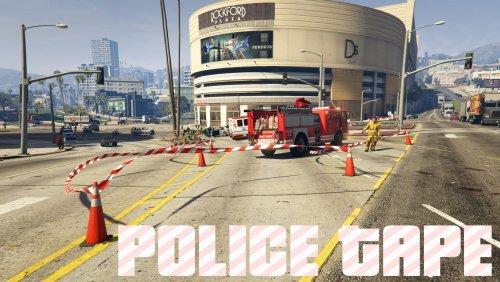 Im having an issue where when i install or activte the police tape plugin in modmanager, my player is invisible. Ive tried everything i can think of. As soon as i uninstall or deactivate the plugin in modmanager by unchecking the box.... my player is visible again. Anybody share this same issue?
- 299 comments
- 25 reviews

