Creators: Due to background reprocessing of files, approvals and file security checks may be delayed. Thanks for your patience.

Motionq
Members
-
Joined
-
Last visited
Everything posted by Motionq
-
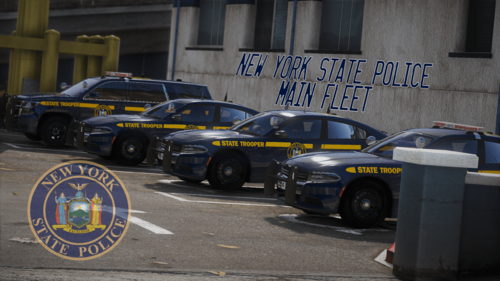 The only vehicle missing that I still see around NY is the explorer. Not to be obnoxious but are there any plans for one in this pack or a future pack?
- 42 comments
- 9 reviews
-
-
I can't express how much I've been enjoying this pack. However, I've only really had one issue that your FAQ didn't answer and I couldn't seem to find elsewhere in the comments. I've also troubleshooted on my own and haven't really found a solution that way either, at least nothing specific. Anyways, the lightbar on the marked charger as well as the wheels (and wheels on the slicktop charger) disappear from about 2-3 car lengths away. After googling it, people are saying it's an "LOD issue", but giving no real solution or whether it's client side or the model/pack creators side. Regardless, is there any solutions you or anyone else can give or maybe this isn't something I, myself, can fix?
- 42 comments
- 9 reviews