
JasonH.
Members
-
Joined
-
Last visited
Everything posted by JasonH.
-
-
.thumb.png.e3bf002b373d17b026eaf89a45a32aa8.png) It's a bunch of animations that show up under player options, animations, favorites in Menyoo, put this in your menyooStuff folder, and then when you get in game you should be able to see it, I use it for getting thumbnails for YouTube videos and streams, you can use it for anything you want, even make the ai do a different animation to make your scenes look cooler.
It's a bunch of animations that show up under player options, animations, favorites in Menyoo, put this in your menyooStuff folder, and then when you get in game you should be able to see it, I use it for getting thumbnails for YouTube videos and streams, you can use it for anything you want, even make the ai do a different animation to make your scenes look cooler.- 6 comments
- 1 review
-
You need menyoo - https://www.gta5-mods.com/scripts/menyoo-pc-sp bunch of animations that show up under player options, animations, favorites in Menyoo, put this in your menyooStuff folder, and then when you get in game you should be able to see it You can edit and re-upload
- 6 comments
- 1 review
-
-

- 2
-
-
-
-
-
-
 Sorry for late reply, but what I did to do it, is I took the non-modded holster from mp_female and put it where the male holster goes, because I had a screwed up model, but as far as the weapon not going back into the holster, it's buggy as all hell, still sometimes doesn't work
- 560 comments
- 97 reviews
-
If you put away your weapon, pull it out, and then put it away, it tricks the game into thinking you changed your holster to the one with the gun in it, very buggy, but I still use the scripts
- 560 comments
- 97 reviews
-
Does anyone know why my holster keeps turning into a checkered board? EDIT : Fixed it, had to replace eup holster with the one from my non-messed up holster
- 560 comments
- 97 reviews
-
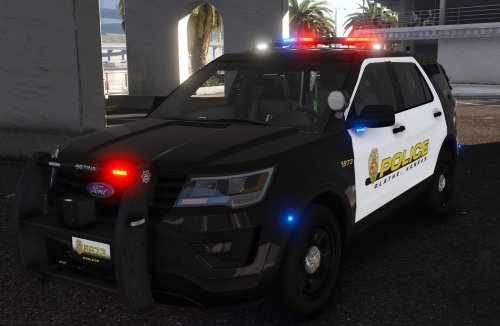
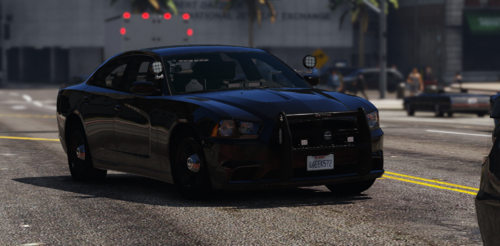 Use a trainer, go under vehicle spawner, Emergency, then click on whatever vehicle slot you replaced in for example Unmarked Cruiser, or Police 3, spawn that once you replaced the cars
- 8 comments
- 1 review
-
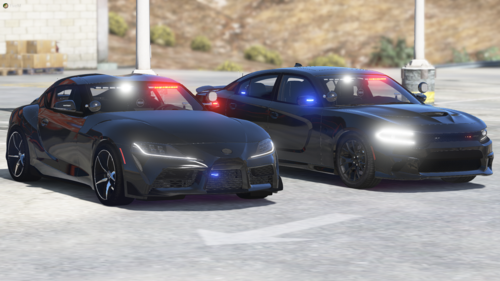 Unfortunately it appears to be NON ELS but the title needs to be changed by author to be NON-ELS not NON/ELS, makes no sense why they didn't change it already, I wish it was ELS
- 4 comments
- 1 review
-
-

.thumb.png.e3bf002b373d17b026eaf89a45a32aa8.png)