Skip to content
View in the app

A better way to browse. Learn more.

LCPDFR.com

A full-screen app on your home screen with push notifications, badges and more.

To install this app on iOS and iPadOS
  1. Tap the Share icon in Safari
  2. Scroll the menu and tap Add to Home Screen.
  3. Tap Add in the top-right corner.
To install this app on Android
  1. Tap the 3-dot menu (⋮) in the top-right corner of the browser.
  2. Tap Add to Home screen or Install app.
  3. Confirm by tapping Install.

nooblysm

Members
  • Joined

  • Last visited

Everything posted by nooblysm

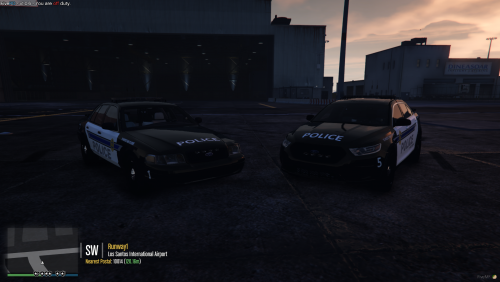
  1. is that Valor? its hard to see in the dark. if it is do you have a liberty one?
  2. Do you make custom livery packs for other vehicles? Looking for an upgrade for a fiveM rp server
  3. is this what u wanted? sorry if its not the log idk im not that good with modding ect
  4. so LSPDFR has been crashing every time ive called in for back up. can someone walk me through how to get my logs and how to hopefully fix this?
Account

Navigation

Search

Search

Configure browser push notifications

Chrome (Android)
  1. Tap the lock icon next to the address bar.
  2. Tap Permissions → Notifications.
  3. Adjust your preference.
Chrome (Desktop)
  1. Click the padlock icon in the address bar.
  2. Select Site settings.
  3. Find Notifications and adjust your preference.