
Alex Modifications
Members
-
Joined
-
Last visited
Solutions
-
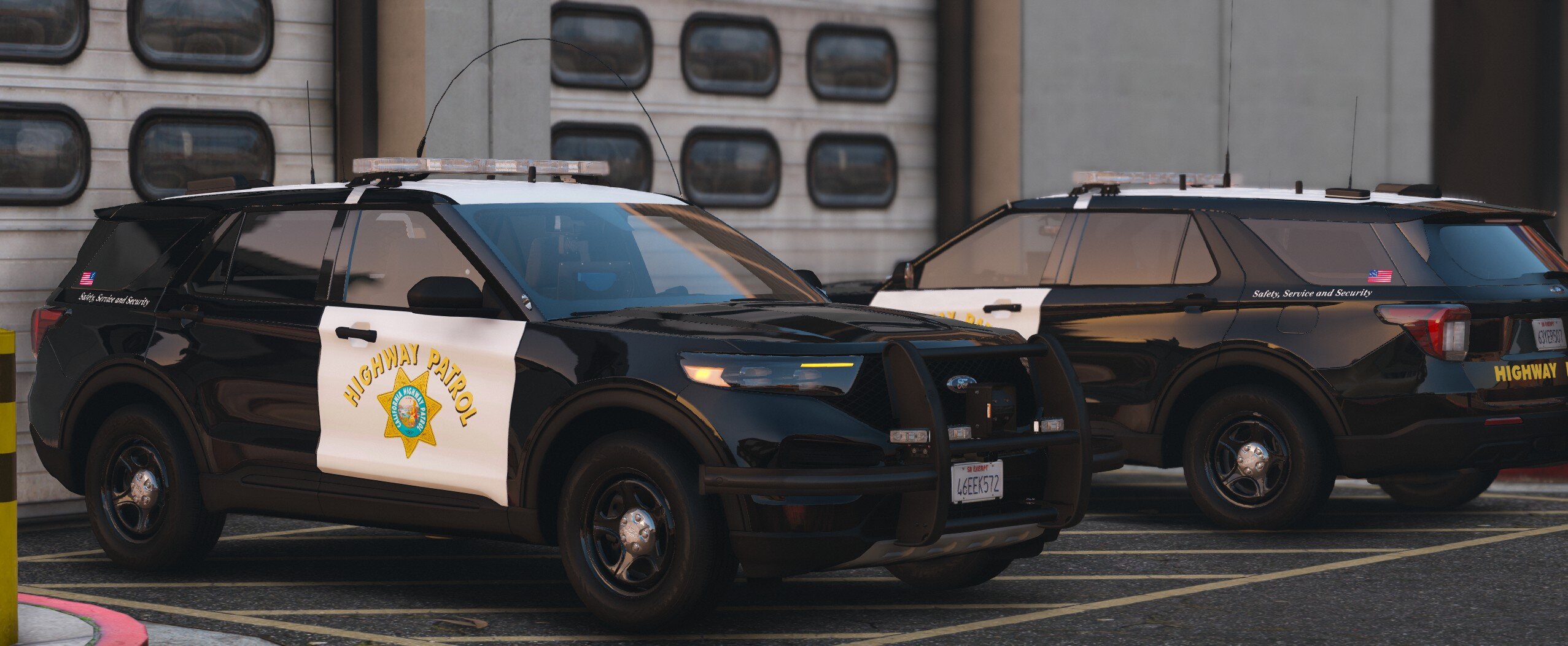
Alex Modifications's post in My vehicles keep having missing or completely mix and matched skins was marked as the answerFrom what I can tell this is Kane's FPIU base, please look in the YTD for a texture name fpiu_sign_# (1 or whatever).
My guess is that Scorpian is using shared textures between his vehicles which is why some other textures are missing.
Take a look to see if the fpiu_sign_1 file is there though first and check in with me.
After a closer look I feel that some of your normal maps aren't showing up and they could be using the BC7 compression which is only supported on DX11, make sure your game's setting is on DirectX 11 or higher.
The liveries and other textures are there upon downloading for me. Upon checking, the livery and lightbar are using BC7 compression and your game not being on DirectX 11 or higher will make it not show, I am 100% certain this is the issue.
-
Alex Modifications's post in Car Livery Not Showing Up and File Question was marked as the answerHi there,
So for this 2018 Dodge Charger model, it uses Matthew Parelta's base which Ripple did provide the correct template in the download from what I can see but he made a mistake by not removing the default Livery_chrg_sign_1 from the YTD.
Please go ahead and remove the blank Livery_chrg_sign_1 then rename 18charger to Livery_chrg_sign_1, if you want to add further liveries go ahead and add it to the YTD then add a _2 and so on. (Ex: Livery_chrg_sign_2, Livery_chrg_sign_3)
Base Model Creators recommend only putting a 1024px livery in the regular YTD and recreating a +hi ytd to add the 4k variant, this helps with rendering a 4k texture at all times in the game, this will help greatly with performance. While I'm not familiar with how SP works, I know in FiveM 4k liveries in a regular YTD will just get compressed down anyways.
-snipped-