


Lukas2312
Members
-
Joined
-
Last visited
Everything posted by Lukas2312
-
Thanks for quick reply, Charlie!! Just did that and will try and launch and test Okay that seems to make it possible again to change to fullscreen without crashing - but now it just crashes when i walks to a police officer and press numpad0 to make them my partner (which normally works as well)... Any other tips ? 😞 check this maybe it can help! ragecrash.txt
-
EDIT: GAME WORKS FINE ALSO WITHOUT RAGEHOOK
-
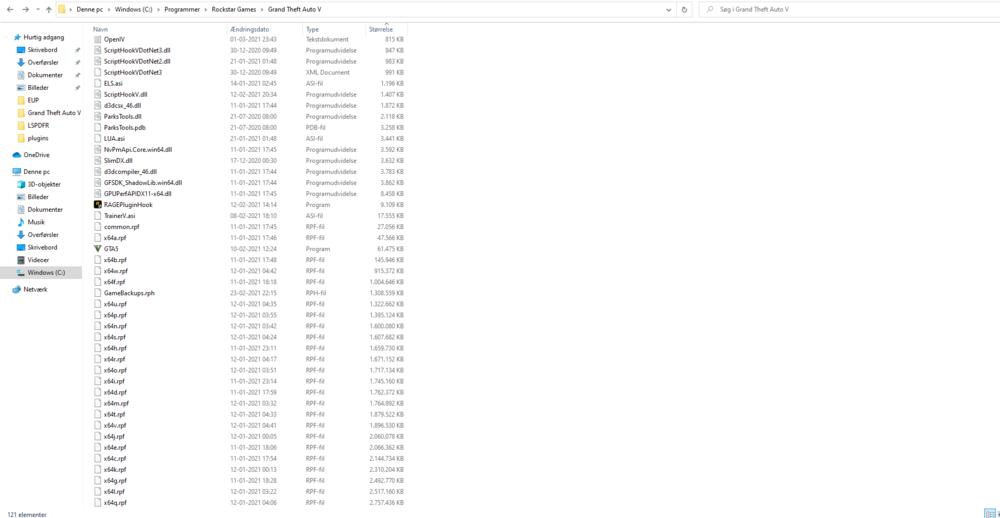
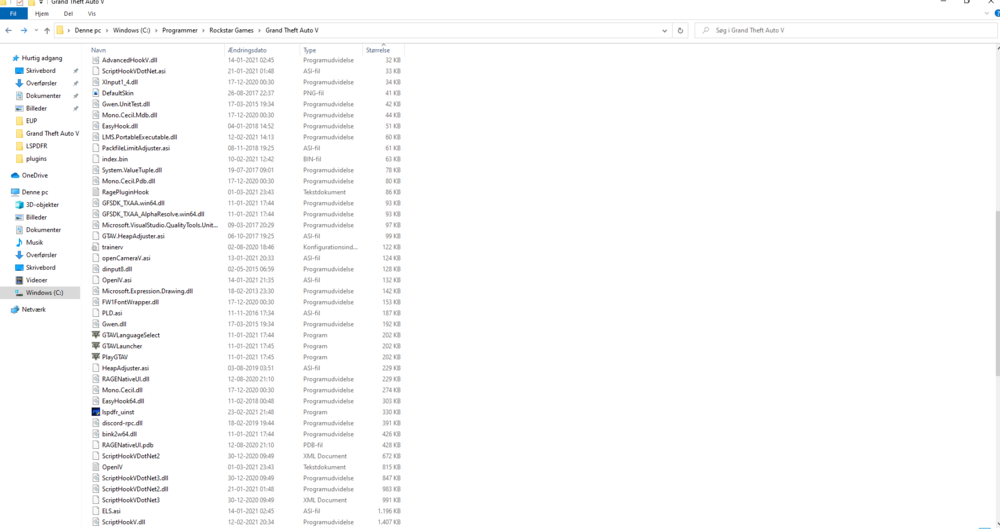
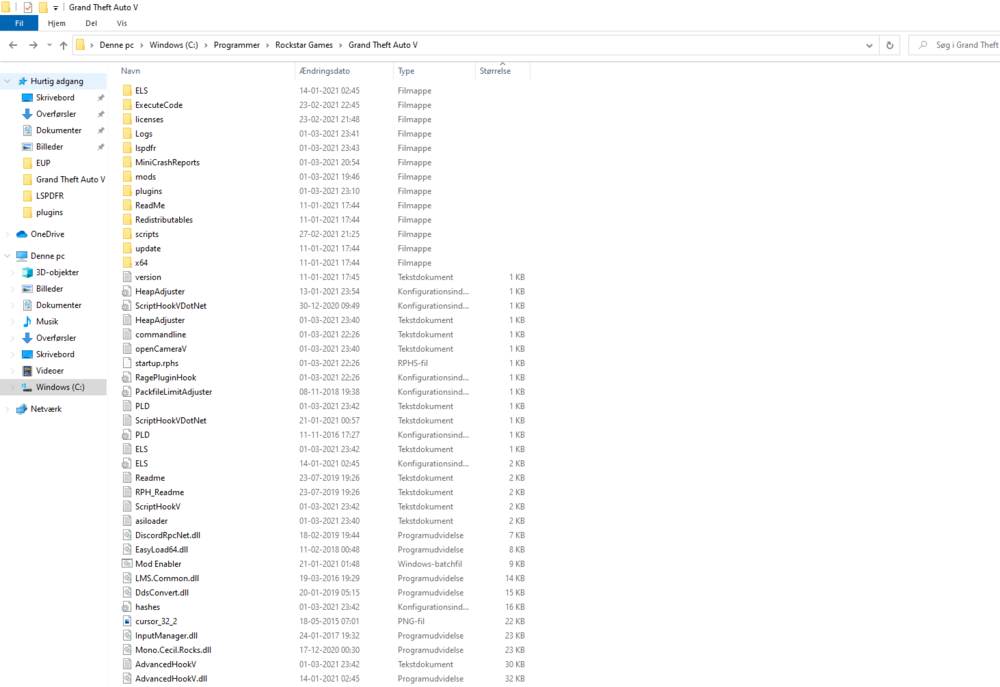
Hi everyone, new here - and pretty much a rookie I have lspdfr installed with 4-5 callouts installed + eup menu, first response, spotlight and disarm + policesmart radio, compulite, stop the ped and a partner mod. I recently installed some new plugins like police station changes and the island perico map - but that didnt work so i went and deleted. Now the game opens up fine and i enter as the police character i've made, everything's fine, plugins load also - then i hit pause to change the screen from windowed to full and enter settings and when i push confirm settings (space key) the game freezes and crashes - have NO idea what the problem is. And rageplugin doesnt make a crash report. I have just one from some hours ago, before i deleted some plugins, but i cant post rcr file here . Anyone can take a look at it would be awesome!! RagePluginHook.log
-
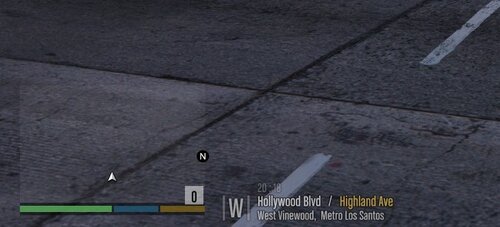 lol, i know its on my end - my ask was just if anyone had an idea where i could have gone wrong - i have done it excatly as described. I'll find another one
- 50 comments
- 3 reviews
-
now it shows the adress where im at, not street names inside the pause menu and map
- 50 comments
- 3 reviews
-
Ey some one pls help! Dragging the gxt2 file to the right path but when i enter car ingame nothing new shows - no street names og visual showing what street im at
- 50 comments
- 3 reviews


