


999MPOfficer
Members
-
Joined
-
Last visited
Everything posted by 999MPOfficer
-
Hello, recently I've had a lot of problems with lspdfr and I've reseted my PC as a result of it, I've downloaded script hook v, rage plugin hook, and openiv and still no plugins are loading in, does anyone know how to fix it?
-
I know I did, but I'd just prefer to reset it so I can start from fresh again
-
I think I'm just going to reset my PC because it's probably better if I start all over again as I've messed some things up with my folders
-
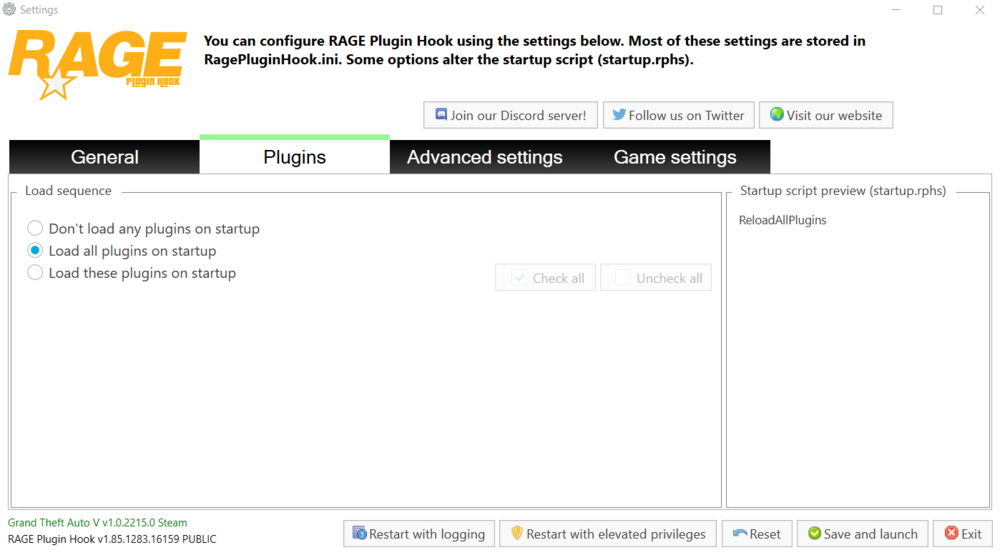
For some strange reason rage plugin hook doesn't show LSPDFR First Response in the load plugin in settings in rage plugin hook
-
Literally spent a day re-installing my game again and still nothing works
-
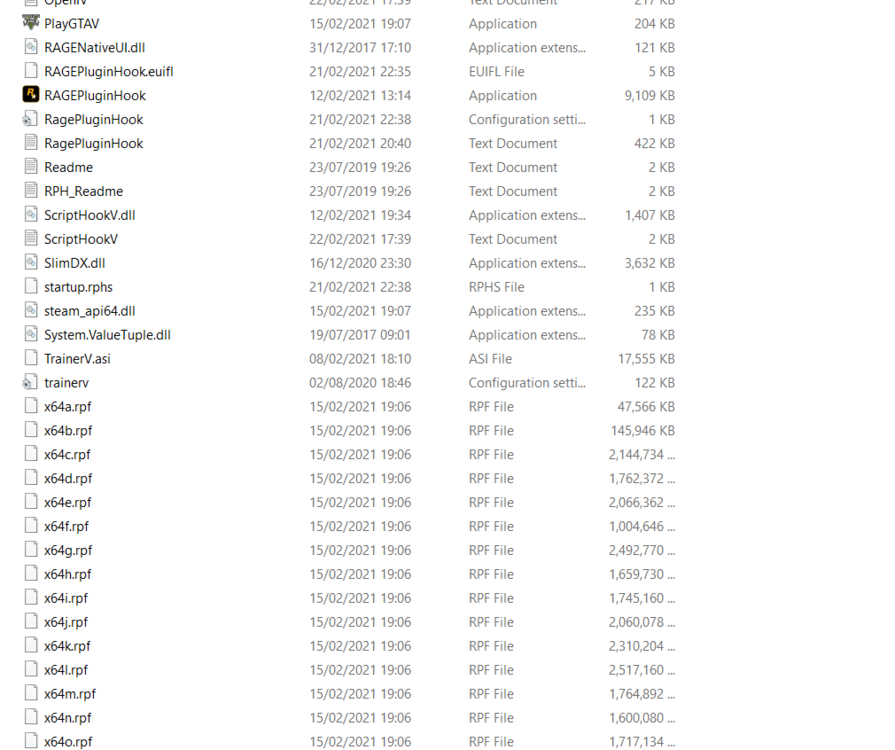
It's not to do with the game itself, the problem is the fact that rage plugin hook doesn't seem to startup no matter how many times I click it
-
The log is here RagePluginHook.log
-
Rage plugin hook won't load for some reason and I had this problem last time as well meaning I had to reset my PC, and with all my data I don't want to do this option, can anyone do something to help me?
-
Rage plugin hook won't load for some reason and I had this problem last time as well meaning I had to reset my PC, and with all my data I don't want to do this option, can anyone do something to help me?
-
Okay, thanks for the help
-
RagePluginHook.log
-
Every single time I load up lspdfr first response after about five minutes the plugin just keeps on crashing, I've tried many things but nothing seems to work.. can anyone help me please?

