



DevilishVortex
Members
-
Joined
-
Last visited
Everything posted by DevilishVortex
-
I posted one of my liveries on here and it's saying Pending approval for almost a day and a half now and i'm starting to get a little ticked off.
-
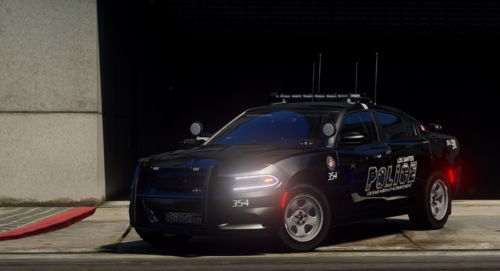 For all those who have fallen protecting us & keeping us safe, I have made this livery free of charge for anyone who wants it to honer our fallen! the unit number (354) on it is how many fallen brothers we lost during 2020. (Note i did this livery a while back so may be a little off from what i can do now) (TOS: You may use this in your FiveM server or in singleplayer. Do not claim this as your own or re-upload this to any other website claiming as such) This Livery is for TKPhantom's [NON ELS] PBPD 2015 Dodge Charger. DISCORD https://discord.gg/a6tEt64jKW [NON ELS] PBPD 2015 Dodge Charger
 -
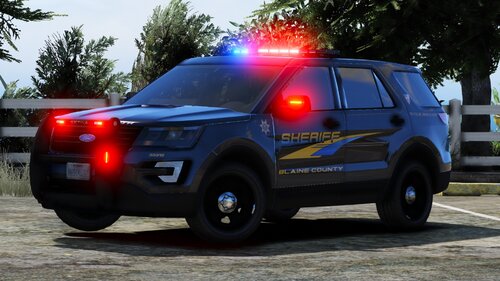 Does he know he uploaded this with the bak files in it? Or is my mind just playing tricks with me.

