
ForceGhost
Members
-
Joined
Everything posted by ForceGhost
-
-
From the album: LSPD
-
From the album: LSPD
-
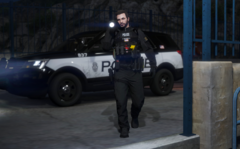
From the album: LSPD
-
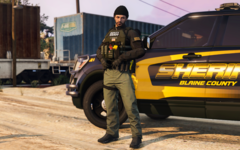
From the album: BCSO
-
-
-
-
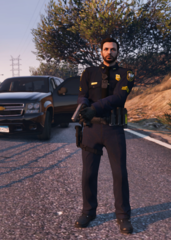
From the album: FIB
-
-
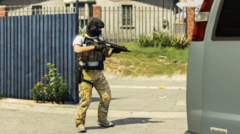
From the album: SWAT
-
-
-
-
-
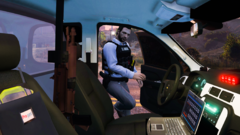
From the album: US Marshal
-
-
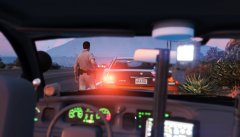
From the album: SAHP
-
-
 Windows Defender. Your virus scan that you posted is also showing up as a Trojan
- 136 comments
- 30 reviews
-
-
Any known fix for this? Has plagued me for a few years through various reinstalls.
-
Fixed it: Set your ELS.ini options to the following: LodCoronaInitDistance = 1000.0 ElsMaxRangePl = 5000 ElsMaxRangeAi = 5000
-
Hey guys! Been having this issue since my last LSPDFR install.. When I'm close to a vehicle ELS works fine and looks like this: But as a move further away it adds an additional light that can even be seen through the front of the lightbar: Any ideas?
-
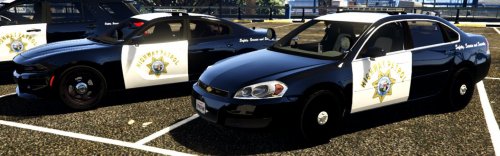 Beautiful work! A lore friendly set of skins that work perfects with Captains set. 5/5
- 2 comments
- 2 reviews