


.png.9d19cd94d4d048958c8dc41671abae45.png)

Jarne164
Members
-
Joined
-
Last visited
Everything posted by Jarne164
-
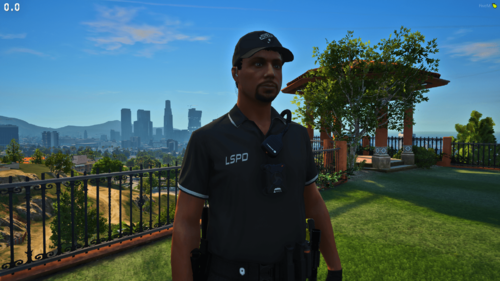 Looks really nice do you think you can make an lspdfr/sp version, not needed anymore found out you can just change the name
 -
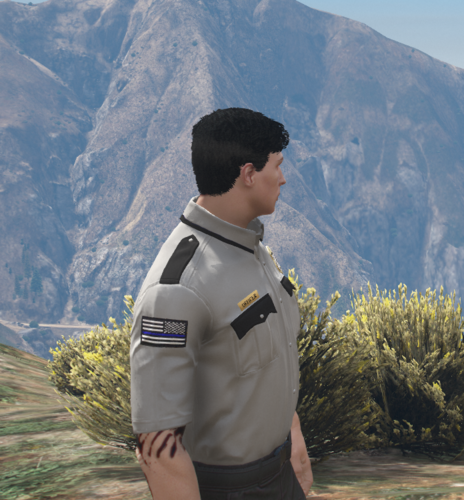 Ok thank you for your effort
 -
Will you ever do a LSPDFR version, looks real nice though.
-
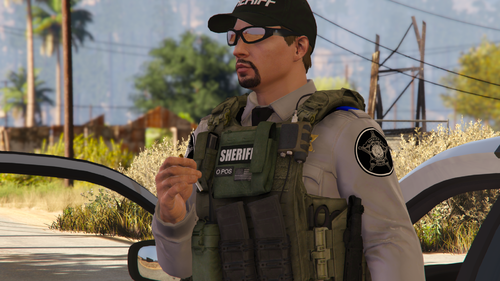 ok. Thanks for getting back so fast
 -
great pack, have you tought about a female version?

