
Daeksoul
Members
-
Joined
-
Last visited
Everything posted by Daeksoul
-
 I've also had this since the update, it was working fine prior. I've also noticed that I'm not able to 'full screen' the individual windows within the MDT. Instead, it is making the window a minimized bar across the top, so I'm having to manually resize things to be able to do reports etc. :(
- 392 comments
- 9 reviews
-
-

- 1
-
-
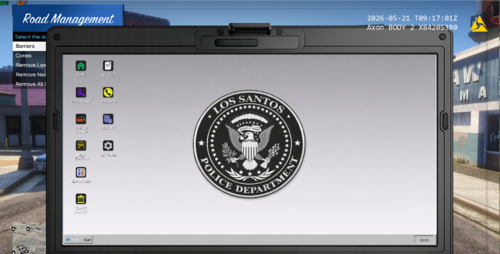 Would have probably used them, if I hadn't noticed they were poorly created by AI. :( The 'U' in 'County' and the unevenness of the bottom of the Police badge gives it away - might want to look at fixing those. Good effort though!