Skip to content
View in the app

A better way to browse. Learn more.

LCPDFR.com

A full-screen app on your home screen with push notifications, badges and more.

To install this app on iOS and iPadOS
  1. Tap the Share icon in Safari
  2. Scroll the menu and tap Add to Home Screen.
  3. Tap Add in the top-right corner.
To install this app on Android
  1. Tap the 3-dot menu (⋮) in the top-right corner of the browser.
  2. Tap Add to Home screen or Install app.
  3. Confirm by tapping Install.

Travic Develoment

Members
  • Joined

  1. Greenlight1107 started following Travic Develoment
  2. Travic Develoment changed their profile photo
  3. anyone know why my car looks like this i made it using zmodeler and now it is messed up i used all paid models
  4. Where did you get that flag picture? Where they are standing pm me!!
  5. Travic Develoment started following bakerxgooty
  6.    BErad1502 reacted to a post in a topic: Milwaukee PD Explorer
  7. hi how did you embed the eup vest thing nwm
  8. got you bro i have one in my pack might be out today!!!
  9. Travic Develoment started following BlueLine Vibes
    • 749 downloads
    • Version 1.0.0
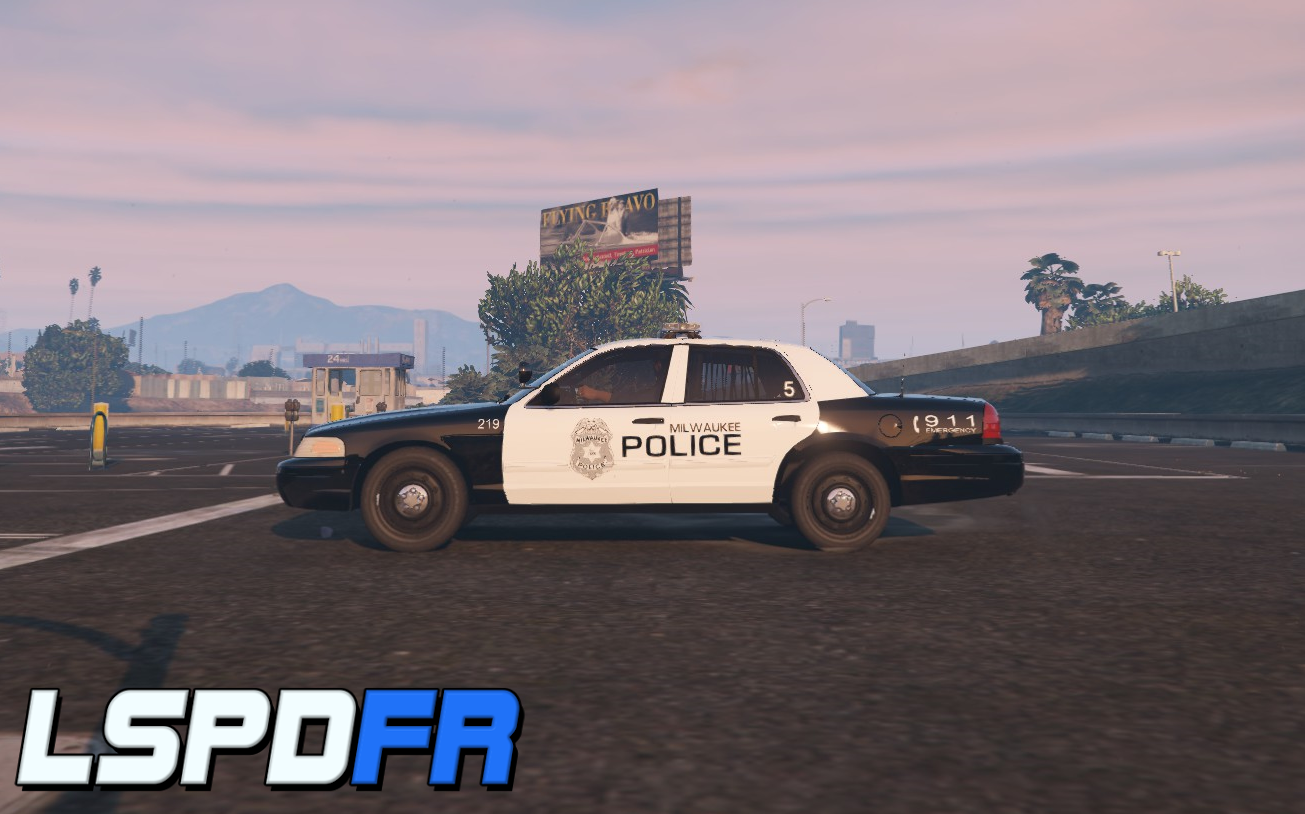
    Again two times in one day okay okay i am joking. THIS IS A SKIN WITH THE CAR MODEL YTF/YTD'S so This is a wauwatosa police car i made the skin Based on a real wauwatosa police car EUP INCLUDED so the eup is made by me it has a option with my last name pants and more the sceenshot only shows the patch there is sert and cadet sergeant and more coming soon!!!

Account

Navigation

Search

Search

Configure browser push notifications

Chrome (Android)
  1. Tap the lock icon next to the address bar.
  2. Tap Permissions → Notifications.
  3. Adjust your preference.
Chrome (Desktop)
  1. Click the padlock icon in the address bar.
  2. Select Site settings.
  3. Find Notifications and adjust your preference.