
Travic Develoment
Members
-
Joined
Everything posted by Travic Develoment
-
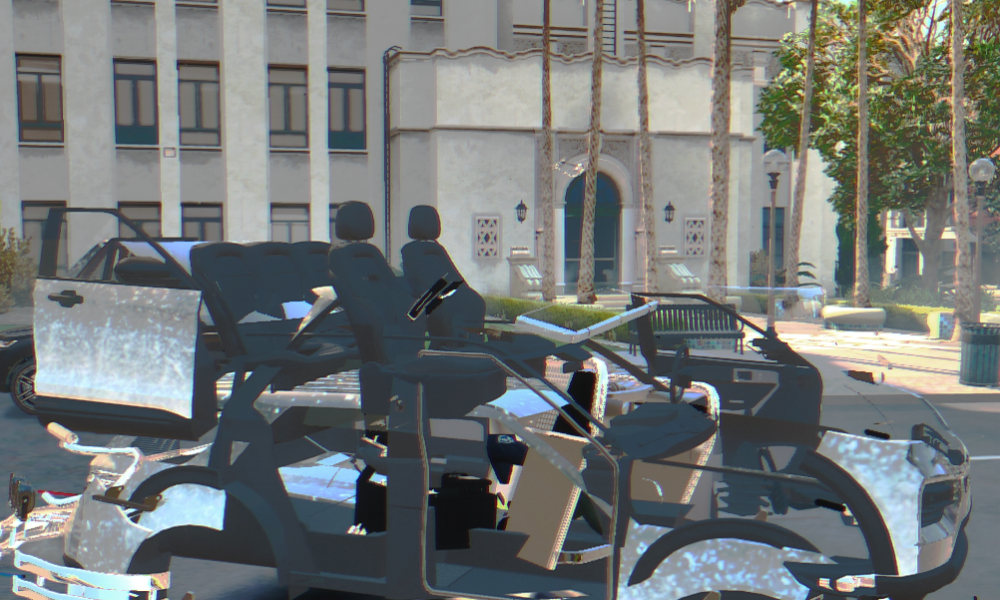
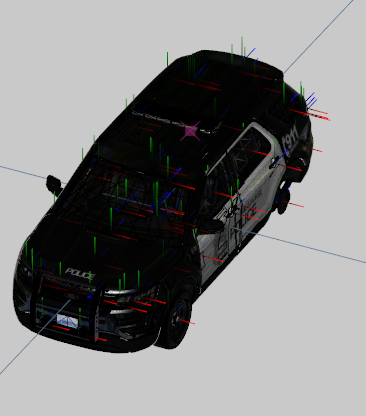
anyone know why my car looks like this i made it using zmodeler and now it is messed up i used all paid models
-
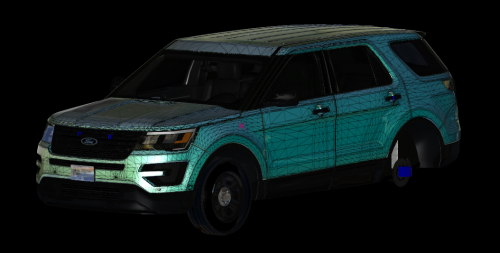 why just why
 -
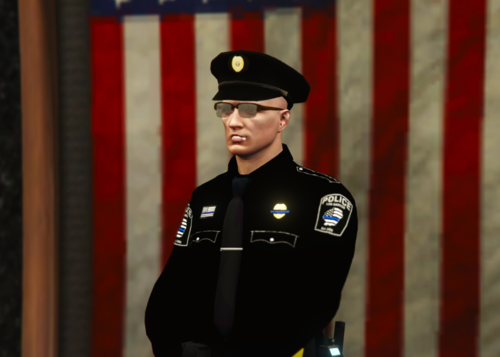 Where did you get that flag picture? Where they are standing pm me!!
 -
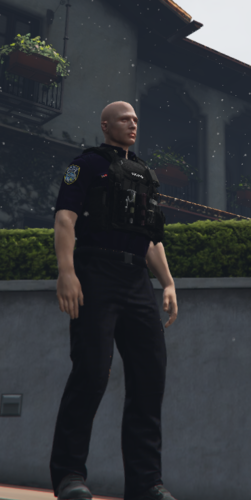 hi how did you embed the eup vest thing nwm
 -
got you bro i have one in my pack might be out today!!!
-
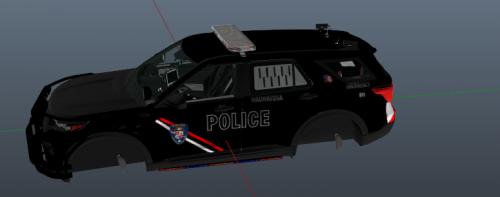 Again two times in one day okay okay i am joking. THIS IS A SKIN WITH THE CAR MODEL YTF/YTD'S so This is a wauwatosa police car i made the skin Based on a real wauwatosa police car EUP INCLUDED so the eup is made by me it has a option with my last name pants and more the sceenshot only shows the patch there is sert and cadet sergeant and more coming soon!!!
- 2 comments
- 1 review