


troopernashford
Members
-
Joined
-
Last visited
Everything posted by troopernashford
-
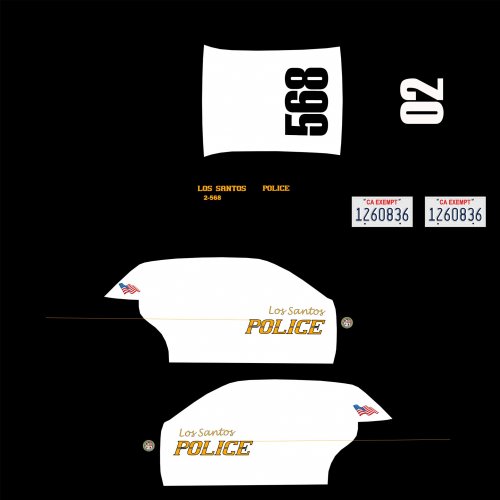 Looks good. The only reason I didn't give it a 5 star was the truck lettering for "Los Santos" looks slightly odd with the "L" being almost too tall. I'm originally from Anaheim, and think its a great skin
- 1 comment
- 1 review
-
I found my solution to the game crashing when loading. Mine was an OpenIV issue. SixAdamforty-three had the solution. the link is below
-
This did the trick for me. I'm not sure what ASI's are, but my mods all appear to be working. This stopped the crashing when loading GTA
-
I am also having this same issue. I do have the retail version, not steam, but everything is up to date, just causes the whole game to crash when the LSPDFR plugin is loaded
-
